 By Sophia Rivera
Our Editorial Research & Methodology
The Reality of Smart Thermostat Compatibility
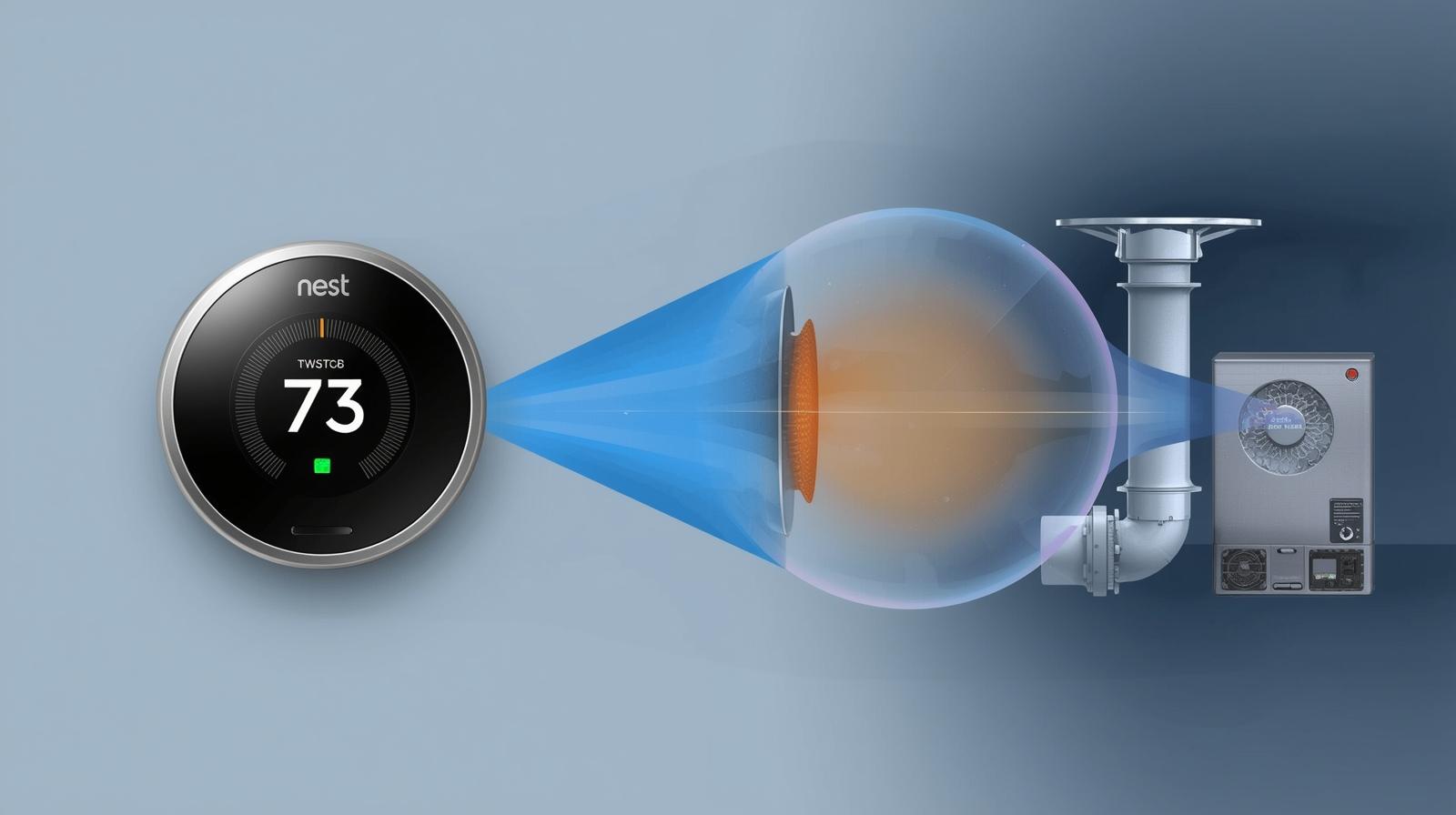
You are standing in the aisle of a tech store, or more likely, staring at a browser tab, looking at a sleek Google Nest thermostat. It looks great. It promises to save you money. But then the doubt creeps in: Will this thing actually work with my heater?
Here is the thing most people miss: your HVAC system is not just a box that blows air. It is a complex electrical circuit. If you hook up a smart thermostat to a system it was not designed for, you are not just looking at a device that won't turn on—you are looking at a potential short circuit that could cost you thousands in repairs. This guide is designed to help you navigate the Nest compatibility checker like a pro, ensuring you do not waste a dime on hardware your home cannot handle.
Why the Official Checker Isn't Always Enough
Google provides a web-based compatibility tool, and it is decent. You plug in your wire labels, and it gives you a green light or a red light. But in my experience, that tool lacks nuance. It does not tell you about the health of your transformer, the gauge of your wiring, or the specific quirks of 'communicating' systems. We are going to go deeper than the official tool ever does.
Decoding the Alphabet Soup: Your Wiring Labels
Before you even touch the Nest compatibility checker, you need to look under the hood. Pop the cover off your current thermostat. You will see a bunch of colorful wires connected to terminals with letters. These letters are the secret language of HVAC.
🏆 Our Top Picks
Google Nest Learning Thermostat (4th Gen)
The gold standard for compatibility. It features a high-resolution display and supports multi-stage heating/cooling and dual-fuel systems. It is the best choice for complex HVAC setups that require precise staging logic.
Check Price on Amazon →Google Nest Power Connector
The essential accessory for homes without a C-wire. It installs at the furnace control board and provides consistent power to the thermostat without the need for pulling new wires through your walls. It is a more reliable alternative to power stealing.
Check Price on Amazon →Google Nest Temperature Sensor (2nd Gen)
Perfect for homes with 'hot spots' or 'cold spots.' This sensor tells the Nest the temperature in a specific room (like a nursery) rather than just the hallway where the thermostat sits. It now features improved Thread range for 2026 smart homes.
Check Price on Amazon →Nest Thermostat (Standard 2020 Model)
A budget-friendly option for simple 24V systems. While it lacks the 'learning' AI of its bigger brother, it offers a sleek mirrored design and full app control. Note that it is less forgiving with complex wiring and almost always requires a C-wire or Power Connector.
Check Price on Amazon →- R, Rc, Rh: This is your power. 'R' is the transformer, 'Rc' is for cooling power, and 'Rh' is for heating power. In modern systems, these are often jumped together.
- W or W1: This is your primary heat stage.
- Y or Y1: This is your air conditioning compressor.
- G: This controls the fan.
- C: The 'Common' wire. This is the most important wire for a Nest. It provides a continuous return path for power so the thermostat stays charged.
- O/B: This is for heat pumps. It tells the system whether to run in heating or cooling mode.
If you see wires labeled 1, 2, 3, or A, B, C, D, stop right there. You likely have a 'communicating' system. These are high-end, proprietary systems (like those from Carrier or Trane) that speak a digital language rather than using simple 24V signals. A standard Nest will not work with these without a special adapter or by bypassing the system's advanced features.
The 'C-Wire' Crisis: Do You Really Need One?
Google claims some Nest models can work without a C-wire through a process called 'power stealing.' Here is the honest truth: power stealing is a gamble. In this scenario, the Nest draws a tiny bit of power from the heating or cooling circuit when the system is off.
What most people miss is that some modern high-efficiency furnaces are sensitive. That tiny draw of power can cause the furnace control board to 'chatter' or click. It can even cause your AC to pulse on and off rapidly, which is a death sentence for a compressor. If you do not have a C-wire, I always recommend installing a Nest Power Connector or a C-wire adapter. It is a $25 fix that prevents a $5,000 headache.
High Voltage vs. Low Voltage: The Danger Zone
This is the most critical part of the compatibility check. Nest thermostats are designed for 24V (low voltage) systems. If you live in an older home with baseboard heaters or wall heaters, you might have a 120V or 240V system.
How to spot high voltage:
If your thermostat has thick wires connected with wire nuts (like the ones behind a light switch), or if the wires are labeled 120V or 240V, do not connect a Nest. You will literally fry the device and potentially start a fire. Nest does not make a native high-voltage thermostat. For those systems, you would need a specific line-voltage smart thermostat like a Mysa or a Stelpro.
Compatibility by System Type (2026 Standards)
As of February 2026, HVAC technology has shifted toward more multi-stage and hybrid systems. Here is how Nest handles them:
| System Type | Compatibility Status | Notes |
|---|---|---|
| Gas/Oil Furnaces | High | Standard 24V systems work perfectly. |
| Heat Pumps | High | Requires O/B wire configuration. |
| Dual Fuel (Hybrid) | Moderate | Requires Nest Learning Thermostat for proper staging. |
| Millivolt (Fireplaces) | Low | Requires an external transformer/relay. |
| Proprietary/Communicating | Low | Requires bypassing or specific brand adapters. |
Dual Fuel Systems
If you have a gas furnace and an electric heat pump (a 'dual fuel' setup), the Nest Learning Thermostat is your best bet. It has the logic to decide when to use the heat pump (efficient in mild cold) and when to kick over to the gas furnace (better for extreme cold). The cheaper 'Nest Thermostat' model often struggles with the complex logic required for these transitions.
The 2026 Context: Matter and Thread Integration
By now, in early 2026, the Matter smart home standard has matured. When checking compatibility, you also need to check your ecosystem compatibility. The latest Nest models (like the 4th Gen Learning Thermostat) use Thread. This means they don't just talk to your HVAC; they talk to your other smart devices locally without needing the cloud. If your home network isn't Thread-ready, you might find the 'smart' features of your Nest lagging, even if the HVAC wiring is technically compatible.
Common Errors During the Check
Even if the wiring looks right, you might run into these common roadblocks:
- Stranded Wire: Nest terminals are designed for solid core copper wire. If you have stranded wire (lots of tiny threads), it won't seat properly in the push-terminals. You will need to crimp on a solid-core pigtail.
- Jumper Wires: Older thermostats often have a tiny metal staple between Rh and Rc. Nest does not need this. It has an internal bridge. If you tell the compatibility checker you have a jumper, it might get confused. Just list the actual wires coming out of the wall.
- Incompatible Sensors: If your old system relied on proprietary outdoor temperature sensors wired directly to the thermostat, the Nest won't use them. It uses internet-based weather data instead.
Step-by-Step Pre-Purchase Audit
- Turn off the power: Go to your breaker box. Do not skip this.
- Photo Evidence: Take a clear photo of your current wiring.
- Label Check: Use the stickers provided in the Nest box (or just masking tape) to label each wire based on the terminal it is currently in.
- Voltage Test: If you have a multimeter, check the voltage between R and C. It should be around 24-28V AC.
- The 'C' Search: If you don't see a C-wire, look inside the wall. Often, there is an extra unused wire tucked back there. If you find one, you can connect it to the 'C' terminal on both the furnace and the Nest.
What if the checker says 'No'?
If the Google tool says your system is incompatible, it is usually because of a 'stranded wire' detection or a 'high voltage' detection. However, if it is just a lack of a C-wire, that is a solvable problem. Don't give up immediately, but don't force a connection that doesn't make electrical sense. When in doubt, a local HVAC tech can usually run a new 5-wire bundle for a few hundred dollars, which future-proofs your home for any smart thermostat.
Frequently Asked Questions
Can I use Nest if I only have two wires?
Technically yes, but it is not recommended. A two-wire system (usually just R and W) lacks a Common wire. The Nest will try to 'power steal,' which can cause your furnace to cycle improperly. You should use a Nest Power Connector or an external 24V transformer.
Does Nest work with 5G or 6G Wi-Fi networks?
As of 2026, Nest thermostats primarily use 2.4GHz and 5GHz Wi-Fi bands for cloud connectivity and Thread for local device communication. They are compatible with most modern mesh routers, but ensure your router supports legacy 2.4GHz devices as the Wi-Fi chips in thermostats prioritize range over speed.
Will Nest work with my heat pump's emergency heat?
Yes, the Nest Learning Thermostat supports 'AUX' or 'Emergency' heat. During the setup process, you must specify if your O/B wire energizes on cooling or heating (most brands like Rheem/Ruud energize on heat, while others like Trane energize on cooling).