 By Emily Zhang
Our Editorial Research & Methodology
The State of Smart Lighting in 2026
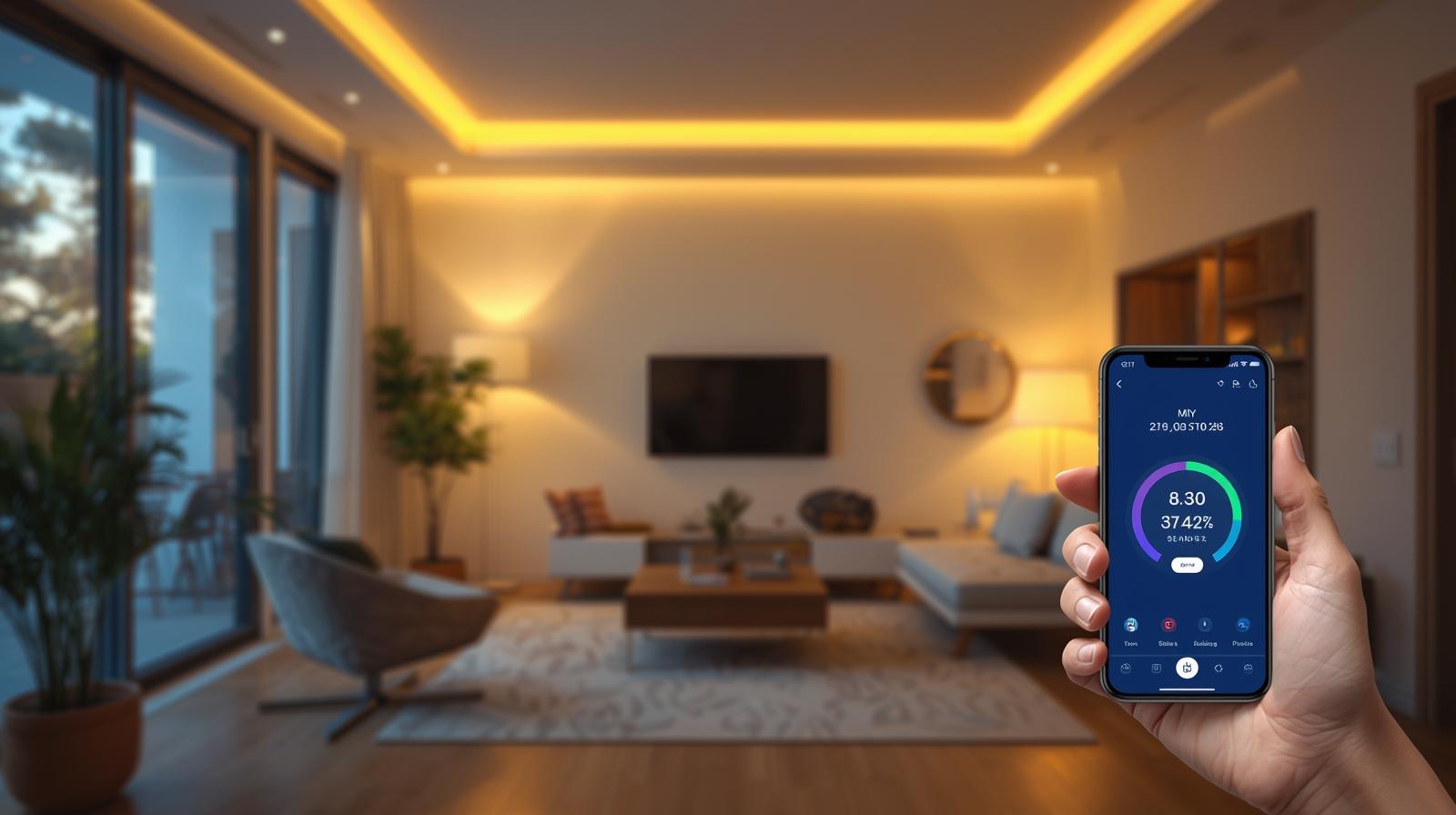
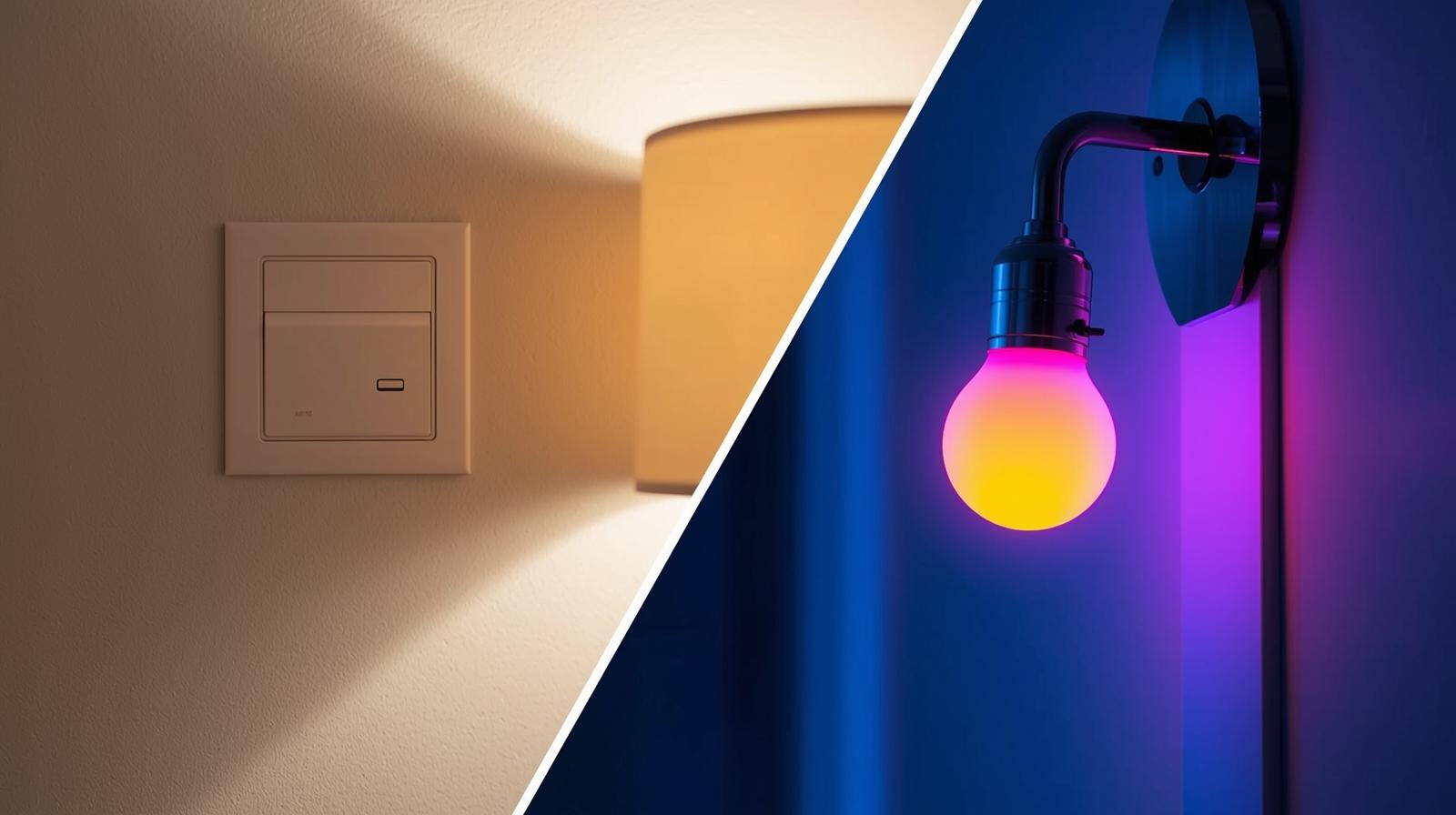
Lighting is the soul of your home. It changes how you feel, how you work, and how you relax. But here is the thing: smart bulbs are often a trap. If someone flips the physical wall switch, your expensive smart bulb becomes a dumb, disconnected piece of glass. That is why smart dimmer switches are the superior choice for anyone serious about home automation.
By 2026, the landscape has shifted. We have moved past the 'hub wars' of the early 2020s. Today, Matter and Thread are the standard, making it easier than ever to mix and match brands. Whether you are an Apple Home enthusiast or a dedicated Home Assistant tinkerer, the best smart dimmer switches now offer a level of interoperability we only dreamed of a few years ago.
Why You Should Choose a Switch Over a Bulb
In my experience, the 'Wife/Partner Approval Factor' is the most important metric in any smart home. If a guest cannot walk into a room and turn on the light because they do not have an app, your system has failed. Smart switches solve this by keeping the physical interface everyone knows while adding the 'brains' behind the wall plate.
- Cost Efficiency: One switch can control ten recessed ceiling lights. Buying ten smart bulbs is significantly more expensive.
- Reliability: Hardwired switches do not 'fall off' the network as easily as individual bulbs.
- Aesthetics: You can keep your beautiful designer Edison bulbs and still make them smart.
The Neutral Wire: Your First Hurdle
Before you buy anything, you need to look behind your current switch. Most smart switches require a neutral wire (usually white) to stay powered up even when the lights are off. In older homes built before the 1980s, you might only find a line and a load wire.
🏆 Our Top Picks
Lutron Caséta Diva Smart Dimmer (DVRF-6L)
The gold standard for reliability. It uses Clear Connect technology to ensure zero interference and works perfectly in homes without a neutral wire. It is the best choice for those who want a switch that 'just works' every single time.
Check Price on Amazon →Inovelli Blue Series 2-in-1 (VZM31-SN)
A power user's dream featuring a customizable LED bar for notifications and support for both Zigbee and Matter-over-Thread. It can act as a dimmer or an on/off switch and offers deep customization for scene control.
Check Price on Amazon →Leviton Decora Smart Dimmer with Matter (D26HD)
A fantastic no-hub-required option that connects directly to your Wi-Fi. With Matter support, it integrates natively with Apple Home, Google Home, and Alexa, making it ideal for users who want a simple, standard look.
Check Price on Amazon →TP-Link Tapo Smart Matter Dimmer (S505D)
The best value on the market. It provides rock-solid Matter integration at a fraction of the cost of premium brands, featuring a tactile physical button and easy setup via the Tapo app.
Check Price on Amazon →If you do not have a neutral wire, do not panic. You have two main options. You can either hire an electrician to pull a neutral wire (expensive) or buy a switch designed for no-neutral setups, like the Lutron Caséta series. These switches 'leak' a tiny amount of power through the bulb to stay alive, which is clever but requires a specific bridge to work correctly.
Understanding Protocols: Matter, Thread, and Wi-Fi
What most people miss is that the protocol is more important than the brand. In 2026, you should prioritize Thread. It is a mesh network protocol that is fast, low-power, and does not clog up your Wi-Fi router. If a switch says 'Matter-over-Thread,' it is future-proof.
| Protocol | Best For | Pros | Cons |
|---|---|---|---|
| Matter-over-Thread | Modern Homes | Fast, local, universal | Requires a Border Router |
| Wi-Fi | Small Setups | No hub needed | Can slow down your router |
| Lutron Clear Connect | Reliability | Never fails, long range | Proprietary bridge required |
| Zigbee/Z-Wave | Enthusiasts | Great for local control | Requires specific hubs |
Top Picks for 2026: Deep Dive
The Gold Standard: Lutron Caséta Diva
Lutron has been the king of dimming for decades, and the Diva Smart Dimmer is their masterpiece. It looks like a traditional paddle switch, which means it fits into any decor. The reason I recommend this most often is the reliability. It uses a proprietary frequency that never interferes with your Wi-Fi. If your internet goes down, your lights still work perfectly. The only downside? You need the Lutron Smart Hub, but it is a small price to pay for a system that never glitches.
The Customizer Choice: Inovelli Blue Series
If you like to tinker, Inovelli is your brand. The Blue Series is a 2-in-1 switch, meaning it can be a dimmer or a simple on/off switch. The standout feature is the LED strip on the side. You can program it to turn red if the garage door is open or blue if it is raining outside. It supports Matter-over-Thread, making it a beast in the modern smart home ecosystem. However, the setup can be a bit complex for a novice.
The Budget King: TP-Link Tapo
TP-Link has disrupted the market by offering Matter-certified switches at a price point that makes whole-home replacement affordable. The Tapo S505D is simple, clean, and responsive. It does not have the fancy LED bars of the Inovelli, but it handles the basics perfectly. It is a Wi-Fi-based Matter device, so ensure your router is up to the task if you plan on installing twenty of them.
Installation: What You Need to Know
Installing a smart dimmer is a 15-minute job, but you must respect the electricity. Always turn off the breaker first. Use a non-contact voltage tester to ensure the wires are dead before you touch them. Here is a pro tip: take a photo of the original wiring before you disconnect anything. You will thank me later if you ever need to move and take your smart switches with you.
One common mistake is 'ghosting' or flickering. This happens when the dimmer's minimum power output is still too high for your LED bulbs. Most high-end switches, like the Leviton Decora, allow you to adjust the 'low-end trim' in their app. This sets a floor for the dimming range, ensuring the bulbs stay on without flickering at low levels.
Advanced Automations to Try
Once your switches are installed, the real fun begins. Do not just use them to turn lights on and off. Try these scenarios:
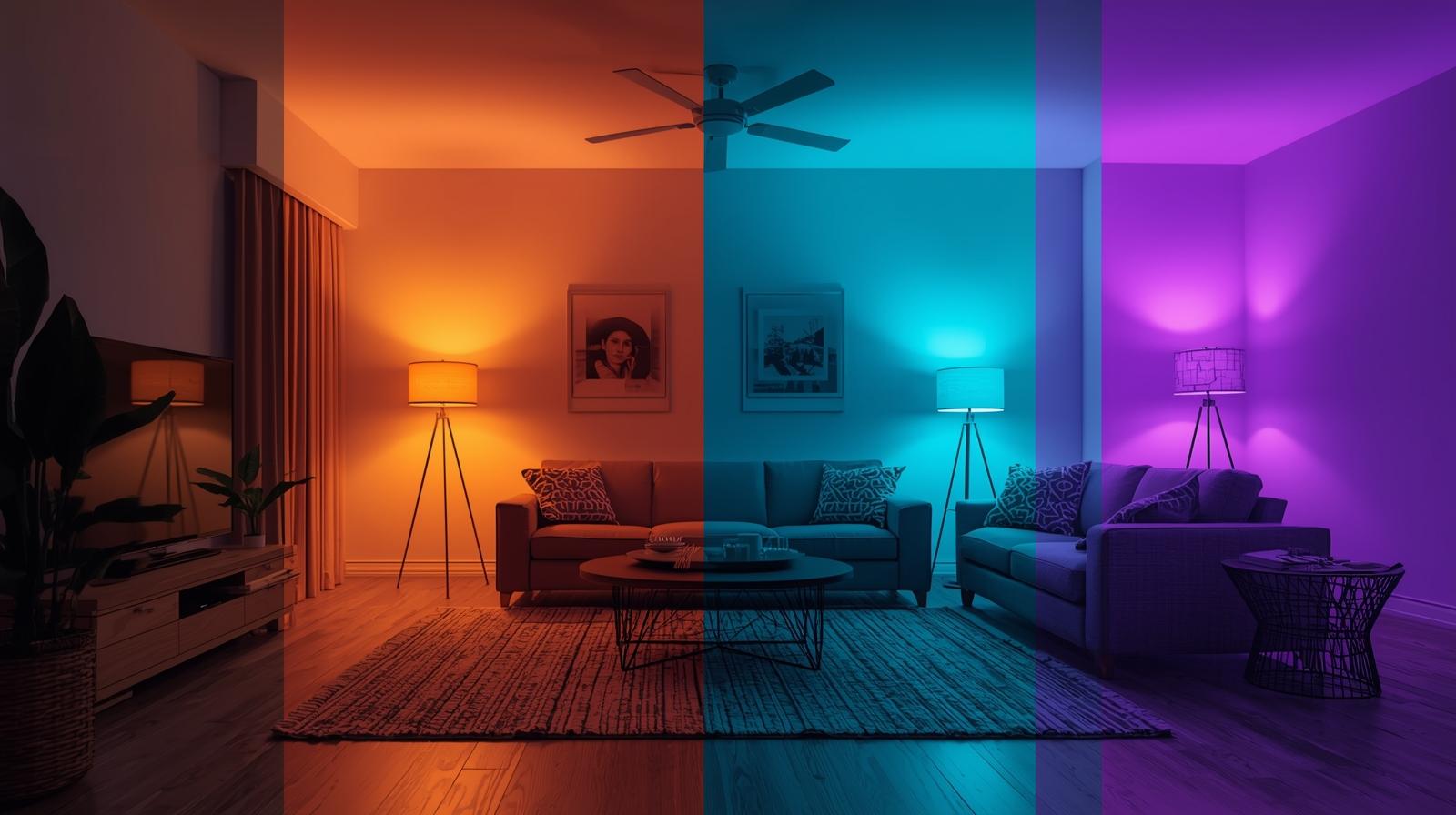
- Circadian Lighting: Have your lights slowly brighten with a warm hue in the morning and shift to a cool white during work hours, then dim to a soft amber in the evening.
- The 'Goodbye' Scene: One tap on the switch by the front door turns off every light in the house and locks the smart deadbolt.
- Motion-Linked Dimming: Use a motion sensor to turn the bathroom lights on at only 10 percent brightness between midnight and 6 AM. No more blinding yourself during a midnight water run.
Final Thoughts on Choosing the Right Switch
Look, there is no single 'perfect' switch for everyone. If you live in an old house without neutrals, go Lutron. If you want the latest tech and love notifications, go Inovelli. If you just want something cheap that works with your iPhone, go TP-Link. The most important thing is to pick a protocol and stick with it. Mixing too many different systems is the fastest way to turn a smart home into a headache. Start with one room, get the hang of the wiring, and I promise you will never want to go back to a dumb switch again.
Frequently Asked Questions
Do I need a neutral wire for a smart dimmer?
It depends on the model. Most modern switches require a neutral wire to stay powered while the lights are off, but brands like Lutron and GE Cync offer specialized no-neutral versions for older homes.
What is the difference between Matter and Zigbee switches?
Zigbee requires a specific hub to talk to your network, while Matter is a newer universal standard that allows devices from different brands to work together locally over Thread or Wi-Fi without proprietary bridges.
Why do my LED bulbs flicker when dimmed?
This usually happens due to a wattage mismatch or using non-dimmable LEDs. High-quality smart dimmers allow you to set 'trim' levels to prevent the power from dropping below the bulb's stable threshold.