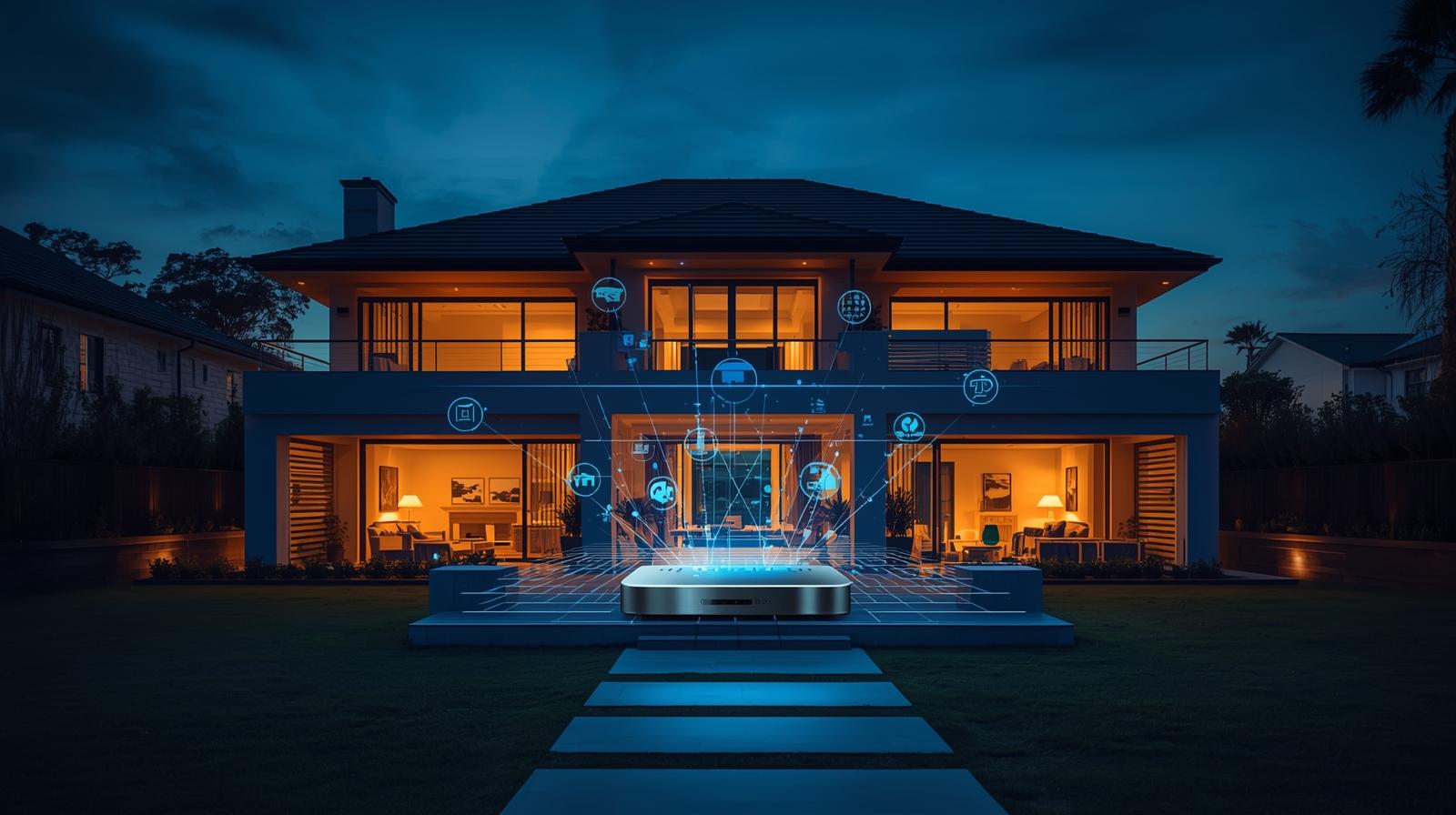
 By Natalie Chen
Our Editorial Research & Methodology
The Big House Problem: Why Standard Hubs Fail
If you live in a 4,000-square-foot home, you already know the frustration. You buy a top-rated smart bulb, screw it into the porch light, and... nothing. It is 'offline.' The reality is that most smart home hubs are designed for apartments or modest three-bedroom suburban homes. When you start adding distance, brick walls, and multiple floors, the standard 'hub-in-the-closet' strategy falls apart.
In 2026, we have moved past the days of simple Wi-Fi congestion. We are now dealing with device density. A large house today easily hits 100 to 150 connected devices. Between smart blinds, leak sensors, multi-room audio, and security cameras, your hub is not just a bridge; it is a traffic controller. If that controller has a weak radio or a slow processor, your smart home will feel remarkably dumb.
The Physics of Failure
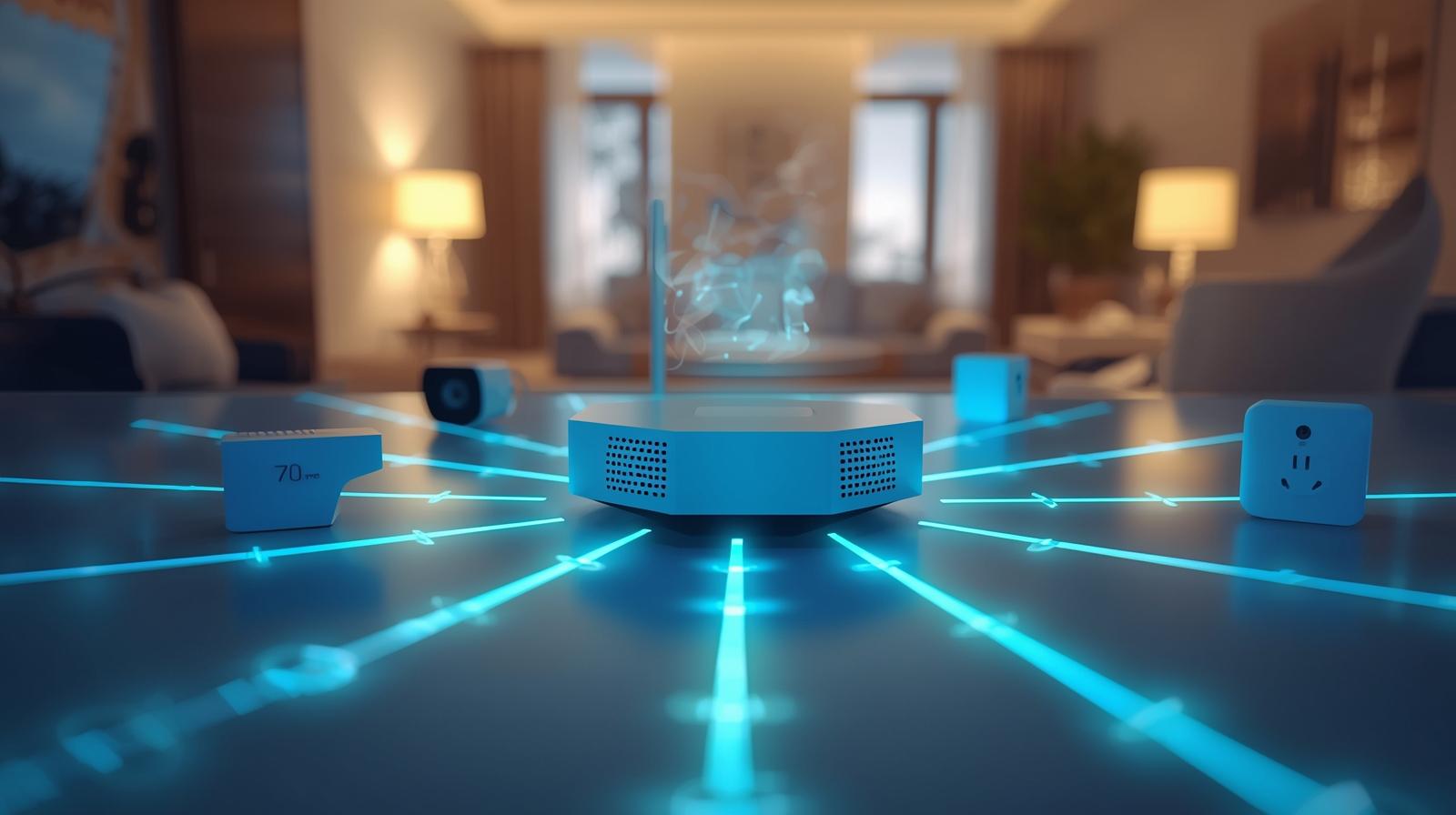
Walls are the enemy of automation. Every time a signal passes through drywall, it loses strength. If it hits a brick chimney or a steel-reinforced floor, it might die entirely. This is why the 'best' hub for a large house is rarely just a single box. It is a system that understands how to extend its reach without adding latency. We are looking for hubs that support Thread mesh networking and have the processing power to handle local automation without relying on a distant cloud server.
What to Look for in a Large-Scale Hub
Before you drop money on hardware, you need to understand the three pillars of large-scale home automation: Radio Range, Device Capacity, and Local Processing. If a hub misses even one of these, you will be troubleshooting your lights every Tuesday night.
🏆 Our Top Picks
Homey Pro (Latest Model)
The ultimate multi-protocol hub that supports over 50,000 devices. Its Satellite Mode is specifically designed for large estates, allowing you to extend coverage seamlessly using Homey Bridges as range extenders.
Check Price on Amazon →Hubitat Elevation C-8 Pro
A local-first hub featuring external antennas for superior range. It is ideal for large homes with thick walls where internal antennas struggle to maintain a connection.
Check Price on Amazon →eero Max 7 Mesh Wi-Fi System
A Wi-Fi 7 powerhouse that includes a built-in Zigbee hub and Thread Border Router. By placing nodes throughout a large house, you ensure both high-speed internet and a robust smart home mesh.
Check Price on Amazon →Apple TV 4K (128GB Model with Thread)
An essential hub for HomeKit users. The 128GB model includes a Thread radio, making it a powerful border router that integrates perfectly with other Apple devices to cover large areas.
Check Price on Amazon →Radio Range and Mesh Capabilities
In a large house, you cannot rely on a single point of origin. You need a hub that acts as a Thread Border Router. Thread is the gold standard in 2026 because every mains-powered device (like a smart plug or a light switch) acts as a repeater. This creates a 'mesh' that covers your entire property. If your hub does not support the latest Matter and Thread standards, you are building on a foundation of sand.
Local Processing vs. Cloud Reliance
Here is the thing: if your hub has to talk to a server in Virginia just to turn on a light in your kitchen, it will be slow. In a large house with dozens of simultaneous triggers, that delay becomes unbearable. The best hubs now do everything locally. Your automations should run even if your internet goes down. This is not just about reliability; it is about the 'snappiness' of your home.
Comparison of Top Hubs for Large Properties
| Hub Model | Primary Protocol | Best Feature for Large Homes | Local Processing |
|---|---|---|---|
| Homey Pro (2025) | Multi-protocol | Satellite Mode | Full Local |
| Hubitat C-8 Pro | Zigbee/Z-Wave/Matter | External Antennas | Full Local |
| eero Max 7 | Wi-Fi 7 / Thread | Mesh Integration | Partial |
| Apple TV 4K (128GB) | Thread / HomeKit | Seamless Ecosystem | Full Local |
Deep Dive: The Best Hubs for Big Floor Plans
1. Homey Pro: The Power User Choice
The Homey Pro remains the heavyweight champion for a reason. What most people miss is its 'Satellite Mode.' If you have a massive estate or a detached guest house, you can link multiple Homey Bridges to the main Pro hub. This extends your Zigbee, Z-Wave, and Infrared coverage across the entire property under a single interface. It handles over 50,000 devices from thousands of brands, making it the most versatile option for complex setups.
2. Hubitat Elevation C-8 Pro: The Reliability King
If you value privacy and speed above all else, the Hubitat C-8 Pro is the answer. Unlike almost every other consumer hub, it features external high-gain antennas. This significantly boosts the 'line-of-sight' range for Z-Wave and Zigbee devices. In my experience, this hub can penetrate through thick older walls that stifle the internal antennas of an Apple TV or a SmartThings hub. It is a bit more technical to set up, but the stability is unmatched.
3. eero Max 7: The 'Invisible' Hub
By 2026, the line between your Wi-Fi router and your smart home hub has blurred. The eero Max 7 is a Wi-Fi 7 mesh system that doubles as a powerful Thread Border Router and Zigbee hub. For a large house, this is the easiest path. Since you already need mesh Wi-Fi to cover the square footage, having the hub built into every node ensures that your smart devices are always within a few feet of a receiver. It is the ultimate 'set it and forget it' solution.
Strategic Placement: Where to Put Your Hub
Placement is more important than the brand of the hub. Do not tuck your hub inside a metal media cabinet or behind a giant 8K television. These are essentially Faraday cages that block signals. For a large house, the ideal spot is a central, open area on the main floor. If you are using a mesh-based system like Thread, ensure your 'repeater' devices (smart switches) are evenly spaced between the hub and the furthest room.
Dealing with Dead Zones
If you have a basement or a third-floor attic that remains a dead zone, do not just buy another hub. Look for dedicated range extenders or, better yet, install a smart plug every 20 feet. In a Thread-based network, these plugs act as 'nodes' that pass the signal along. It is a much cheaper and more effective way to blanket a large property in connectivity than trying to blast a signal from a single powerful source.
The Role of Matter in 2026
We cannot talk about large houses without mentioning Matter. The Matter protocol has finally matured, allowing devices from different brands to talk to each other locally. For a large house, this means you are no longer locked into one ecosystem. You can use high-end Lutron switches for your lighting and cheap sensors for your closets, and as long as your hub is Matter-certified, they will all work together instantly. This interoperability is what makes managing a large home manageable.
Final Thoughts for Big Home Owners
Building a smart home in a large space is a marathon, not a sprint. Start with a hub that has 'room to grow.' Avoid the cheap, entry-level bridges provided by individual bulb manufacturers. They will only clutter your network and create interference. Invest in a high-quality central processor like the Homey Pro or a robust mesh system like eero. Your future self, trying to turn off the lights from three floors away, will thank you.
Frequently Asked Questions
Can I use two hubs in one house?
Yes, but it is better to use one primary hub with 'satellites' or 'extenders' to avoid creating two separate, uncommunicative networks.
Does Wi-Fi 7 help with smart home range?
Wi-Fi 7 improves overall network capacity and reduces interference, which helps Wi-Fi-based smart devices, but Zigbee and Thread still rely on their own mesh properties.
What is the best way to extend range to a detached garage?
The most reliable method is running an outdoor-rated Ethernet cable to the garage and placing a secondary access point or a satellite hub there.