 By Natalie Chen
Our Editorial Research & Methodology
The Invisible Battle Inside Your Walls
If you have ever tried to set up a smart home, you have likely hit a wall. Not a physical one, but a digital one. You buy a light switch, it does not talk to your hub. You buy a motion sensor, and it drops offline every three days. Most of the time, this frustration comes down to one thing: the protocol. In the world of smart homes, Z-Wave and Zigbee are the two heavyweights that have been duking it out for over a decade.
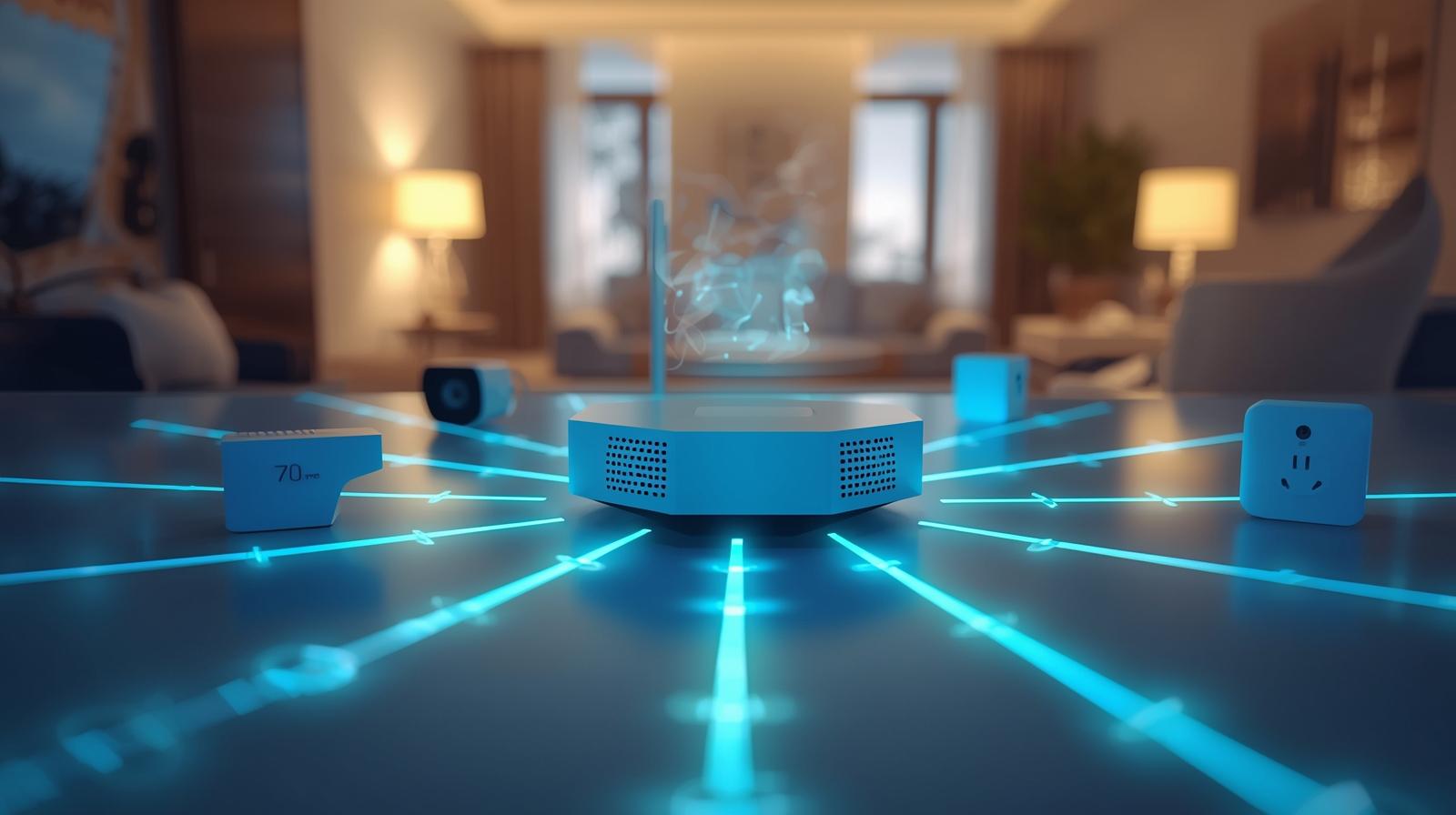
Even now, in early 2026, with the rise of Matter and Thread, these two standards remain the backbone of millions of homes. Why? Because they work. They create what we call a mesh network. Instead of every device screaming at your Wi-Fi router and slowing down your Netflix stream, these devices talk to each other. They pass messages along like a bucket brigade. If the kitchen light is too far from the hub, it just sends the signal through the hallway plug. It is clever, efficient, and keeps your Wi-Fi free for actual internet tasks.
But here is the thing: they are not interchangeable. You cannot just mix and match them without a plan. Choosing the wrong one for your specific house layout can lead to a buggy, laggy mess. Let us break down exactly how they differ so you can stop playing tech support and start enjoying your home.
Frequency: The Quiet Neighborhood vs. The Crowded Party
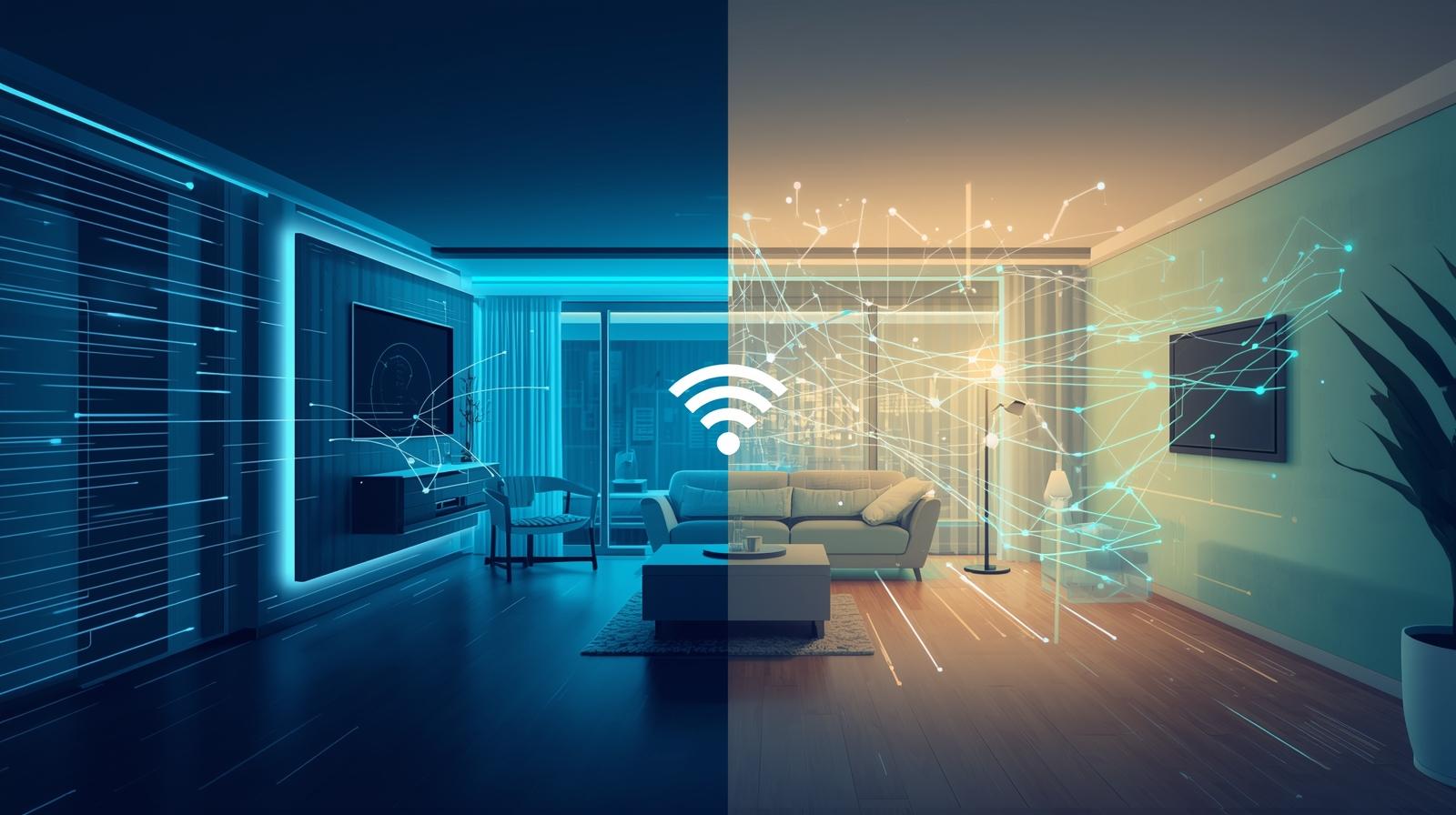
The biggest technical difference between these two is the frequency they live on. Think of it like radio stations. Zigbee operates on the 2.4 GHz band. If that sounds familiar, it is because your Wi-Fi, your Bluetooth headphones, and even your old microwave use that same space. It is a crowded, noisy party. In a dense apartment building, Zigbee can sometimes struggle to be heard over the roar of twenty different Wi-Fi routers.
🏆 Our Top Picks
Aeotec Smart Home Hub (Works with SmartThings)
This is the Swiss Army knife of hubs. It supports Z-Wave Plus, Zigbee, and Matter, making it the perfect bridge for a mixed-protocol home. It is reliable, easy to set up, and has a massive community for support. One downside is its reliance on the cloud for some advanced automations.
Check Price on Amazon →Philips Hue Bridge 2.1
The gold standard for Zigbee lighting. It creates a dedicated Zigbee mesh just for your lights, ensuring zero lag when you hit a switch. It now supports Matter via a software update. The limitation is that it is mostly locked into the Hue ecosystem for bulbs.
Check Price on Amazon →Zooz 800 Series Z-Wave Plus S2 USB Stick ZST39
For the DIY crowd using Home Assistant, this is the best Z-Wave radio on the market. It uses the latest 800 series chip for incredible range and security. It is tiny and inexpensive, though it requires a separate computer or Raspberry Pi to function.
Check Price on Amazon →Aqara Hub M3
A powerhouse released to bridge the gap between old and new. It supports Zigbee, infrared, and acts as a Matter controller and Thread Border Router. It is excellent for local control, meaning your house works even if the internet goes down. The setup app can be a bit cluttered for beginners.
Check Price on Amazon →Leviton ZW15S-1BZ Decora Smart Switch
A rock-solid Z-Wave wall switch that feels like a traditional high-quality rocker. It supports 3-way configurations and has no flicker with modern LEDs. It is a bit bulky, so it can be a tight fit in older, shallow electrical boxes.
Check Price on Amazon →Z-Wave, on the other hand, lives in the 900 MHz range (specifically 908.42 MHz in the US). This is a much quieter neighborhood. Very few consumer devices use this frequency, which means Z-Wave signals almost never deal with interference. In my experience, this makes Z-Wave inherently more stable in urban environments. If you live in a high-rise where you can see fifty Wi-Fi networks from your couch, Z-Wave is often the smarter play.
The Trade-off: Speed vs. Stability
Because Zigbee is on a higher frequency, it can technically move data faster. We are talking 250 kbps compared to Z-Wave's 100 kbps. Now, for a light switch, that speed difference is invisible. But if you have hundreds of devices all reporting data at once, Zigbee has a bit more breathing room. However, that higher frequency also means shorter waves. Shorter waves have a harder time punching through thick brick walls or heavy furniture. Z-Wave's longer waves are like a bass drum—they travel through solid objects much better.
The Certification Gap: Why Z-Wave Just Works
One of the most annoying things about Zigbee historically was the lack of strict standards. For years, manufacturers could tweak the Zigbee protocol to fit their specific needs. This led to the infamous "Hue problem" where Philips Hue bulbs (which use Zigbee) would not always play nice with other Zigbee hubs. While Zigbee 3.0 and the newer 3.1 updates have mostly fixed this, it is still a bit of a wild west.
Z-Wave is different. It is owned by a single entity (Silicon Labs), and they maintain an iron grip on certification. Every single Z-Wave device must pass a rigorous testing process to ensure it works with every other Z-Wave device. If you see the Z-Wave logo, you know that switch will talk to that hub, regardless of who made them. This "interoperability" is the gold standard of the industry. You pay a small premium for Z-Wave hardware, but you are essentially paying for the peace of mind that you won't be troubleshooting at 11 PM on a Tuesday.
Range and the Mesh Limit
Let us talk about how far these signals actually go. In a vacuum, a Z-Wave signal can travel about 100 meters. Zigbee is usually capped at about 10 to 20 meters. But remember, these are mesh networks. The total range of your network depends on how many "repeater" devices you have. Any device that is plugged into a wall—like a smart plug or a light switch—acts as a repeater. Battery-powered devices, like door sensors, do not repeat signals because it would kill their batteries in a day.
The Hop Count
There is a hidden limit you need to know about: hops. A signal can only jump from device to device so many times before it gives up. Z-Wave allows for 4 hops. Zigbee, theoretically, has no limit, though most hubs cap it around 30. For a massive mansion or a sprawling property, Zigbee's unlimited hops might sound better. But for a standard three-bedroom home, Z-Wave's 4-hop limit is plenty, especially since each hop covers more physical distance.
| Feature | Z-Wave (800 Series) | Zigbee (3.0/3.1) |
|---|---|---|
| Frequency | 908.4 MHz (US) | 2.4 GHz (Global) |
| Interference Risk | Very Low | High (Wi-Fi/Bluetooth) |
| Max Devices | 232 | 65,000+ |
| Standardization | Strict / High | Moderate / Improving |
| Open Source | No (Proprietary) | Yes (Open Standard) |
| Typical Range | 100m (Line of sight) | 10-20m (Line of sight) |
Power Consumption: The Battery Life King
If you are installing twenty contact sensors on your windows, you do not want to be changing batteries every six months. Both protocols are incredibly efficient compared to Wi-Fi, but Zigbee usually takes the crown here. Zigbee devices can wake up, send a tiny packet of data, and go back to sleep in milliseconds. This makes it the preferred choice for tiny sensors and buttons.
That said, the new Z-Wave 800 series chips have closed the gap significantly. We are now seeing Z-Wave sensors that can last up to 10 years on a single coin-cell battery. At that point, the battery will probably leak before the device actually runs out of power. If you are buying new gear in 2026, look for the "800 Series" label on Z-Wave products to get this elite battery performance.
The Matter and Thread Elephant in the Room
You cannot talk about smart home protocols in 2026 without mentioning Matter. Matter is the new universal language that allows Apple Home, Google Home, and Amazon Alexa to all talk to the same devices. Here is what most people miss: Matter is not a radio. It is a software layer. Matter usually runs over Wi-Fi or a new radio protocol called Thread.
So, are Z-Wave and Zigbee dead? Absolutely not. Zigbee is actually the foundation that Thread was built on. Many modern hubs now act as bridges, taking your Z-Wave and Zigbee devices and "translating" them into Matter so they show up in your Apple Home app. If you want the widest selection of cheap, reliable sensors, you are still going to be buying Zigbee and Z-Wave for a long time. They are the reliable workhorses, while Matter is the fancy new translator.
Which One Should You Choose?
I always tell people to look at their specific needs rather than picking a "winner." If you are a tinkerer who wants the cheapest possible sensors and you have a strong mesh of plugged-in devices to overcome interference, Zigbee is fantastic. You can find Zigbee sensors for half the price of Z-Wave equivalents on sites like AliExpress or Amazon.
However, if you want a system that "just works" and you live in a crowded area with lots of Wi-Fi interference, Z-Wave is worth the extra five or ten dollars per switch. It is more robust, the range is better, and the certification ensures you won't deal with weird compatibility bugs. In my own home, I use a hybrid approach: Z-Wave for critical things like door locks and light switches, and Zigbee for cheap temperature sensors and decorative LED strips.
A Quick Decision Matrix
- Choose Z-Wave if: You have thick walls, live in a city, or want the highest level of security and reliability for locks and lights.
- Choose Zigbee if: You are on a budget, want a massive variety of sensors, or are building a very large network with over 200 devices.
- Choose Both: Buy a multi-protocol hub (like an Aeotec or Aqara) and stop worrying about it. Use the best tool for each specific room.
Frequently Asked Questions
Can Z-Wave and Zigbee work together?
Yes, but not directly. You need a 'universal' hub like the Aeotec Smart Home Hub or Home Assistant that has both radios inside. The hub acts as the translator between the two languages.
Does Zigbee slow down my Wi-Fi?
It can, as both use the 2.4 GHz band. However, you can avoid this by setting your Wi-Fi to channel 1 and your Zigbee network to channel 25, which prevents their frequencies from overlapping.
Is Z-Wave more secure than Zigbee?
Both are very secure, but Z-Wave's S2 security framework is mandatory for all new devices, making it slightly more 'standardized' in its protection. Zigbee also offers robust encryption but implementation can vary by manufacturer.