 By Laura Mitchell
Our Editorial Research & Methodology
The Invisible Drain on Your Wallet
Most of us treat electricity like magic. We flip a switch, the light comes on, and at the end of the month, we pay a bill that feels like a random number generated by a grumpy utility company. But it is 2026. We track our steps, our sleep, and our heart rates in real time. Why are we still waiting 30 days to see how much power our homes are sucking down?
Monitoring your electricity in real time is not just for tech nerds or people living off-grid. It is a survival skill in an era of fluctuating energy prices and smart grids. If you want to stop guessing and start saving, you need to see the data as it happens. This guide will show you exactly how to do that, from simple plug-in fixes to deep-panel surgery.
If you are looking for the definitive roadmap, check out How to Monitor Electricity Usage in Real Time: A Pro Guide for a deep dive into the hardware that makes this possible.
Why Real-Time Data Changes Everything
The problem with a monthly bill is that it is historical data. It tells you what you did wrong three weeks ago. Real-time monitoring tells you what you are doing wrong right now. When you can see the needle move the second you turn on the toaster, your behavior changes. It is the difference between reading a diet book and standing on a scale.
🏆 Our Top Picks
Sense Energy Monitor with Solar
The gold standard for AI-driven appliance recognition. It uses high-resolution sampling to identify individual devices without needing sensors on every circuit. Perfect for those who want a 'set it and forget it' experience with deep insights.
Check Price on Amazon →Emporia Vue Gen 3 Smart Home Energy Monitor
Best for granular data. It comes with 16 individual sensors that clip onto your circuit breakers, giving you a direct look at every room in the house. It is the most accurate way to see exactly where every cent is going.
Check Price on Amazon →Shelly EM 50A Wi-Fi Energy Meter
A compact, professional-grade tool for those who prefer local control. It supports MQTT and has a built-in web server, making it a favorite for Home Assistant users who don't want their data in the cloud.
Check Price on Amazon →IoTaWatt Base Unit
An open-source powerhouse for the data-obsessed. It supports up to 14 channels and stores data locally. It is highly flexible and works with almost any CT clamp on the market, though it requires a bit more setup than consumer models.
Check Price on Amazon →In my experience, most homeowners find that about 15 to 20 percent of their energy bill comes from things they didn't even know were running. We call these vampire loads. These are the devices that sit in standby mode, sipping power 24/7. Over a year, that sip turns into a gulp that costs you hundreds of dollars.
The Psychology of the Feedback Loop
There is a documented effect called the feedback loop. When people see their energy usage in real time, they naturally start to gamify their savings. You start wondering, "Can I get the house under 200 watts before I go to bed?" This simple shift in mindset often leads to more savings than any high-tech appliance ever could.
The Three Main Ways to Watch Your Power
You have three main paths to getting this data. Each has its own level of difficulty and cost. Let's break them down so you can choose the one that fits your comfort level and your toolbox.
| Method | Difficulty | Accuracy | Best For |
|---|---|---|---|
| Smart Plugs | Very Low | High (Single Device) | Renters and specific appliances |
| Optical Sensors | Low | Medium | Quick whole-home snapshots |
| Panel-Based Monitors | Medium/High | Very High | Homeowners wanting total control |
1. Smart Plugs with Energy Monitoring
This is the entry-level drug of energy monitoring. You buy a smart plug, stick it in the wall, and plug your appliance into it. Most modern smart plugs now come with built-in chips that measure voltage and current. You open an app on your phone, and boom—you see exactly how many watts your gaming PC is pulling while you play Cyberpunk 2077.
The downside? It only monitors that one outlet. If you want to see the whole house, you would need fifty of them, which is expensive and messy. Use these for the big offenders: the fridge, the space heater, or the entertainment center.
2. Optical Sensors for Smart Meters
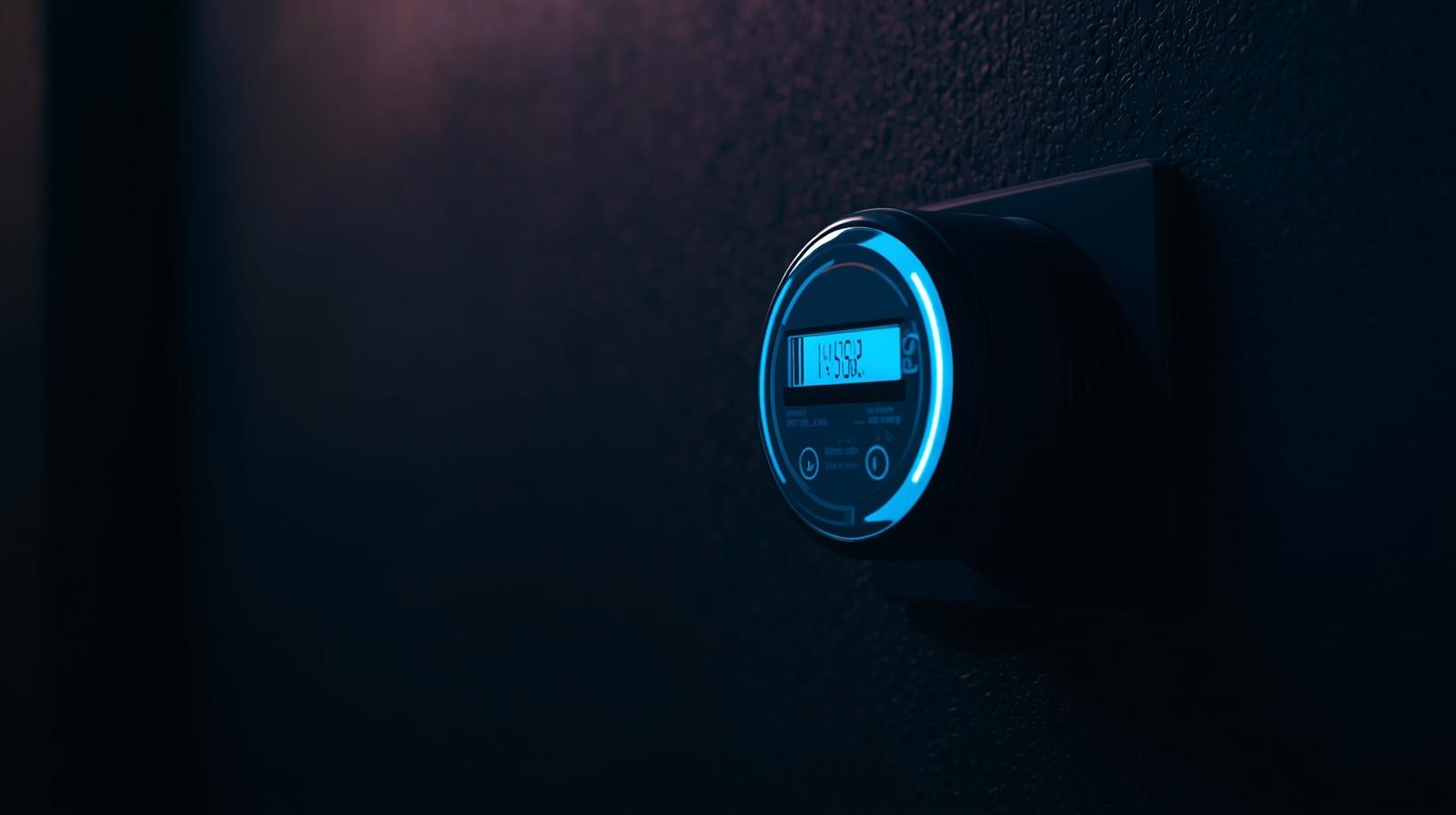
If you have a modern smart meter installed by your utility company, it likely has a pulsing LED on the front. Every pulse represents a specific amount of energy (usually 1 watt-hour). You can buy a small sensor that sticks to the outside of the meter and counts those pulses. It then beams that data to a hub in your house.
This is great because you don't have to touch any wires. It is safe and fast. However, it only gives you the total house usage. It won't tell you if the power is going to the AC or the dishwasher. It just gives you the big number.
3. Panel-Based Monitors (The Gold Standard)
This is where the real pros play. These devices use Current Transformers (CT clamps). You clip these clamps around the main power lines inside your electrical breaker panel. They measure the magnetic field created by the electricity flowing through the wires. This allows them to calculate your usage with incredible precision without actually cutting any wires.
Some of these systems, like Sense, use machine learning to identify the "electronic signature" of your appliances. They can tell the difference between the hum of your fridge and the buzz of your microwave just by looking at the wave patterns in the electricity. Others, like Emporia, use individual clamps on every single circuit breaker so you can see exactly which room is burning the most juice.
The Technical Nitty-Gritty: How CT Clamps Work
Here is the thing most people miss: CT clamps are not actually touching the copper inside your wires. They work on the principle of induction. When electricity flows through a wire, it creates a magnetic field. The clamp captures a tiny bit of that field and turns it back into a small signal that the monitor can read.
This is why they are safe for DIYers who know their way around a panel. You aren't making an electrical connection; you are just "listening" to the wire. However, the main wires in your panel are always live. If you drop a screwdriver or touch a busbar, it is game over. If you aren't 100 percent confident, pay an electrician for an hour of their time. It is a small price for not being electrocuted.
Identifying the Vampire Loads
Once you have your monitor set up, the first thing you should do is a "dark house" test. Turn off everything you think is off. Go to your app and look at the baseline. In a typical 2026 home, you might see 150 to 300 watts of constant usage. That is your vampire load.
Where is it coming from? Usually, it is the "always-on" stuff:
- Cable boxes and DVRs (huge offenders)
- Microwave clocks
- Smart speakers and hubs
- Phone chargers left plugged in
- The standby mode on your OLED TV
By identifying these, you can use smart strips or physical switches to kill the power when they aren't in use. Cutting 100 watts of vampire load can save you over 100 dollars a year depending on your local rates.
Advanced Features: Solar and Battery Integration
By 2026, many homes have solar panels or a backup battery like a Tesla Powerwall. Real-time monitoring becomes even more critical here. You need to know if you are currently "selling" power back to the grid or if you are draining your battery because the clouds rolled in.
Modern monitors can show you a bi-directional flow. You will see a green line for production and a red line for consumption. The goal is to shift your heavy tasks—like running the dryer or charging the EV—to the middle of the day when your solar production is peaking. This is called load shifting, and it is the secret to making a solar investment pay off years earlier.
The Role of AI in 2026 Energy Monitoring
We have moved past simple bar charts. The latest generation of monitors uses edge computing to analyze your power 1,000 times per second. They can detect when a motor in your air conditioner is starting to fail because it is drawing more "inrush current" than it used to. This allows for predictive maintenance. Your phone pings you and says, "Hey, your fridge compressor is acting weird. Fix it now before it dies and ruins 400 dollars worth of groceries."
This level of insight was impossible five years ago. Now, it is becoming standard. The data isn't just about saving money; it is about home health.
Common Pitfalls to Avoid
Don't fall into the trap of over-monitoring. You don't need to know how many milliwatts your electric toothbrush uses. Focus on the big wins. The HVAC system, the water heater, the dryer, and the EV charger usually account for 70 percent of your total usage. If you master those, you've won the game.
Also, be wary of "cloud-only" devices. If the company goes out of business or your internet goes down, your data disappears. Look for monitors that offer local API access or SD card logging. Your data should belong to you, not a server in another country.
Making the Data Actionable
Data is useless if you don't do anything with it. Set up alerts. Most real-time monitors allow you to set a "high usage" notification. If your house exceeds 5kW for more than ten minutes, get a text. This can catch things like a hose heater left on in the garage or a stove burner that wasn't fully turned off.
In my experience, the best way to use this tech is to involve the whole family. Show the kids the app. Let them see how much power the gaming console uses versus a lightbulb. It builds a culture of conservation that lasts longer than any smart home automation script.
Final Thoughts on Real-Time Monitoring
We are moving toward a world where energy is dynamic. Prices change by the hour, and the grid needs our help to stay stable. By monitoring your electricity in real time, you aren't just a consumer anymore. You are an active participant in your home's economy. It is smart, it is responsible, and frankly, it is just plain cool to see the heartbeat of your house in the palm of your hand.
Frequently Asked Questions
Is it safe to install an energy monitor myself?
If you are using smart plugs or optical sensors, it is 100% safe. If you are installing a panel-based monitor with CT clamps, you must be comfortable working inside a live electrical panel. If you have any doubt, hire a licensed electrician.
How much money can I actually save?
Most users see a 10% to 20% reduction in their monthly bill simply by identifying and eliminating vampire loads and shifting heavy appliance use to off-peak hours.
Do these monitors work with solar panels?
Yes, but you need a model specifically designed for 'solar monitoring' that includes extra CT clamps for the solar inverter feed to track both production and consumption.