 By Laura Mitchell
Our Editorial Research & Methodology
Stop Guessing and Start Seeing Your Power
Most people treat their electricity bill like a mystery novel. You open the envelope at the end of the month, gasp at the total, and then spend ten minutes wondering why it is so high. Was it the AC? The old fridge in the garage? The kids leaving their gaming PCs on all night? By the time you get the bill, the damage is done. It is an autopsy of your money.
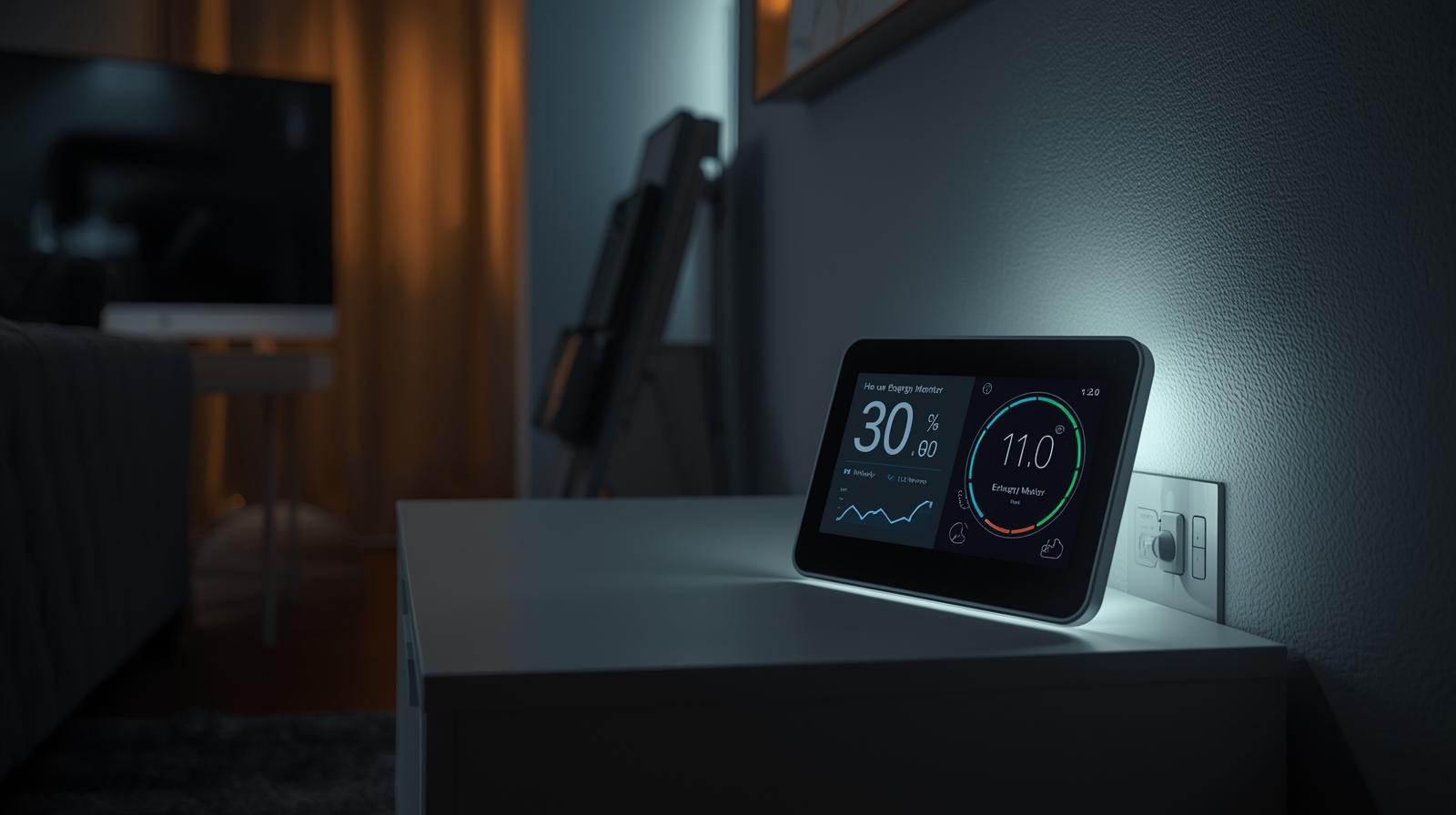
Monitoring your electricity in real time changes the game. It turns that mystery into a live dashboard. Imagine seeing exactly how many cents per hour your dishwasher costs, or watching the needle drop the second you turn off a space heater. In 2026, with energy prices fluctuating based on grid demand, this is not just a hobby for tech geeks anymore. It is a survival skill for your bank account.
The Three Ways to Track Your Energy
You have three main paths to get this data. Each has its own level of difficulty and detail. Here is the thing: the best choice depends on whether you want to see the big picture or every tiny detail.
🏆 Our Top Picks
Sense Energy Monitor with Solar Tracking
The gold standard for appliance recognition. It uses high-resolution sampling to identify individual devices by their electrical signature. The 2026 model features enhanced Matter support for better smart home integration.
Check Price on Amazon →Emporia Vue Gen 3 Whole Home Monitor
Best for those who want raw data without the guesswork. It uses individual sensors for up to 16 different circuits, giving you exact readings for every room rather than relying on AI signatures.
Check Price on Amazon →Shelly Pro EM-50
A professional-grade, DIN-rail mountable monitor that is perfect for DIY enthusiasts. It offers local storage and a robust API, making it the top choice for users who want to keep their data off the cloud.
Check Price on Amazon →Kasa Smart Plug EP25 with Energy Monitoring
The most cost-effective way to track individual appliances. These plugs are compact, support Apple Home, and provide surprisingly accurate real-time wattage and historical data for smaller devices.
Check Price on Amazon →1. The Smart Meter Bridge
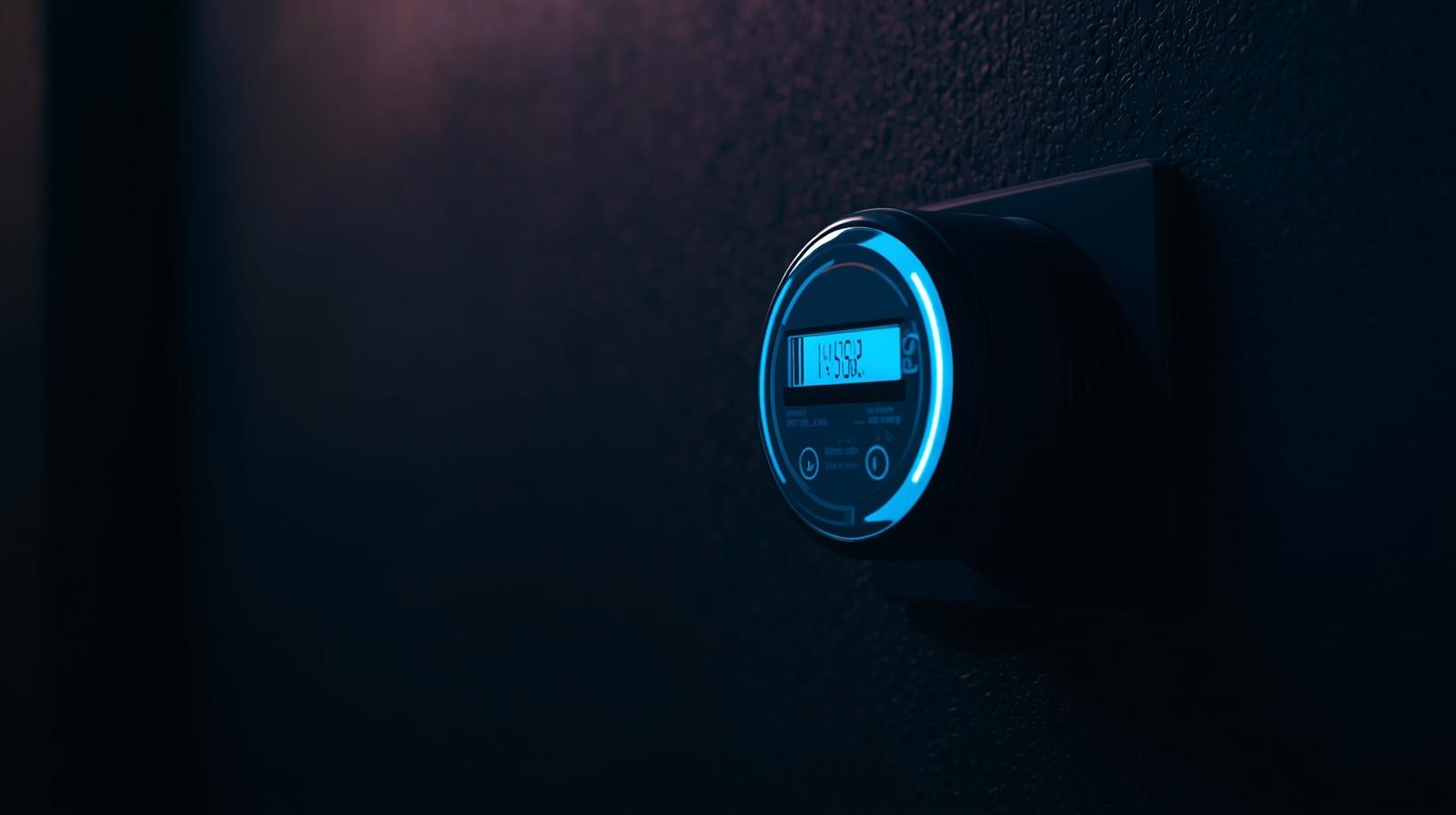
Most utility companies have upgraded to smart meters by now. These meters talk to the utility company, but they can also talk to you. You can buy a small device called a bridge that plugs into a wall outlet and syncs with your meter via a protocol called Zigbee Green Power. It is the easiest setup, but the data is usually a bit delayed—maybe by 30 seconds to a minute.
2. Whole-Home Energy Monitors
This is the gold standard. These devices live inside your electrical panel. They use sensors called Current Transformers (CT clamps) that snap around the main power wires. They see everything. Some use AI to identify the unique electrical fingerprint of your appliances. When your toaster clicks on, the monitor recognizes that specific draw and logs it. It is fast, accurate, and gives you a second-by-second view of your home.
3. Smart Plugs with Energy Monitoring
If you only care about specific appliances, smart plugs are your best friend. You plug the monitor into the wall, then plug the appliance into the monitor. This is perfect for the home office or the entertainment center. It is granular, but it will not tell you what your HVAC or water heater is doing because those are hardwired.
Why Real-Time Data Beats Monthly Statements
A monthly statement tells you that you used 900 kWh. Real-time monitoring tells you that your 15-year-old refrigerator is cycling three times more often than it should. That is actionable intelligence. In my experience, the biggest shock for most homeowners is the vampire load. This is the power sucked up by devices that are off but still plugged in. We are talking about idle game consoles, microwave clocks, and standby coffee makers. Seeing that baseline of 200 or 300 watts running while everyone is asleep is a massive wake-up call.
| Method | Installation Difficulty | Detail Level | Best For |
|---|---|---|---|
| Smart Meter Bridge | Very Low | Total Home Only | Renters and Beginners |
| Whole-Home Monitor | Medium (Requires Panel Access) | Appliance Recognition | Homeowners seeking max savings |
| Smart Plugs | Zero | Individual Device | Tracking specific culprits |
The 2026 Context: Dynamic Pricing and AI
As we move through 2026, more utility companies are moving to time-of-use (TOU) pricing. This means electricity costs more when everyone else is using it. Real-time monitors now integrate with these rate plans. Your monitor can send a notification to your phone saying, Power prices just tripled. Maybe wait an hour to run the dryer. Some systems even talk to your smart home hub to automatically dim lights or nudge the thermostat when prices spike. This is not just about saving pennies; it is about avoiding the surge pricing that can double a bill in a single afternoon.
How to Install a Whole-Home Monitor Safely
I will be direct: if you are not comfortable opening your breaker panel, hire an electrician. It is a 15-minute job for a pro. If you are doing it yourself, you must turn off the main breaker. You snap the CT clamps around the two main service wires. These clamps do not touch bare metal; they sense the magnetic field created by the electricity. Then, you power the monitor itself by connecting it to a small 15-amp breaker. Once it is powered up, it connects to your WiFi, and the data starts flowing to your phone immediately.
What Most People Miss During Setup
Calibration is key. Many people install the clamps and then never check if the readings match their actual meter. Spend five minutes comparing the live app reading to the numbers spinning on your utility meter outside. If they are off by more than 2 percent, you might have a clamp that is not fully closed or is facing the wrong direction. Most clamps have an arrow that must point toward the breakers, not the street.
Making the Data Actionable
Data is useless if you do not act on it. Once you have your monitor running, do a walk-through. Turn things on and off one by one. Watch the app. You will quickly learn that your LED bulbs barely move the needle, but your hair dryer is a power hog. Use this knowledge to set budgets. Most modern apps let you set a monthly goal. If you are on track to blow past your budget by the 15th of the month, the app will warn you. It is like a fitness tracker, but for your house.
The Hidden Value: Appliance Health
Real-time monitoring is also an early warning system. If your AC compressor starts drawing 20 percent more power than it did last summer to reach the same temperature, it is failing. Catching a failing motor in May is much cheaper than calling an emergency repairman in the middle of a July heatwave. Your energy monitor is essentially a stethoscope for your home mechanicals.
Common Pitfalls to Avoid
Do not get obsessed with the small stuff. I have seen people spend hours trying to shave 2 watts off a phone charger while ignoring the fact that their pool pump is running 12 hours a day. Focus on the big wins first: HVAC, water heating, and large appliances. Also, make sure your WiFi signal is strong near your electrical panel. Panels are basically metal boxes that block signals. You might need a WiFi extender nearby to keep the monitor online.
The Privacy Question
Some people worry about their data being in the cloud. If that is you, look for monitors that offer local API access. This allows you to keep the data on your own home server (like Home Assistant) without it ever leaving your house. In 2026, privacy-focused hardware is becoming much more common as people realize how much their energy patterns reveal about their daily lives.
Frequently Asked Questions
Do I need an electrician to install an energy monitor?
For smart plugs or meter bridges, no. For whole-home monitors that clip onto your main service lines inside the breaker panel, it is highly recommended unless you are very experienced with electrical safety.
Can these monitors really identify specific appliances?
Yes, devices like Sense use machine learning to identify the unique electrical noise or 'signature' of appliances. It takes a few weeks of learning, but it can eventually tell the difference between your fridge and your vacuum.
Will a monitor save me money automatically?
No, a monitor only provides data. You save money by using that data to change your habits, find energy-wasting appliances, or shift your usage to cheaper times of day.