 By Laura Mitchell
Our Editorial Research & Methodology
The Invisible Leak in Your Solar Investment
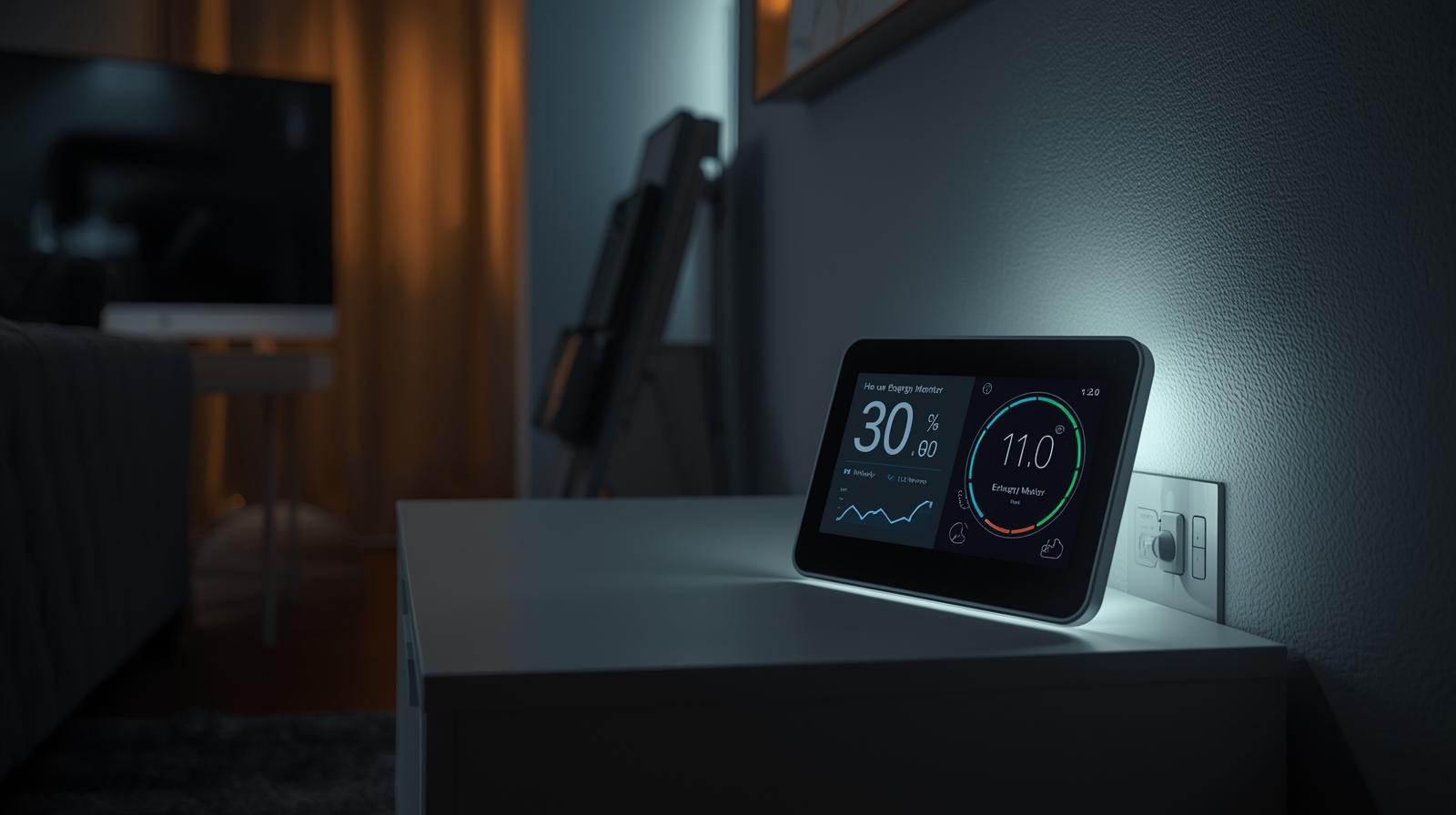
You spent thousands on solar panels. You watched the installers climb your roof, and you felt that surge of pride when the system finally went live. But then the first utility bill arrived, and it wasn't the zero-dollar hero you expected. Why? Because without a real-time solar energy monitor, you are essentially flying a plane without a cockpit display. You know you are moving, but you have no idea how high you are or how much fuel you have left.
Most standard solar inverters come with an app. You probably check it once a week. It tells you how much energy you produced yesterday. That is nice, but it is historical data. It is like looking at a receipt after you have already spent the money. Real-time tracking is different. It tells you that right now, at 2:14 PM, your dishwasher is pulling more power than your panels are producing because a cloud just drifted over. That insight is the difference between saving a few bucks and mastering your home's economy.
Why Real-Time Data Changes Everything
In my experience, the biggest shock for new solar owners is the 'consumption gap.' You might produce 40 kWh in a day and use 35 kWh, yet still owe the utility company money. This happens because you are producing energy when you don't need it and using it when your panels are dark. A real-time monitor exposes these patterns. It turns the invisible flow of electrons into a clear, actionable map. When you can see the spike in usage the moment you turn on the clothes dryer, you start to change your behavior. You start 'load shifting'—running heavy appliances when your solar production is peaking. This isn't just about being green; it is about keeping your money in your pocket instead of giving it back to the grid.
How Solar Energy Monitors Actually Work
If you are worried that you need a degree in electrical engineering to understand this stuff, take a breath. The hardware is surprisingly elegant. Most high-end monitors use Current Transformers, or CT clamps. These are small, plastic sensors that clip around the main power lines inside your electrical panel. They don't actually touch the copper; they 'listen' to the magnetic field created by the electricity flowing through the wires.
🏆 Our Top Picks
Sense Solar Energy Monitor
The gold standard for AI-driven appliance recognition. It samples data at 1 million times per second, allowing it to identify individual devices by their electrical signature. It is perfect for users who want a clean, high-tech interface without installing dozens of sensors.
Check Price on Amazon →Emporia Vue Gen 3 Smart Home Energy Monitor
The best choice for data-hungry homeowners. It provides 16 individual circuit sensors, giving you 100% accuracy on where your power is going. The Gen 3 features improved Wi-Fi stability and a more compact design for crowded breaker boxes.
Check Price on Amazon →Shelly Pro 3EM-400
A professional-grade, DIN-rail mountable monitor favored by the home automation community. It offers local API access, meaning your data stays in your house and doesn't require a cloud connection. Ideal for integration with Home Assistant or other custom setups.
Check Price on Amazon →Span Smart Panel
The ultimate upgrade for a solar home. This isn't just a monitor; it is a complete replacement for your electrical panel. It allows you to turn off individual breakers from your phone and automatically manages your battery backup during an outage.
Check Price on Amazon →These clamps measure two things: the energy coming from your solar inverter and the energy being pulled from (or pushed to) the grid. The monitor then sends this data to your Wi-Fi router, which beams it to an app on your phone. By April 2026, most of these systems have moved toward 'edge computing,' meaning the device does the heavy lifting locally. This makes the data updates nearly instantaneous—usually refreshing every second or two. If you turn on a lightbulb, you see the graph jump before you even leave the room.
The Role of AI and Machine Learning
We have moved past simple graphs. Modern monitors now use 'load disaggregation.' This is a fancy way of saying the monitor can recognize the unique electrical signature of your appliances. A toaster has a different 'heartbeat' than a refrigerator or a heat pump. By analyzing the noise on the line, the monitor can tell you exactly how much it costs to run your coffee maker every month. This level of detail is a game-changer for identifying 'vampire loads'—those devices that suck power even when you think they are off.
The 2026 Landscape: V2H and Smart Integration
As we move through 2026, the conversation has shifted from simple monitoring to total orchestration. We are seeing the rise of Vehicle-to-Home (V2H) technology. Your electric vehicle is no longer just a car; it is a massive battery on wheels. A top-tier solar monitor now acts as the brain of this operation. It decides when to charge your car using excess solar and when to pull power from the car to run your AC during expensive peak hours.
Furthermore, the integration with the Matter smart home standard has become mandatory for any serious device. This means your energy monitor can talk directly to your smart thermostat or your water heater. If solar production drops because of a storm, the monitor can automatically tell the water heater to pause for an hour to avoid pulling expensive power from the grid. This is 'set it and forget it' energy management, and it is finally becoming accessible to the average homeowner.
Comparison of Monitoring Approaches
| Feature | Inverter-Based Apps | Third-Party CT Monitors | Smart Electrical Panels |
|---|---|---|---|
| Data Refresh Rate | 5-15 Minutes | 1-2 Seconds | Instantaneous |
| Appliance Detection | Rarely | High Accuracy | Circuit-Level Precision |
| Installation Ease | Included | Moderate (DIY possible) | Professional Only |
| Cost | Free/Included | $200 - $600 | $2,000 - $4,500 |
Circuit-Level vs. Whole-Home Tracking
When you start shopping, you will run into two main philosophies. The first is whole-home monitoring, like what Sense offers. It uses one pair of clamps and tries to guess what is running using AI. It is clean and easy to install, but it can take weeks to 'learn' your home, and it might miss smaller devices.
The second is circuit-level tracking, like the Emporia Vue. This involves sticking a sensor on every single breaker in your box. It is a bit of a 'spaghetti mess' of wires inside the panel, but the data is indisputable. You don't have to guess if the guest room heater is on; you can see the exact wattage on that specific breaker. In my experience, if you are a data nerd who wants absolute certainty, circuit-level is the way to go. If you want a sleek interface and don't mind a bit of AI guesswork, whole-home monitors are much friendlier.
The Hidden Value of Voltage Monitoring
Most people focus on Watts, but a good monitor also tracks Voltage. Why does this matter? Because utility companies aren't perfect. If your neighborhood's voltage is consistently too high, it can shorten the lifespan of your LED bulbs and sensitive electronics. If it is too low, your motors (like in your fridge or AC) have to work harder and will burn out faster. A real-time monitor gives you the data you need to call the utility company and demand they fix the transformer on your street. That alone can save you thousands in appliance replacements.
Installation: Can You Do It Yourself?
Here is the truth: if you are comfortable taking the cover off your electrical panel, you can probably install a monitor in about 45 minutes. However, 'comfortable' is the keyword. You are working inches away from live busbars that can kill you. If the idea of touching a screwdriver to a panel makes your heart race, just hire an electrician. It is a standard one-hour job for them.
For those going the DIY route, the biggest challenge isn't the wiring—it is the Wi-Fi signal. Your electrical panel is essentially a giant metal box that acts as a Faraday cage, blocking signals. Most modern monitors now come with an external antenna that you mount outside the panel. Make sure your home network reaches the garage or wherever your panel lives before you start the installation. There is nothing more frustrating than finishing the wiring only to find out the device can't talk to the cloud.
Turning Data Into Dollars: Actionable Strategies
Once the monitor is in, the real fun begins. Here is how you actually use that data to pay for the device in the first year. First, identify your 'baseload.' This is the amount of power your house uses when everyone is asleep. If it is higher than 200-300 Watts, you have a problem. It is usually an old beer fridge in the garage or a 'smart' TV that never truly sleeps. Find it and kill it.
Second, master the 'Solar Noon.' Most people think they should run appliances in the morning. In reality, your panels usually peak between 11 AM and 2 PM. Use your monitor to see exactly when your production curve hits its zenith, and set your dishwasher and laundry timers for that exact window. This maximizes your 'self-consumption' and minimizes the energy you sell back to the utility for pennies on the dollar.
The Psychology of the 'Live View'
There is a documented phenomenon called the 'Feedback Loop.' When people can see their energy usage in real-time, they naturally reduce their consumption by 10% to 15% without even trying. It becomes a game. You see the number go down when you turn off a light, and you get a small hit of dopamine. Over a year, that 15% reduction can be worth hundreds of dollars. It is the most effective energy-saving tool ever invented because it changes the human, not just the hardware.
The Bottom Line
A solar energy monitor is no longer a luxury for tech enthusiasts; it is a core component of a modern home. As we navigate the complexities of the 2026 energy grid—with its fluctuating prices, EV demands, and battery backups—having real-time visibility is your only defense against rising costs. Stop guessing what your panels are doing. Get a monitor, open the app, and finally take control of the power you are producing.
Frequently Asked Questions
Will a solar monitor work with any brand of solar panels?
Yes. Since third-party monitors use CT clamps around the main wires, they are brand-agnostic. They don't care if you have Tesla, SunPower, or DIY panels; they only measure the electricity flowing through the copper.
Do I need to pay a monthly subscription for the data?
Most hardware manufacturers like Emporia and Shelly offer free cloud access. However, some premium AI features or long-term data storage (beyond 2 years) may move toward a small subscription model in the future.
Can a monitor detect if one of my solar panels is broken?
While it won't point to a specific panel, it will show a drop in total expected production. By comparing your real-time output to local weather data, the monitor can alert you if your system is underperforming, suggesting a hardware issue or dirt buildup.