 By Kevin Ramirez
Our Editorial Research & Methodology
The Frustrating Silence of a Broken Thermostat
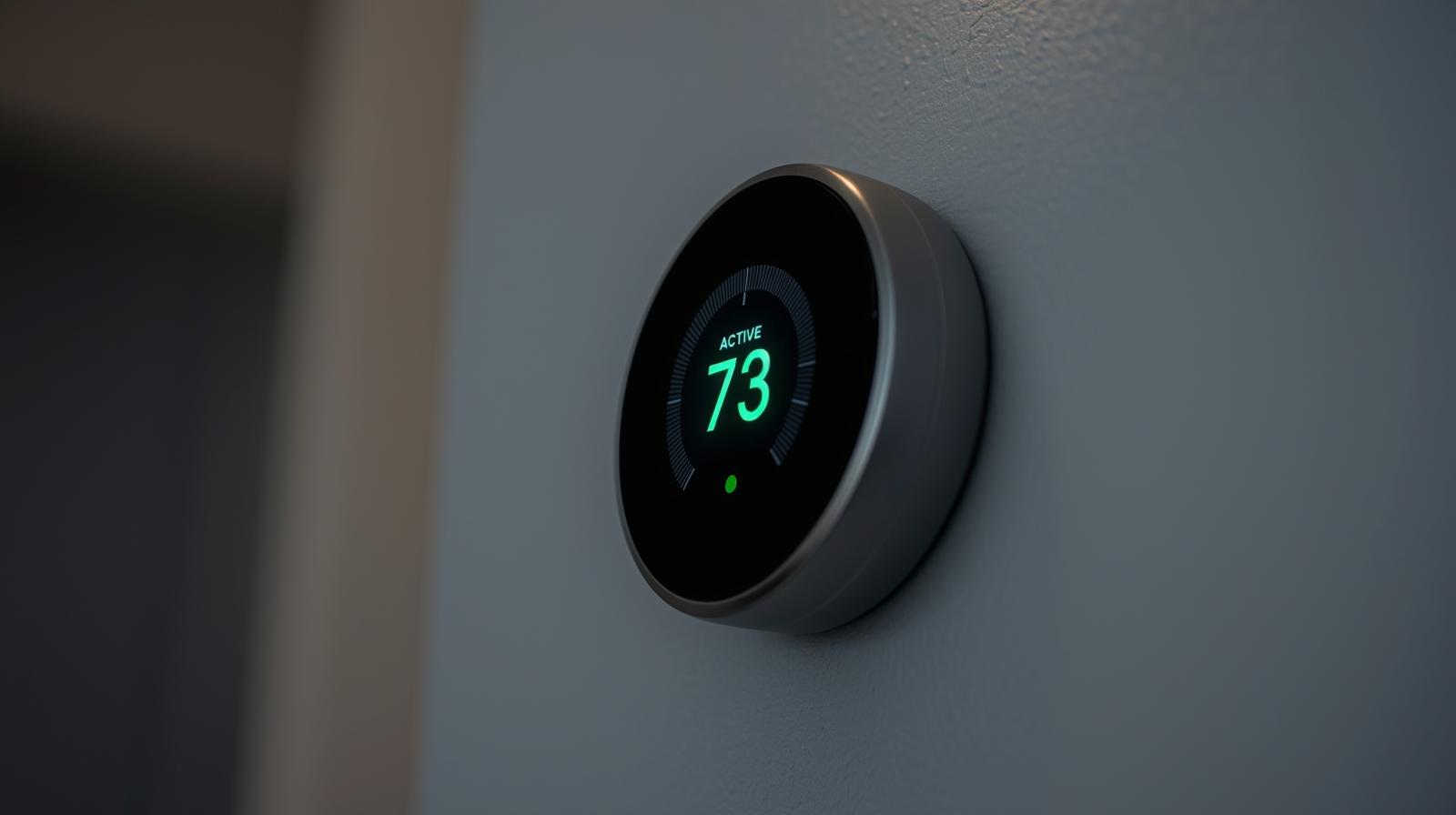
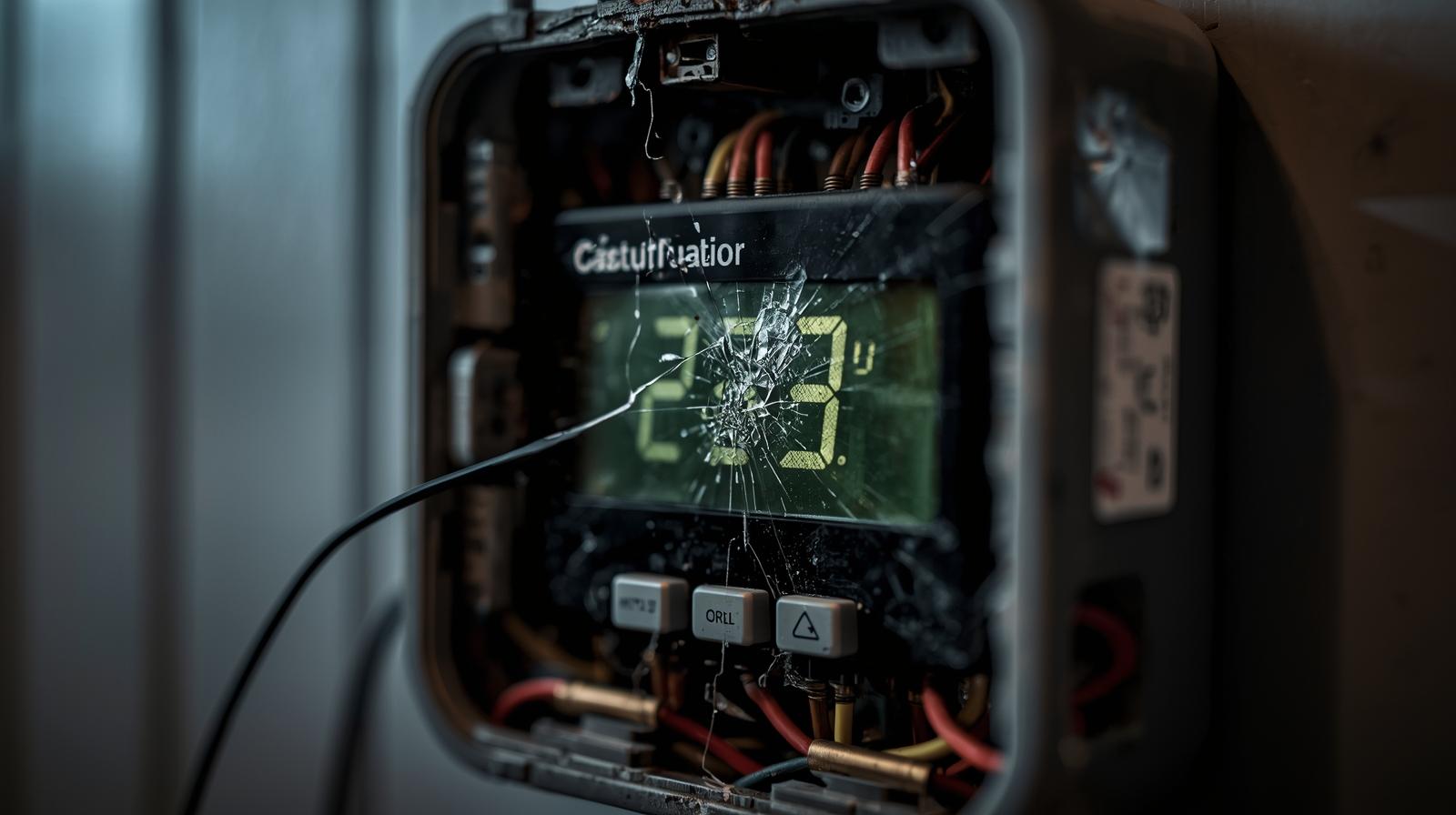
You wake up at 3:00 AM on a Tuesday in February. The air in your bedroom feels like a walk-in freezer. You check your phone, but the app says your thermostat is offline. You walk to the hallway, and the screen is pitch black. Your smart home just became a very expensive, very cold paperweight. Look, I have been there. It is frustrating when the tech that is supposed to make your life easier ends up making it more complicated. But here is the good news: most smart thermostat issues are not fatal. Usually, it is a simple power hiccup or a communication glitch that you can fix in twenty minutes without calling a pro.
In my experience, people jump to the conclusion that the device is fried. In reality, it is often something as small as a loose wire or a tripped breaker. We are going to walk through every possible reason your smart thermostat is acting up. We will cover power issues, connectivity drops, and those weird software bugs that seem to happen right when the weather gets extreme. By the time you finish reading this, you will know exactly how to get your heat or AC back on.
The Most Common Culprits
Before we tear the device off the wall, let's look at the usual suspects. Most problems fall into one of three buckets: power, connectivity, or compatibility. If the screen is dead, it is power. If the screen is on but the air is not blowing, it is likely wiring or a system error. If the app is not working but the wall unit is fine, you have a network issue. Let's break these down one by one.
Step 1: Solving the Dead Screen (Power Issues)
If your thermostat screen is blank, do not panic. It does not mean the unit is dead. Smart thermostats are power-hungry. Unlike the old-school mercury switches that ran on a couple of AA batteries for years, these devices need a constant stream of electricity to run their Wi-Fi chips and color displays. Most of them rely on a C-wire (Common wire) to get that power.
🏆 Our Top Picks
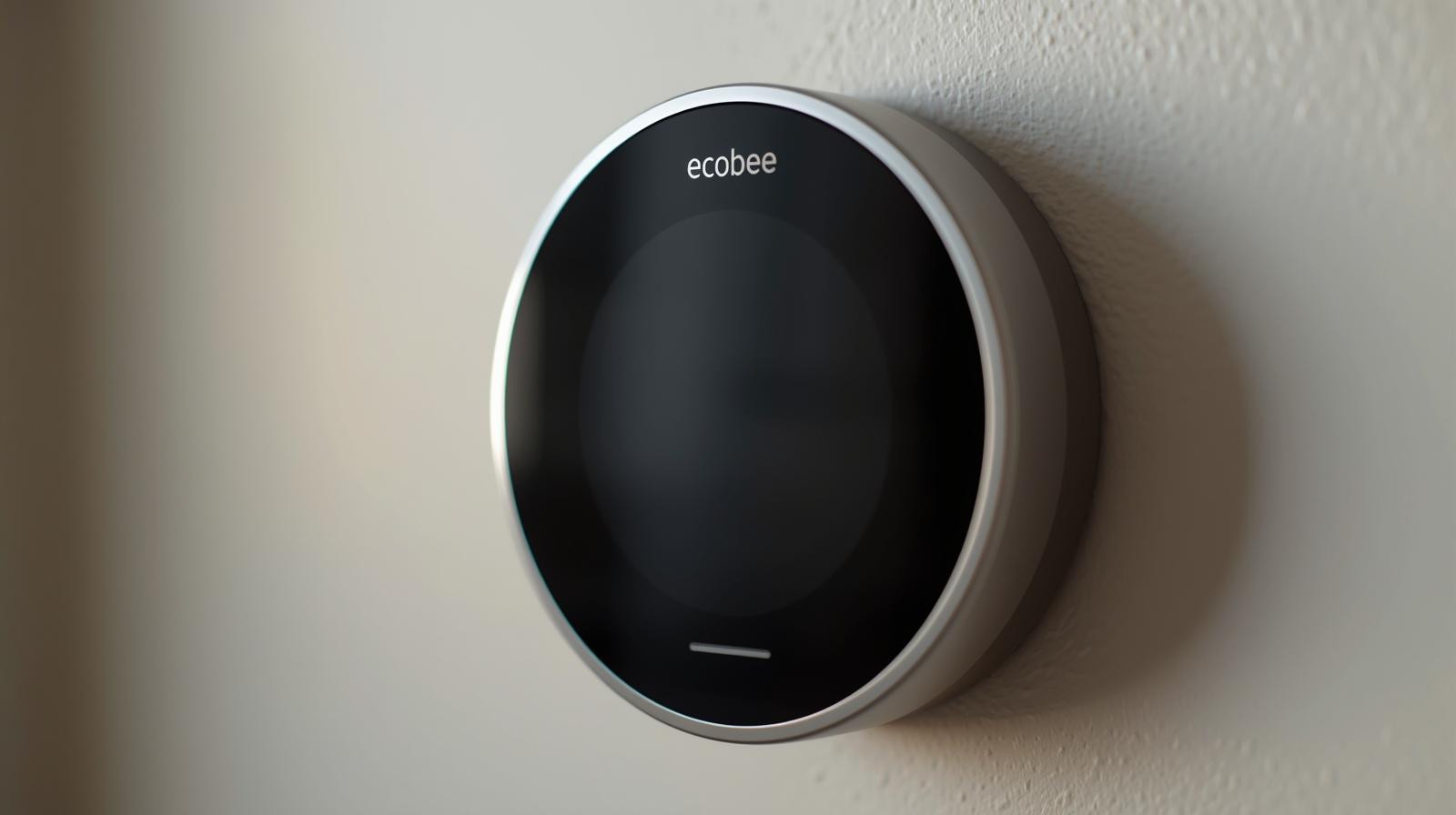
Ecobee Smart Thermostat Premium
This is the gold standard for reliability. It includes a zinc-bodied design and a built-in air quality monitor. It excels because of its included remote sensor which solves the 'hot room/cold room' problem immediately.
Check Price on Amazon →Google Nest Learning Thermostat (4th Gen)
The 4th Gen model features a stunning borderless display and advanced AI that learns your schedule faster than previous versions. It is best for users who want a 'set it and forget it' experience with high-end aesthetics.
Check Price on Amazon →Honeywell Home T10+ Pro
Designed for complex systems, the T10+ handles humidifiers, dehumidifiers, and ventilators with ease. It is the best choice for homeowners with advanced HVAC setups who need professional-grade control.
Check Price on Amazon →Wyze Thermostat v2
The best budget-friendly option that does not feel cheap. It supports Matter for 2026 compatibility and offers a surprisingly robust app. It is perfect for apartments or secondary rooms where you do not need a premium screen.
Check Price on Amazon →Check Your Breaker Box
It sounds obvious, but you would be surprised how often a simple tripped breaker is the cause. HVAC systems often have two breakers: one for the outdoor condenser and one for the indoor air handler or furnace. If the indoor breaker trips, your thermostat loses its power source. Flip the switch all the way to 'Off' and then back to 'On' to ensure it is properly reset.
The C-Wire Connection
If you recently installed the thermostat and it worked for a few hours then died, you likely have a power-stealing issue. Some thermostats try to 'steal' power from the heating or cooling wires when the system is running. This is a recipe for disaster. If you do not have a C-wire, you should be using a Power Extender Kit (PEK) or a C-wire adapter. Check the wiring at the thermostat baseplate. If the 'C' terminal is empty, that is your problem. Without a dedicated power return, the internal battery eventually drains to zero.
Blown Fuses on the Control Board
Inside your furnace or air handler, there is a control board. It looks like a green computer motherboard. Most of these have a small purple or tan automotive-style fuse (usually 3-amp or 5-amp). If you accidentally touched two wires together while installing the thermostat, you probably blew this fuse. If the fuse is blown, the thermostat will not get any power. Replacing it costs about five dollars at any hardware store.
Step 2: When the App Says 'Offline' (Connectivity)
It is 2026, and we are living in the era of Matter and Thread. Most modern thermostats use these protocols to talk to your hub. However, Wi-Fi is still the primary way they talk to the cloud. If your thermostat works manually but the app is dead, the problem is your network.
The 2.4GHz vs. 5GHz Trap
Even in 2026, many smart home devices still prefer the 2.4GHz frequency because it has a longer range and can pass through walls more easily. If you recently upgraded to a high-speed Wi-Fi 7 router, it might be trying to force the thermostat onto a 5GHz or 6GHz band that it cannot handle. Try creating a dedicated 2.4GHz guest network just for your smart home gear. This solves about 80 percent of 'offline' issues.
Signal Interference and Distance
Is your router hidden inside a metal cabinet? Is it three rooms away from the thermostat? Metal and thick masonry are the enemies of Wi-Fi. If your signal strength is consistently low, the thermostat will drop the connection to save power. Consider a mesh Wi-Fi system to ensure you have a node within twenty feet of the thermostat.
Server Outages
Sometimes, it is not you; it is them. Check the status page for your thermostat brand (Nest, Ecobee, Honeywell). If their cloud servers are down, your app will not work, even if your home internet is perfect. In these cases, you just have to wait it out and use the physical dial on the wall.
Step 3: The System Runs but the Temperature is Wrong
This is a sneaky problem. The thermostat thinks it is 72 degrees, but you are shivering. Or worse, the AC is running, but the house is getting hotter. This usually points to a calibration issue or a sensor failure.
Sensor Placement and Sun-Load
Where is your thermostat located? If it is in direct sunlight at 2:00 PM, the internal sensor will think the house is 85 degrees and blast the AC, even if the rest of the house is freezing. This is called 'sun-load.' You can fix this by using remote sensors. Most modern thermostats allow you to place small, battery-powered sensors in bedrooms or the living room. You can tell the thermostat to ignore its own internal sensor and follow the temperature of the room you are actually in.
Calibration Settings
Most smart thermostats allow you to 'offset' the temperature. If you have a trusted thermometer that says it is 70 degrees, but the thermostat says 73, you can go into the advanced settings and apply a -3 degree offset. This aligns the device with reality.
The 'Short Cycling' Nightmare
If your furnace turns on for two minutes, shuts off, and then turns back on again, your thermostat might be 'short cycling.' This is often caused by the thermostat being too close to a supply vent. The warm air hits the thermostat, it thinks the job is done, and it shuts off. Then, the cold air in the room settles, and it turns back on. Move the vent louvers so they point away from the thermostat.
Step 4: Wiring and Compatibility Issues
If you just installed your thermostat and it is blowing hot air when it should be cold, you have a wiring mix-up. This is especially common with heat pumps.
The O/B Wire Confusion
Heat pumps use a reversing valve to switch between heating and cooling. This is controlled by the O/B wire. Some brands (like Rheem or Ruud) need the O/B wire to be energized for heating, while others (like Trane or Carrier) need it for cooling. If your air is the wrong temperature, go into the installer settings on your thermostat and toggle the 'O/B' orientation. It is a software switch that fixes a hardware problem.
High Voltage vs. Low Voltage
Here is a critical safety warning: Most smart thermostats are designed for 24V low-voltage systems. If you have baseboard electric heat, you likely have a 120V or 240V high-voltage system. If you try to connect a standard Nest or Ecobee to these wires, you will literally smell smoke. You need a specific line-voltage smart thermostat for those systems. Always check the thickness of the wires. Thin, multi-colored wires are low voltage. Thick black or red wires with wire nuts are high voltage.
Comparison: Common Symptoms and Solutions
| Symptom | Likely Cause | Quick Fix |
|---|---|---|
| Blank Screen | No Power / Blown Fuse | Check breaker and furnace fuse. |
| App Offline | Wi-Fi Interference | Reboot router; use 2.4GHz band. |
| Blowing Wrong Air | O/B Wire Setting | Toggle O/B orientation in settings. |
| Short Cycling | Vent Proximity | Redirect air vents away from unit. |
| Delayed Start | Internal Battery Low | Install a C-wire or Power Adapter. |
Step 5: Software Glitches and Factory Resets
Since we are in 2026, these devices are essentially small computers running complex operating systems. Sometimes, the code just hangs. If your thermostat is frozen or behaving erratically, a factory reset is your best friend. Most units have a 'Reset' option in the settings menu. If the screen is frozen, you can usually pull the unit off the wall and find a small pinhole reset button on the back. Hold it for ten seconds. This wipes the temporary memory and forces a fresh boot. You will have to reconnect it to Wi-Fi, but it often clears up mysterious bugs.
Firmware Updates
Make sure your device is running the latest firmware. Manufacturers push updates to fix security holes and improve compatibility with new HVAC equipment. If your thermostat has been offline for a while, it might have missed a critical update that fixes the very bug you are experiencing. Connect it to a mobile hotspot if your home Wi-Fi is the issue, just to get that update downloaded.
When to Call a Professional
I am all for DIY, but I also know when to put the screwdriver down. If you have checked the breakers, the fuses, and the wiring, and the system still will not kick on, the problem might be your HVAC unit itself. If you hear a clicking sound from the furnace but nothing happens, your igniter or capacitor might be dead. If you see water in the drain pan under your AC unit, the float switch has likely tripped to prevent a flood. These are jobs for a licensed HVAC technician. Do not mess with gas lines or high-voltage capacitors unless you know exactly what you are doing.
Final Thoughts
A smart thermostat is a powerful tool for saving money and staying comfortable, but it is not invincible. Most of the time, 'not working' just means 'not communicating' or 'not powered.' By following this hierarchy—Power, Connectivity, Wiring, and then Software—you can solve almost any issue yourself. Stay patient, check your C-wire, and remember that even the smartest tech needs a little human help sometimes.
Frequently Asked Questions
Why is my thermostat screen blank even with new batteries?
Most smart thermostats use batteries only for backup or not at all. A blank screen usually indicates a lack of 24V power from the C-wire or a blown fuse on the furnace control board.
Can I use a smart thermostat without a C-wire?
Yes, but you typically need a C-wire adapter or a Power Extender Kit (PEK). Avoid 'power stealing' setups as they can cause system flickering and premature hardware failure.
Why does my thermostat say 'Delayed' for 5 minutes?
This is a safety feature called 'short cycle protection.' It prevents the compressor from restarting too quickly, which can cause permanent damage to your AC or heat pump.