 By James Carter
Our Editorial Research & Methodology
The Reality of Cooling a Home in the Lone Star State
If you live in Texas, you know that summer isn't just a season; it is a survival test for your air conditioner. We are talking about 105-degree afternoons in Dallas and 95-degree days in Houston with 90 percent humidity. In these conditions, a standard thermostat is like bringing a knife to a gunfight. You need something smarter.
By February 2026, the technology has shifted. We are no longer just looking for a device that turns the AC on and off. We need systems that understand the Texas power grid, manage the oppressive Gulf Coast humidity, and communicate with our solar panels or home batteries. Here is the thing: the wrong thermostat can cost you hundreds of extra dollars a year in energy spikes, while the right one can pay for itself in a single season.
Why Texas Heat Requires a Different Strategy
Most people think cooling a home is just about hitting a temperature target. In Texas, that is only half the battle. You have to deal with three specific challenges that most 'best of' lists ignore. First, there is the humidity. If your thermostat does not have a dedicated 'Dry Mode' or dehumidification logic, your house will feel like a swamp even at 72 degrees. You will end up lowering the temp to 68 just to feel comfortable, which kills your compressor and your wallet.
🏆 Our Top Picks
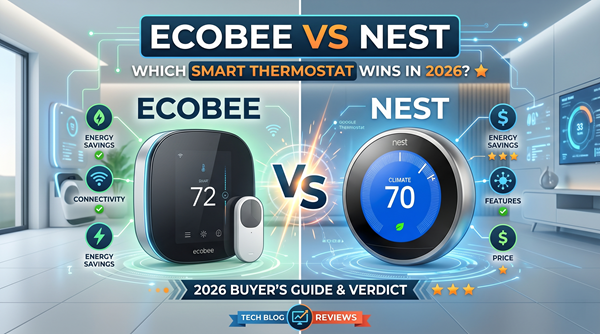
Ecobee Smart Thermostat Premium
The top choice for humid climates. It features a built-in air quality monitor and a high-accuracy humidity sensor that adjusts cooling based on moisture levels. It includes one SmartSensor to help balance temperatures in unevenly cooled rooms.
Check Price on Amazon →Google Nest Learning Thermostat 4th Gen
Best for those who want AI to handle the scheduling. Its 'Renew' feature is specifically designed to shift energy usage to cleaner, cheaper times on the grid, which is perfect for the volatile Texas energy market.
Check Price on Amazon →Honeywell Home T10+ Pro
A professional-grade option that excels in large homes. Its sensors have the longest range in the industry and can prioritize specific rooms based on occupancy, making it ideal for multi-story Texas houses.
Check Price on Amazon →Emerson Sensi Touch 2
The best value for those who want a traditional look with smart features. It is highly rated for privacy and does not require a hub, making it a reliable choice for straightforward cooling needs.
Check Price on Amazon →Second, we have the ERCOT factor. Texas has its own power grid, and as we have seen over the last few years, it gets stressed. Modern smart thermostats in 2026 are now fully integrated with demand-response programs. This means your thermostat can 'pre-cool' your home at 2 PM when energy is cheap, so it can rest at 5 PM when the grid is screaming for help. This keeps your bill low and the lights on for everyone else.
The Importance of Remote Sensors
Texas homes are often large, sprawling ranch styles or two-story brick ovens. A thermostat sitting in a dark hallway does not know that your master bedroom is currently 82 degrees because of a west-facing window. In my experience, you should never buy a thermostat for a Texas home unless it supports high-quality remote sensors. These little pucks tell the main unit exactly where the heat is hiding, ensuring the rooms you actually use stay cool.
Top Picks for the Texas Climate
After testing the latest 2026 models against the brutal heat of a San Antonio August, a few clear winners have emerged. These devices do more than just look pretty on the wall; they manage the complex variables of a high-heat, high-humidity environment.
| Feature | Ecobee Premium | Nest Learning (4th Gen) | Honeywell T10+ Pro |
|---|---|---|---|
| Humidity Control | Excellent | Good | Best-in-Class |
| Grid Integration | Native ERCOT Support | Nest Renew | Utility Grade |
| Sensor Range | 60 Feet | 50 Feet | 200 Feet |
| Matter Support | Yes (v1.3) | Yes (v1.3) | Yes (v1.2) |
1. Ecobee Smart Thermostat Premium
This remains the gold standard for Texas for one reason: the sensors. The Ecobee Premium comes with a zinc-bodied remote sensor that tracks both occupancy and temperature. What most people miss is the 'Feels Like' feature. It uses a combination of humidity and temperature to decide when to run the AC. In a humid climate like Houston or Corpus Christi, this is a game-changer. It prevents that 'clammy' feeling by running the fan longer to pull moisture out of the air.
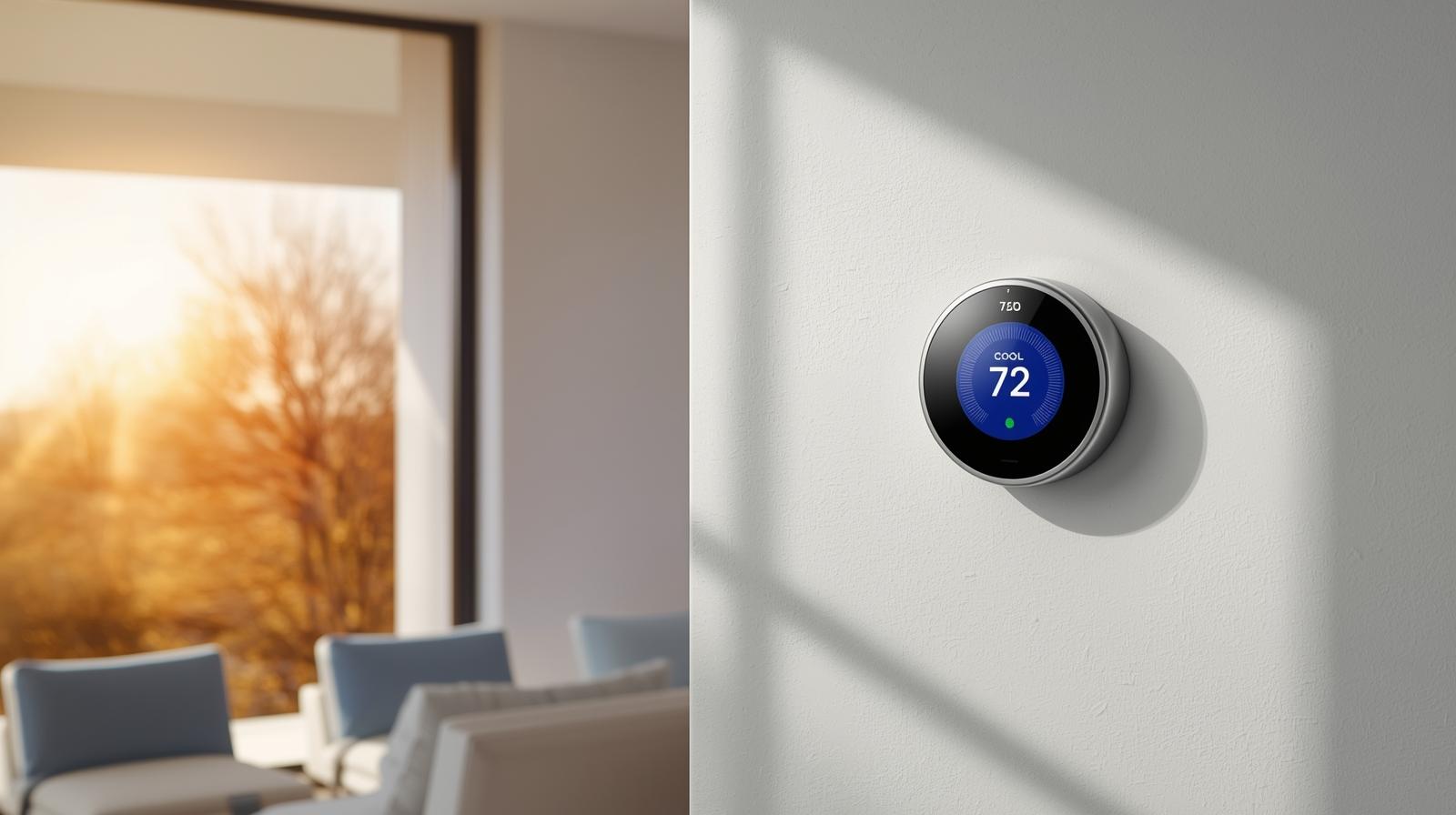
2. Google Nest Learning Thermostat (4th Gen)
The 2026 iteration of the Nest has finally perfected its AI cooling logic. It now uses 'Predictive Cooling,' which looks at the Texas weather forecast 24 hours in advance. If it sees a 110-degree spike coming tomorrow, it will slightly over-cool your home during the night when energy prices are at their lowest. It is the most 'set it and forget it' option on the market. If you do not want to micromanage your HVAC, this is your best bet.
3. Honeywell Home T10+ Pro
If you have a complex HVAC setup—maybe a whole-home dehumidifier or a multi-stage heat pump—the Honeywell T10+ Pro is the professional's choice. It does not have the flashy glass screen of the Nest, but its reliability is unmatched. In West Texas, where the air is dry but the heat is intense, the T10+ excels at managing airflow. Its sensors have a massive 200-foot range, making it perfect for those 4,000-square-foot Texas mansions.
The Hidden Cost of 'Auto' Mode
In my experience, the biggest mistake Texans make is leaving their smart thermostat on a generic 'Auto' schedule. Texas weather is too volatile for that. One day it is 85, the next it is 40, and by the afternoon it is 90 again. You want a thermostat that uses 'Geofencing.' This uses your phone's GPS to know when you are heading home. It keeps the house at 78 while you are at work, but starts the 'cool down' the moment you leave the office. This prevents the AC from working at 100 percent capacity for three hours straight when you get home, which is the fastest way to blow a capacitor.
Matter and the 2026 Smart Home
We have finally reached the point where your thermostat can talk to your smart blinds. This is crucial for Texas. When your thermostat senses the indoor temperature rising past 75 degrees, it can trigger your south-facing smart blinds to close. This 'passive cooling' reduces the load on your AC by up to 20 percent. When shopping, ensure your choice is 'Matter Certified.' This ensures that no matter what phone or smart hub you use, your cooling system will work in harmony with the rest of your home.
Installation Tips for Older Texas Homes
If you are living in a charming 1950s bungalow in Austin, you might not have a 'C-wire' (common wire) behind your old thermostat. This wire provides constant power. While many modern thermostats claim they can work without one by 'power stealing,' I strongly advise against it. In the Texas heat, your thermostat is working overtime. Power stealing can cause your AC controller board to chatter or fail. Always use a C-wire adapter or, better yet, have a pro pull a new wire. It is a small price to pay for a system that won't die in the middle of a July heatwave.
Maintenance: The Smart Thermostat's Best Friend
No thermostat can fix a dirty evaporator coil. If you notice your smart thermostat is reporting that it's taking longer than usual to drop the temperature, it is likely not a software issue. It is a hardware cry for help. In Texas, you should change your filters every 30 days during the summer. Dust and pollen from the Cedar Fever season can clog your system, making even the smartest thermostat look dumb. Many 2026 models now include 'Filter Life' monitoring based on actual airflow rather than just a timer. Pay attention to these alerts.
Final Thoughts on Choosing Your Model
Don't just buy the one that looks the best. If you live on the coast, prioritize humidity control. If you live in North Texas, prioritize grid integration and demand-response features. If you have a large home, prioritize sensor range. The goal is to stop thinking about your AC and let the technology handle the heavy lifting. After all, you have better things to do—like finding the best BBQ in town.
Frequently Asked Questions
What is the best humidity setting for a Texas summer?
Aim for between 45% and 55%. Anything higher feels sticky and promotes mold; anything lower wastes energy and can cause dry skin and static electricity.
Will a smart thermostat really save me money with ERCOT?
Yes. By participating in 'OhmConnect' or similar utility programs, your thermostat can automatically reduce usage during peak demand, often earning you credits on your bill.
Can I install a smart thermostat myself in an older home?
Usually, yes, but older Texas homes often lack a C-wire. You will likely need a C-wire adapter kit, which is included with most Ecobee and Nest models.