 By James Carter
Our Editorial Research & Methodology
The Great Hallway Lie: Why Your Thermostat is Failing You
We have all been there. You set your thermostat to a perfect 72 degrees. The display says it is 72 degrees. But you are sitting on your couch under three blankets because the living room feels like a meat locker. This happens because your thermostat is a liar. Or, more accurately, it is a localized observer. It only knows the temperature of the hallway where it is mounted. Hallways are usually interior spaces without windows, meaning they do not represent the actual climate of your home.
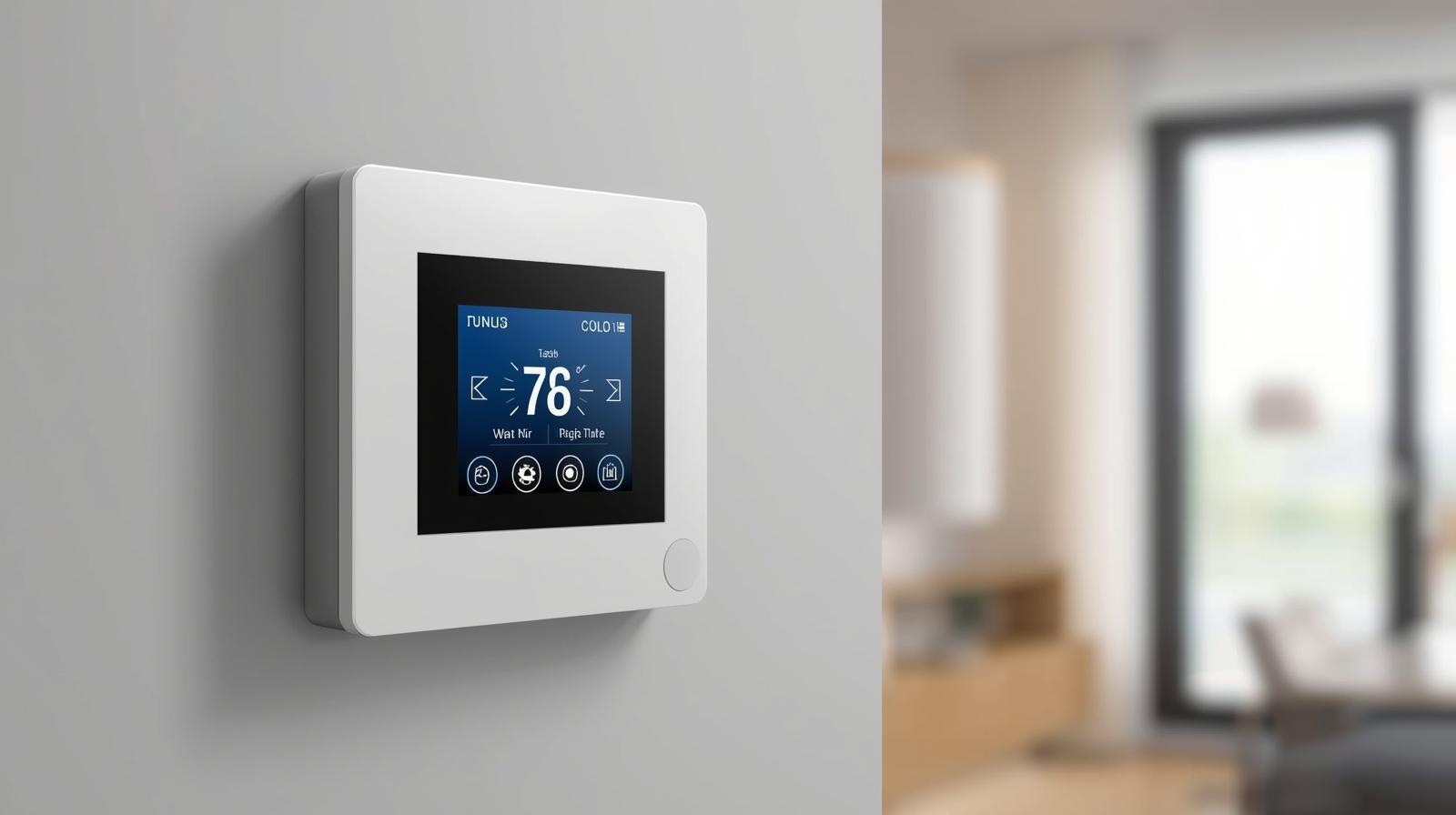
This is where the WiFi thermostat with remote sensors changes the game. Instead of relying on one single point of data, these systems use small, battery-powered pods placed in the rooms where you actually spend time. If your bedroom is freezing at night, the sensor tells the thermostat to keep the heat running until that specific room reaches the target temperature. It is a simple solution to a problem that has plagued homeowners since the invention of central air.
The Shift to Matter and Thread in 2026
As we move through 2026, the technology behind these sensors has evolved. We have moved past the days of proprietary signals that drop out when you microwave popcorn. Most modern sensors now run on Matter over Thread. This means they respond faster, their batteries last for years instead of months, and they do not clog up your WiFi bandwidth. When you buy a system today, you are not just buying a thermometer; you are buying a node in a mesh network that makes your entire home smarter.
How Remote Sensors Solve the Hot and Cold Spot Problem
Most houses have that one room. Maybe it is the south-facing sunroom that turns into an oven in July, or the nursery over the garage that stays chilly all winter. A standard thermostat cannot see these problems. It just sees the hallway. Remote sensors act as your eyes and ears in those trouble spots. They provide the data necessary for the HVAC system to make intelligent decisions.
🏆 Our Top Picks
Ecobee Smart Thermostat Premium
The industry leader in sensor technology. It includes a high-quality zinc-bodied thermostat and one SmartSensor. It features built-in air quality monitoring and works with every major smart home platform via Matter.
Check Price on Amazon →Google Nest Learning Thermostat (4th Gen)
A beautiful redesign that finally brings advanced occupancy sensing to the Nest ecosystem. Best for users who want an AI-driven schedule that adapts to their habits without manual programming.
Check Price on Amazon →Honeywell Home T10 Pro Smart Thermostat
A professional-grade option with incredible sensor range. It is ideal for large homes where WiFi or Bluetooth signals struggle to penetrate thick walls or reach distant rooms.
Check Price on Amazon →Wyze Thermostat with Room Sensor
The best value on the market. It provides essential remote sensing and WiFi control at a fraction of the cost of competitors, making it perfect for apartments or budget-conscious upgrades.
Check Price on Amazon →Here is how the logic works in a modern smart system. You can set 'priorities.' During the day, you might tell the system to prioritize the home office. At 9:00 PM, the priority shifts to the bedrooms. The thermostat ignores its own internal sensor and listens only to the remote sensors in those active areas. This prevents the system from over-cooling an empty living room just to get the bedroom comfortable.
Occupancy Sensing: The Secret to Real Savings
The best sensors in 2026 do more than just read temperature. They detect motion and body heat. If you have a sensor in the guest room but no one has walked in there for three days, the thermostat is smart enough to ignore that room's temperature. There is no point in heating a room for a ghost. This 'follow-me' feature is the primary driver of energy savings. In my experience, users who utilize occupancy-based sensing see a 15 percent to 20 percent reduction in their monthly energy bills compared to a basic programmable thermostat.
Key Features to Look for When Buying
Do not just grab the first box you see at the hardware store. Not all sensors are created equal. You need to look at the communication protocol, the battery life, and the 'averaging' logic. Some cheaper models only allow the sensor to act as an on/off switch, while more advanced units can average the temperature across five different rooms to find a comfortable middle ground.
| Feature | Basic Models | Premium Models (2026 Standard) |
|---|---|---|
| Connectivity | Proprietary RF | Matter over Thread / WiFi 6e |
| Battery Life | 6-12 Months | 3-5 Years (CR2477 or similar) |
| Sensors Included | 0-1 | 2-4 |
| Occupancy Detection | No | Yes (PIR or Ultrasonic) |
| Humidity Tracking | No | Yes |
In 2026, humidity tracking is a non-negotiable feature. Comfort is not just about the number on the dial; it is about the moisture in the air. A good remote sensor will tell your thermostat to run the AC a bit longer to pull humidity out of the air, even if the temperature is technically at the set point. This prevents that 'clammy' feeling that makes 72 degrees feel like 78.
The Best WiFi Thermostats with Remote Sensors
Choosing the right hardware depends on your existing ecosystem. If you are an Apple Home user, your needs differ from someone deep in the Google or Amazon ecosystems. However, a few standouts have dominated the market this year due to their reliability and sensor accuracy.
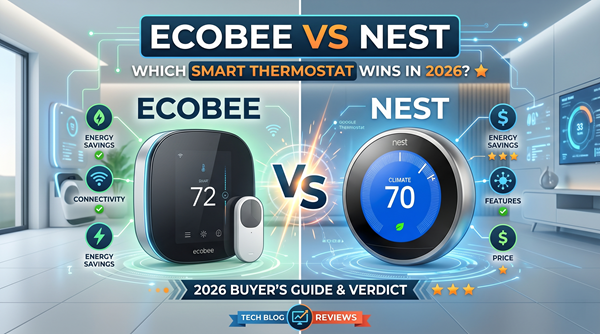
1. Ecobee Smart Thermostat Premium
Ecobee has been the king of remote sensors for a decade, and their latest Premium model continues that streak. The included SmartSensor is a masterpiece of industrial design. It tracks both temperature and occupancy with incredible precision. What I love about the Ecobee system is the 'Time of Use' optimization. It looks at your local utility rates and uses the sensors to pre-cool or pre-heat your home when electricity is cheapest.
The Trade-off: It is expensive. You are paying for the zinc construction and the built-in air quality monitor. If you do not care about the 'premium' feel, the hardware might feel like overkill.
2. Google Nest Learning Thermostat (4th Gen)
Nest finally caught up with their latest iteration. For years, Nest sensors were basic and lacked occupancy detection. The 4th Gen sensors fixed this. They now integrate seamlessly with Google Home and use AI to predict when you will be in certain rooms. The 'Learning' aspect means you do not have to program it; it just watches your patterns for a week and builds a schedule for you.
The Trade-off: The Google ecosystem can be restrictive. If you want to use these sensors to trigger other smart home events (like turning on a fan), it is much harder than it is with Ecobee or HomeAssistant.
3. Honeywell Home T10 Pro
This is the 'contractor's choice.' It is not as pretty as the Nest, but it is a workhorse. The T10 Pro has the best sensor range in the business. If you have a large house with thick walls, the Honeywell sensors will stay connected where others fail. They use a dedicated 900MHz frequency that cuts through interference like a knife.
The Trade-off: The app interface feels a bit dated. It is functional, but it lacks the polished, 'fun' feel of the newer tech brands.
4. Wyze Thermostat with Room Sensors
If you are on a budget, Wyze is the answer. You can get a thermostat and three sensors for the price of one Ecobee. The sensors are tiny—about the size of a silver dollar—and they do a decent job of tracking temperature. They lack the advanced AI features of the big boys, but for a small apartment or a starter home, they are more than enough.
The Trade-off: Reliability can be hit or miss. You might find yourself resetting a sensor once or twice a year when it loses its connection to the hub.
Strategic Placement: Where to Put Your Sensors
Buying the tech is only half the battle. If you put your sensor in the wrong spot, you are just feeding the thermostat bad data. I see people make the same mistakes constantly. They put a sensor on a bookshelf right next to a lamp. The lamp gets hot, the sensor thinks the room is 85 degrees, and your AC runs until you are shivering.
- Avoid Exterior Walls: These walls are always colder or hotter than the rest of the room. Mount your sensor on an interior wall for an accurate reading.
- The Five-Foot Rule: Mount sensors at chest height (about five feet). Air stratifies, meaning it is hotter near the ceiling and colder near the floor. Five feet is where your body actually experiences the temperature.
- Keep Away from Drafts: Do not put a sensor near a window, a door, or directly under an air vent. The 'blast' of air from the vent will satisfy the sensor instantly, causing the system to short-cycle.
- The Nightstand Trick: For bedrooms, place the sensor on your nightstand. This ensures the temperature is perfect exactly where you sleep, not just where the wall is.
The ROI: Is it Actually Worth the Money?
Let's talk numbers. A high-end thermostat with a pack of sensors will run you between $250 and $400. That sounds like a lot for a 'gadget.' But here is the reality: HVAC is the single largest expense in most homes. By using remote sensors to eliminate 'over-conditioning' empty rooms, most people save about $15 to $30 a month. In a typical climate, the system pays for itself in less than two years.
Beyond the money, there is the 'comfort tax.' What is it worth to you to never wake up sweating at 3:00 AM? What is it worth to have a home office that is actually habitable in the afternoon? For most of us, that comfort is worth the entry price alone. In 2026, a home without remote sensors feels like a car without climate control—it is an outdated way to live.
Common Pitfalls and How to Avoid Them
The biggest issue people face is 'sensor drop-off.' This is when the thermostat loses contact with the remote pod. Usually, this is caused by interference or a dying battery. If you are building a system today, stick to Matter-compatible devices. They use a mesh network, meaning each sensor can pass the signal to the next one, extending the range significantly.
Another mistake is over-complicating the schedule. People try to set different temperatures for every hour of the day. My advice? Keep it simple. Set a 'Home,' 'Away,' and 'Sleep' profile. Let the occupancy sensors handle the rest. The more you fiddle with it, the less efficient it becomes. Trust the sensors to do their job.
Final Thoughts on the Future of Home Climate
We are rapidly approaching a time when 'thermostats' as we know them will disappear. Instead, we will have 'climate engines' hidden in the walls that use dozens of tiny, invisible sensors to maintain a perfect environment. Until then, the WiFi thermostat with remote sensors is the best tool we have. It bridges the gap between old-school HVAC and the truly smart home of the future. If you are still relying on a single box in your hallway, it is time for an upgrade. Your comfort—and your wallet—will thank you.
Frequently Asked Questions
How many sensors can I add to one thermostat?
Most modern systems like Ecobee or Nest support up to 20 or 32 sensors, though 3-5 is usually sufficient for a standard 2,000 square foot home.
Do remote sensors work with baseboard heaters?
Only if your thermostat is specifically designed for high-voltage baseboard systems (like Mysa). Standard smart thermostats usually require a 24V C-wire system.
Will the sensors work if my WiFi goes down?
Yes, most sensors communicate directly with the thermostat using Thread or RF signals, so they will continue to regulate temperature even without an active internet connection.