 By Daniel Lee
Our Editorial Research & Methodology
The New Era of Home Illumination
Look, we have all been there. You are tucked into bed, perfectly comfortable, and you realize the kitchen light is still glaring. In the old days, you had to choose between sleep and a higher electric bill. Today, that is a solved problem. But setting up a smart lighting system that actually works—and does not drive you crazy with 'Device Unreachable' errors—requires more than just buying the cheapest bulb on the shelf. In my experience, the difference between a smart home and a frustrating home comes down to the foundation you build today.
As of February 2026, the landscape has shifted. We are no longer fighting the 'protocol wars' of the early 2020s. Matter and Thread have become the gold standard, making it easier than ever to mix and match brands. However, the sheer number of choices can still feel like a maze. This guide is here to cut through the marketing fluff and show you exactly how to wire, pair, and automate your home like a pro.
Choosing Your Backbone: Matter and Thread
Before you buy a single bulb, you need to understand how these things talk to each other. If you just buy random Wi-Fi bulbs, you are going to clog your router and end up with a sluggish network. Here is the thing: your router was designed for Netflix and Zoom calls, not for managing 50 individual light bulbs. This is where Thread comes in.
🏆 Our Top Picks
Philips Hue White and Color Ambiance Smart Bulb (Matter Updated)
The gold standard for color accuracy and dimming range. These bulbs now support Matter natively, allowing for seamless integration into any ecosystem while maintaining the best-in-class 'Hue' app features for complex scenes. Best for those who want the highest quality light output.
Check Price on Amazon →Lutron Caseta Deluxe Smart Dimmer Switch
The most reliable smart switch on the market, especially for older homes. It does not require a neutral wire and uses a proprietary Clear Connect frequency that never interferes with your Wi-Fi. It is the best choice for main overhead lighting where reliability is the top priority.
Check Price on Amazon →Nanoleaf Essentials Matter A19 Smart Bulb
A fantastic entry point into the world of Thread. These bulbs are affordable, bright, and respond almost instantly to commands. They are designed specifically for Matter-over-Thread, making them a future-proof choice for a budget-conscious DIYer.
Check Price on Amazon →Govee AI Gaming Sync Box Kit 2
For those who want their lighting to be part of the entertainment. This kit syncs your room lights with what is happening on your TV or monitor with near-zero latency. It is a specialized tool that turns a standard living room into an immersive theater.
Check Price on Amazon →Thread is a mesh network protocol. Instead of every bulb talking directly to your router, they talk to each other. If one bulb is too far away, it just passes the signal through the next closest device. In 2026, if you are not looking for 'Matter-over-Thread' devices, you are essentially buying tech that is already obsolete. Matter is the language they speak; Thread is the road they drive on. Together, they ensure that your lights respond instantly, even if your internet goes down.
The Role of the Border Router
To get a Thread network running, you need a Border Router. You might already own one without knowing it. Most modern smart speakers, high-end routers, and even some televisions now act as Thread Border Routers. They bridge the gap between your home network and your smart devices. When you are shopping, look for this capability in your central hub to ensure your DIY setup is rock solid from day one.
The Great Debate: Smart Bulbs vs. Smart Switches
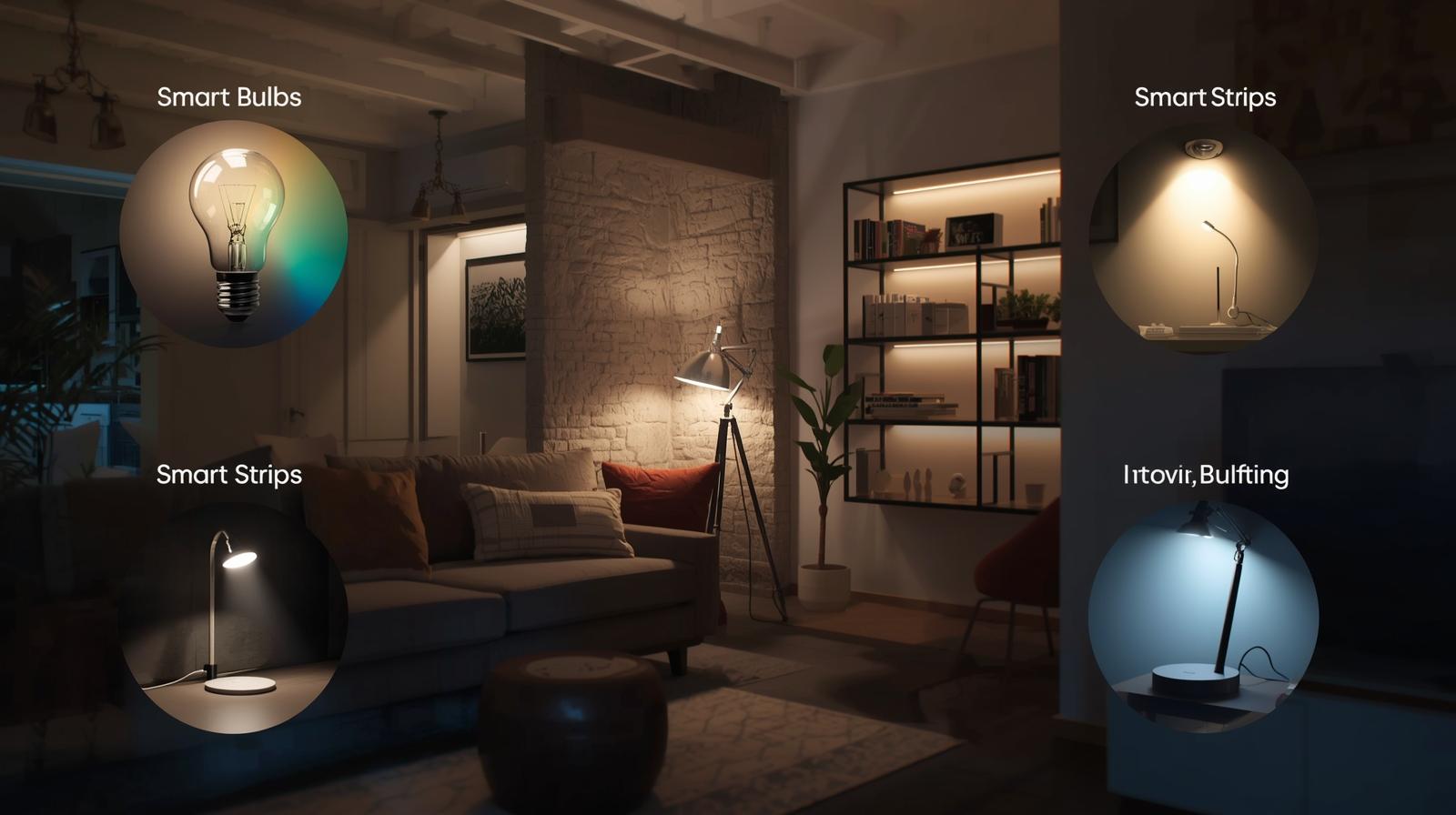
This is the most common question I get: 'Should I replace the bulb or the switch?' The answer depends entirely on your specific room and how you live. Most people make the mistake of choosing one and sticking to it everywhere, but a hybrid approach is usually the smartest move. Let's break down the pros and cons of each.
| Feature | Smart Bulbs | Smart Switches |
|---|---|---|
| Installation Ease | High (Screw it in) | Medium (Requires wiring) |
| Color Control | Yes (Millions of colors) | No (Standard bulbs only) |
| Physical Control | Switch must stay ON | Works like a normal switch |
| Cost per Room | Higher (Multiple bulbs) | Lower (One switch) |
| Best For | Lamps and accent lighting | Main overhead lighting |
Here is my rule of thumb: Use smart bulbs for lamps, entertainment areas, and bedrooms where you want color or 'circadian' lighting (lights that change temperature throughout the day). Use smart switches for kitchens, hallways, and bathrooms. Why? Because guests and kids will inevitably flip the physical wall switch. If you have a smart bulb and someone flips the switch off, that bulb is dead to the world. A smart switch, however, keeps the 'smarts' alive even when the light is physically turned off.
Step-by-Step Installation Playbook
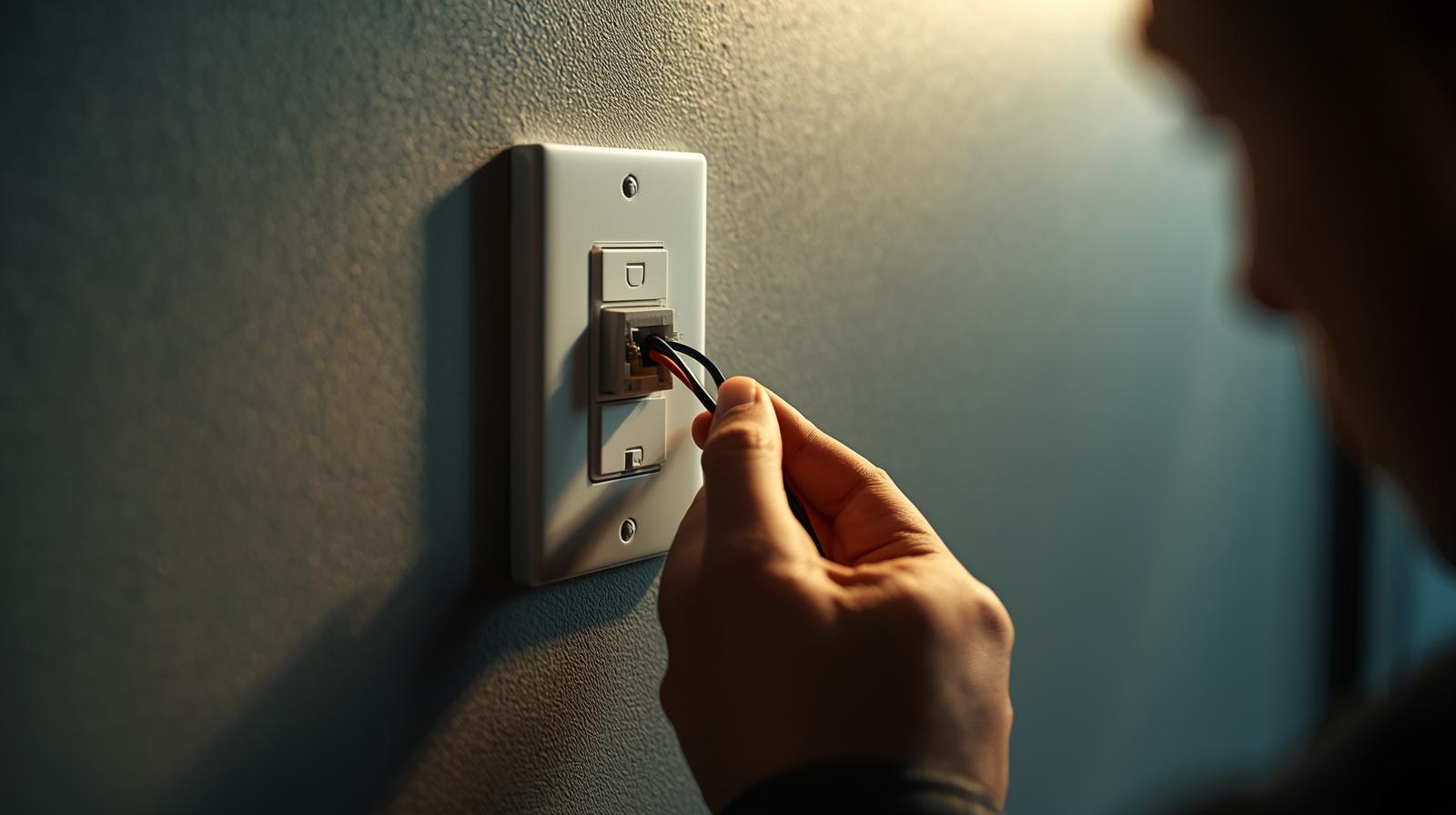
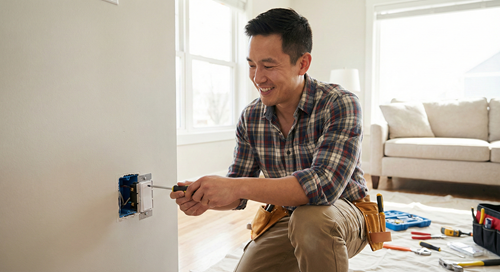
Ready to get your hands dirty? Let's walk through a standard installation. We will assume you are starting with a mix of Thread-enabled bulbs and at least one smart switch. Safety first: if you are touching wires, go to your breaker box and kill the power to that room. I cannot stress this enough. A non-contact voltage tester is a five-dollar tool that could save your life.
Installing the Smart Switch
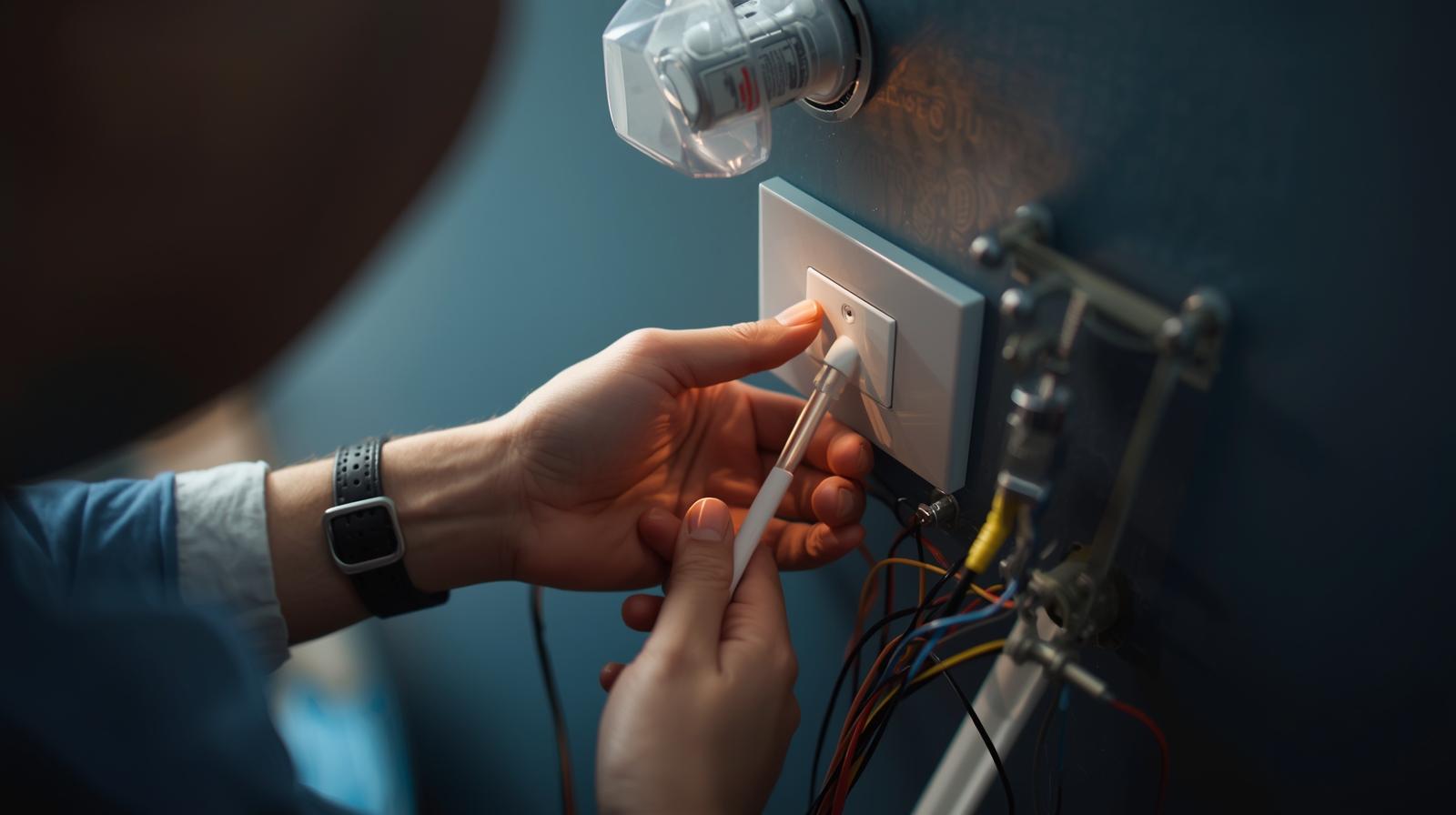
Once the power is off, pull the old switch out. You will likely see three or four wires: Black (Hot/Load), White (Neutral), and Green or Copper (Ground). Most modern smart switches require a Neutral wire to stay powered even when the light is off. If your house was built before the 1980s, you might not have a neutral wire. In that case, you will need specific 'No-Neutral' switches like those from Lutron. Connect your wires according to the manual, tuck them neatly back into the box, and screw the faceplate back on. Turn the power back on and look for a blinking pairing light.
Pairing with Matter
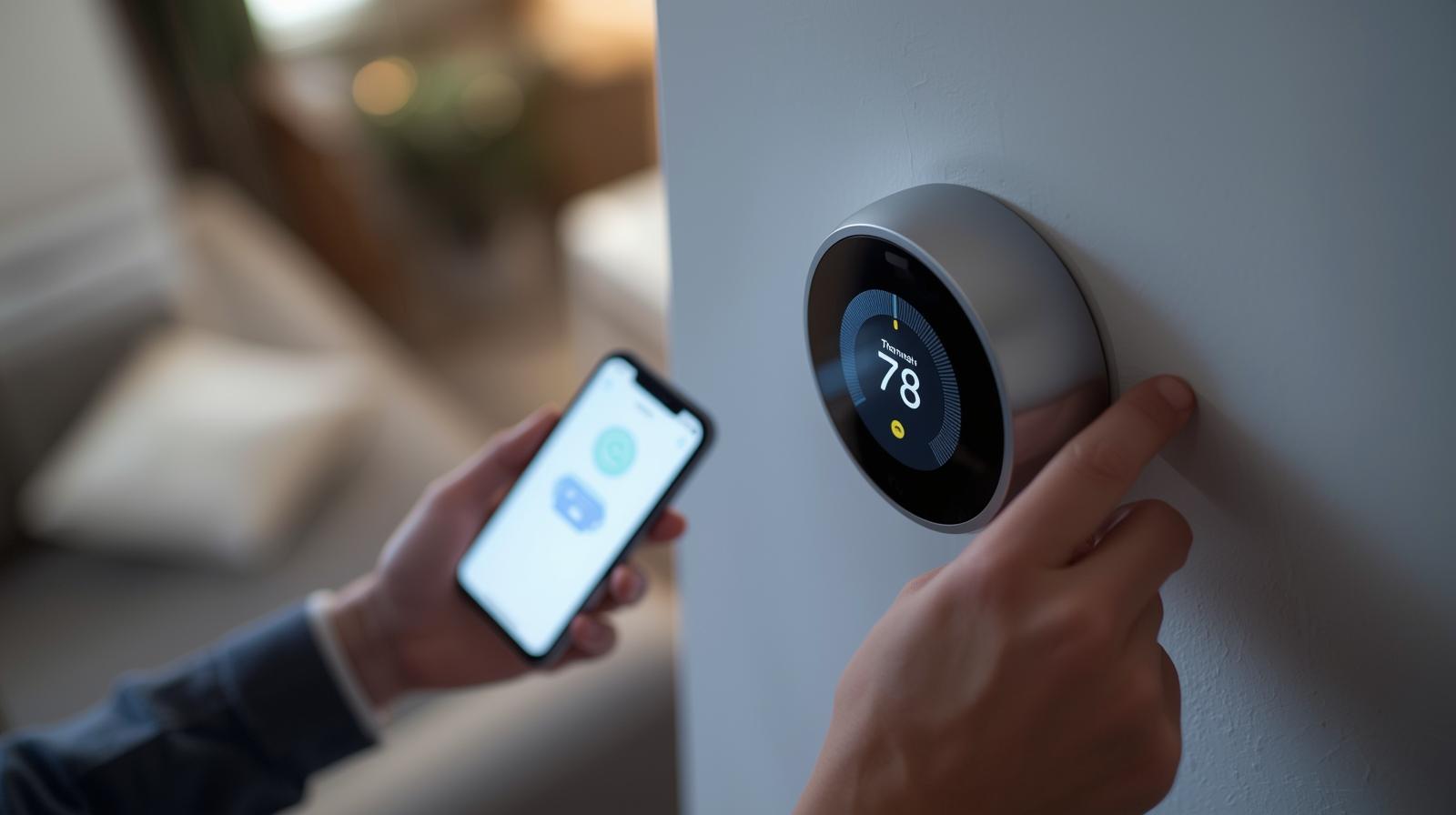
This is the easy part in 2026. Open your preferred app—whether it is Apple Home, Google Home, or Home Assistant. Look for the 'Add Device' button and scan the QR code on the side of the bulb or switch. Because of Matter, the app will automatically recognize the device and add it to your Thread network. No more downloading fifteen different apps for fifteen different brands. It is a beautiful thing when it works, and these days, it usually does.
Automations That Actually Make Life Better
A smart light that you have to control with your phone is actually 'dumber' than a regular light. The goal is to never touch a switch or an app. That is where automation logic comes in. Most people stop at 'Turn on at sunset,' but we can do much better than that. In my experience, the best automations are the ones you don't notice.
The 'Path of Light' Logic
Imagine waking up at 3:00 AM to get a glass of water. Instead of fumbling for a switch and being blinded by 100% brightness, a motion sensor under your bed triggers a 'Path of Light.' The hallway and kitchen lights dim to a soft 5% warm amber. It is enough to see, but not enough to wake you up fully. After three minutes of no motion, they fade back to black. This is the kind of DIY project that makes your home feel like the future.
Adaptive Lighting and Circadian Rhythms
Your body is tuned to the sun. Bright blue light in the morning wakes you up; warm orange light in the evening prepares you for sleep. With Matter-enabled bulbs, you can set an 'Adaptive Lighting' schedule. Your lights will automatically shift their color temperature throughout the day without you lifting a finger. It is a subtle change that has a massive impact on your mood and sleep quality.
Troubleshooting the 'No Response' Nightmare
Even the best systems have hiccups. If you see 'No Response' in your app, do not start deleting devices and re-adding them. That is a waste of time. Usually, the issue is network interference or a 'zombie' node in your mesh. First, check your Thread Border Router. Is it plugged in? Is it near a large metal object or a microwave? Metal is the enemy of wireless signals.
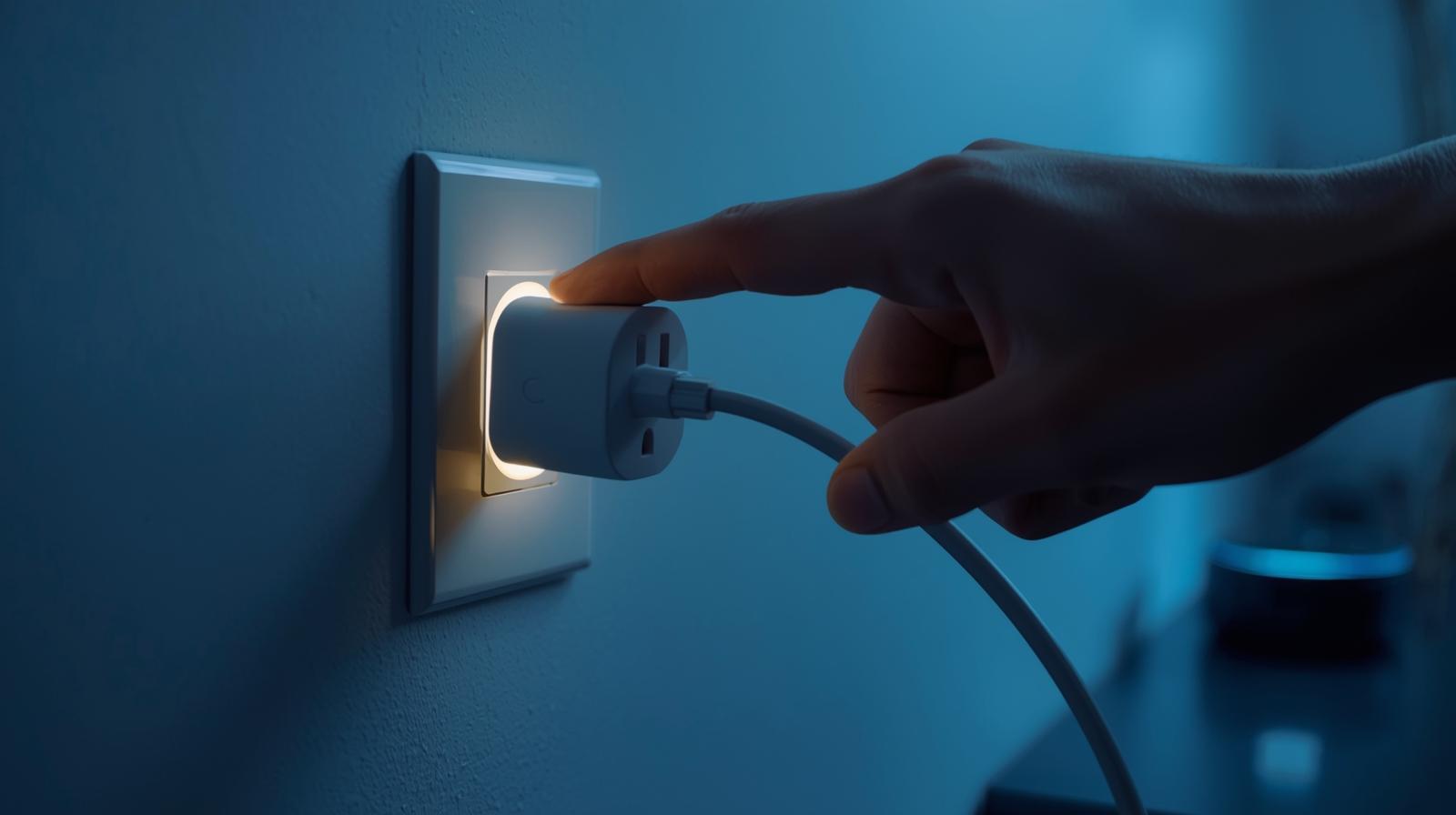
If only one device is acting up, try a power cycle. Flip the physical switch off and on again. If that fails, check for firmware updates. In the Matter era, manufacturers push updates frequently to fix bugs. If you are still having trouble, it might be a 'range' issue. Adding one more Thread-enabled device (like a smart plug) halfway between the hub and the problematic light can act as a repeater and solve the problem instantly.
The Bottom Line on DIY Lighting
Building a smart lighting system is a journey, not a weekend project. Start small. Pick one room—maybe the living room or your bedroom—and get it perfect. Learn how the automations feel. Once you experience the convenience of lights that just 'know' what to do, you will never want to go back to 'dumb' switches again. Just remember: prioritize Thread, don't ignore your physical switches, and always keep the user experience of your guests in mind. A smart home should be intuitive for everyone, not just the person who built it.
Frequently Asked Questions
Do I need a hub for smart lighting in 2026?
Yes and no. While you don't need a brand-specific hub for Matter devices, you do need a Thread Border Router (like an Apple TV, HomePod, or Nest Hub) to manage the mesh network and provide remote access.
What happens if my internet goes down?
If you use Matter-over-Thread devices, your local automations and switches will still work perfectly. You only lose the ability to control lights when you are away from home or via cloud-based voice assistants.
Can I mix different brands of smart lights?
Absolutely. Thanks to the Matter standard, a Philips Hue bulb can live on the same network and in the same automation as a Nanoleaf strip or a Lutron switch without any compatibility issues.