 By Daniel Lee
Our Editorial Research & Methodology
The Neutral Wire Headache: Why Your House is Missing One
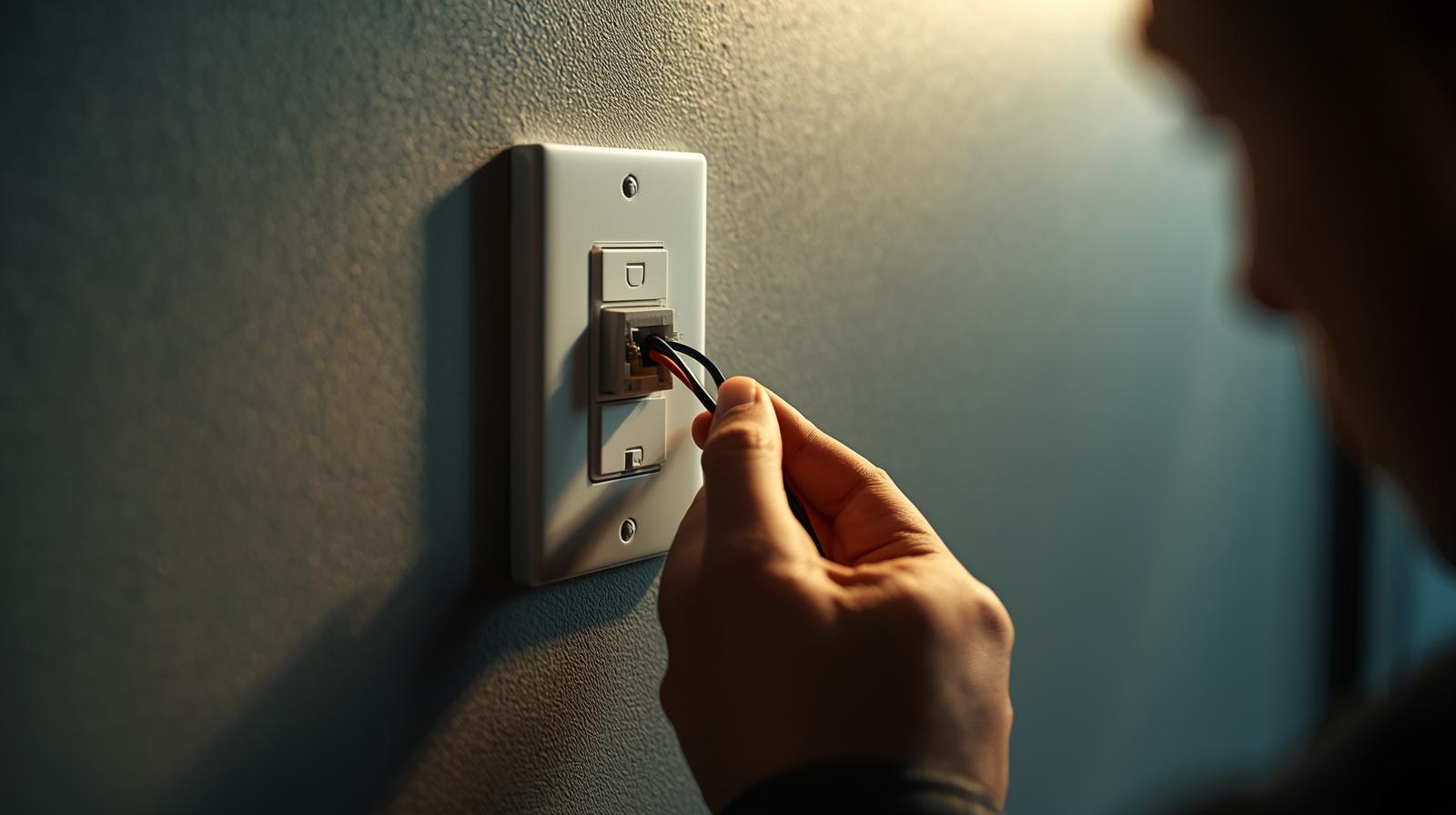
You finally decided to join the 21st century. You bought a shiny new smart switch, pulled your old light switch out of the wall, and... nothing. You see a black wire, a red wire, and maybe a bare copper one. But where is the white neutral wire? If your home was built before the mid-1980s, there is a very good chance you do not have one at the switch box. In the old days, electricians only ran the 'hot' wire to the switch to break the circuit. The neutral wire stayed up in the ceiling box with the light fixture.
Here is the thing: smart switches are basically tiny computers. Just like your laptop or phone, they need a constant flow of electricity to stay connected to your Wi-Fi or Zigbee network. A standard switch just cuts the power. A smart switch needs to stay 'awake' even when the lights are off. Usually, that constant power comes from the neutral wire. Without it, most smart switches simply cannot function. But do not go tearing down your drywall just yet. You have options that do not involve a multi-thousand-dollar rewiring job.
How No-Neutral Switches Actually Work
You might wonder how a switch can stay powered without a complete circuit. It is a bit of a clever engineering trick. No-neutral smart switches 'leak' a tiny amount of electricity through the light bulb itself, even when it is turned off. This current is so small that it does not trigger the bulb to glow, but it is enough to keep the switch's radio active. It is a delicate balance. If the bulb is too low-wattage (like some cheap LEDs), you might see flickering or 'ghosting' where the light stays dimly lit. We will talk about how to fix that later with a bypass module.
The Best Solutions for Homes Without Neutral Wires
In my experience, you have three real paths forward. You can buy a switch specifically designed for no-neutral setups, you can use a bypass module at the light fixture, or you can go the smart bulb route. Let's break down why you would choose one over the other.
🏆 Our Top Picks
Lutron Caseta Diva Smart Dimmer (DVRF-6L)
The gold standard for no-neutral homes. It uses Clear Connect technology which avoids Wi-Fi congestion and is incredibly reliable. It features a mechanical slider for intuitive dimming and works with almost any dimmable LED.
Check Price on Amazon →GE Cync No-Neutral Smart Switch Dimmer
A great budget-friendly option that connects directly via Wi-Fi or Matter. It includes a bulb adapter in the box to prevent flickering, making it ideal for setups with very low-wattage LED bulbs.
Check Price on Amazon →Leviton Decora Smart No-Neutral Dimmer (DN6HD)
Part of the updated 2026 lineup, this switch supports Matter over Thread when paired with the Leviton Bridge. It offers a classic look that matches standard Decora paddles perfectly.
Check Price on Amazon →Inovelli Blue Series 2-in-1 Smart Switch
A power-user favorite that uses Zigbee and Matter. It can be configured as a dimmer or an on/off switch and features a customizable LED bar for notifications. It works excellently in no-neutral modes with a bypass.
Check Price on Amazon →Aqara Smart Wall Switch Z1 Pro (No Neutral)
A sleek, modern option that uses Zigbee 3.0. It is known for its fast response times and high build quality. It is perfect for users already invested in the Aqara or Home Assistant ecosystems.
Check Price on Amazon →Option 1: Dedicated No-Neutral Switches
This is the cleanest solution. Brands like Lutron and GE have perfected this technology. These switches are designed to operate on the ultra-low leakage current I mentioned earlier. They are usually dimmers because dimming circuitry is naturally better at managing variable power than a simple on/off relay. If you want a standard 'clicky' on/off switch without a neutral, your options are slimmer, but they do exist.
Option 2: Using a Bypass Module (The Capacitor Trick)
If you find a switch you love but it requires a neutral, or if your no-neutral switch is making your LED bulbs flicker, you need a bypass. This is a small component (a capacitor) that you install up at the light fixture, not the switch. It connects the neutral and the load wires, giving that 'leaked' electricity a place to go without passing through the bulb. It is a lifesaver for low-energy lighting setups.
Option 3: Smart Bulbs and Remote Switches
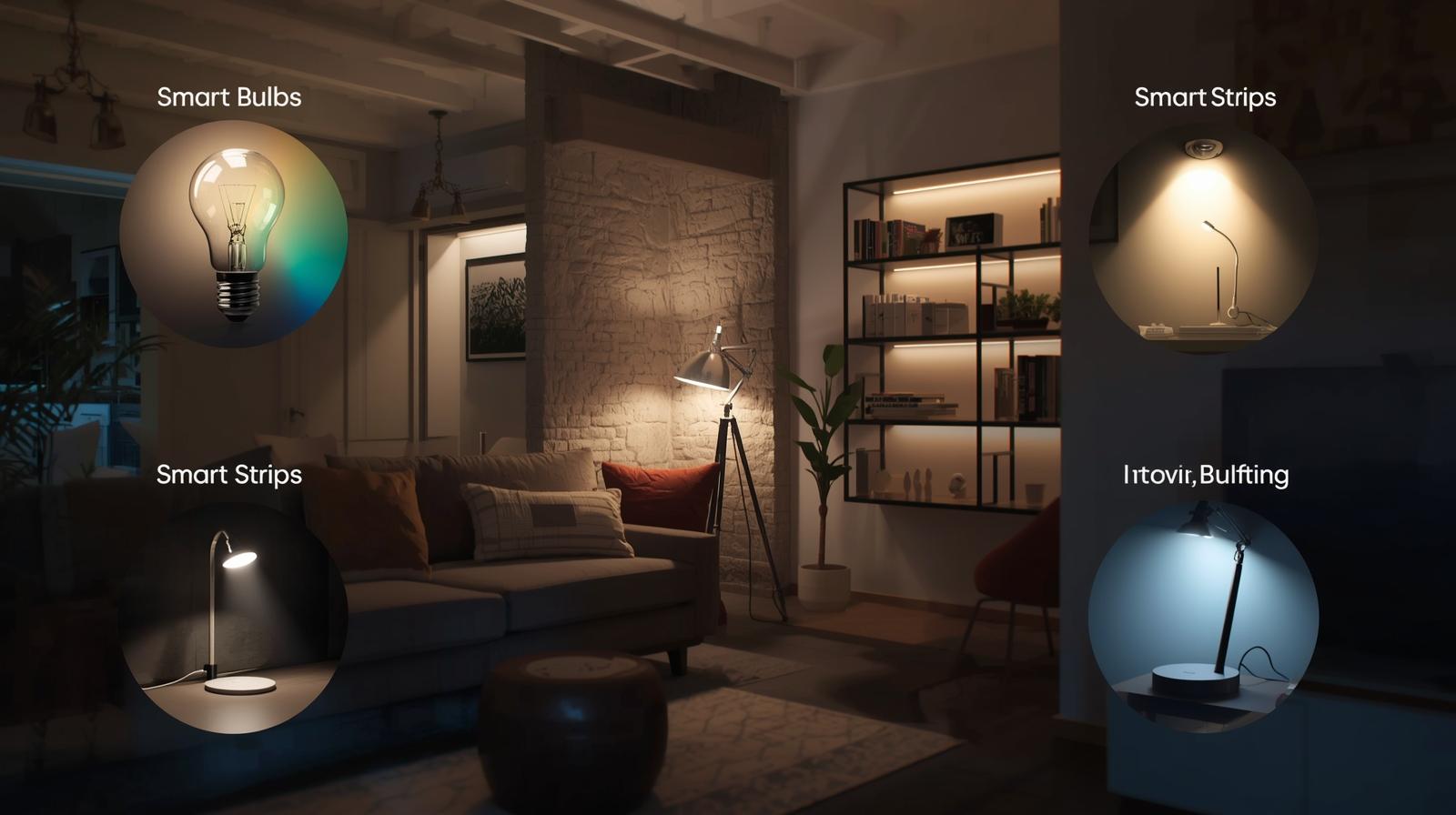
If the wiring is truly a nightmare, stop fighting it. You can wire the light to be 'always on' by connecting the wires behind the switch with a wire nut. Then, you put smart bulbs in the fixture and stick a battery-powered remote switch over the wall box. It looks like a real switch, but it is just talking to the bulbs via software. In 2026, with Matter and Thread being standard, the latency on this setup is almost zero.
Safety First: Tools and Preparation
Before you touch a single screw, we need to talk about safety. Electricity does not give second chances. You do not need to be an electrician, but you do need to be methodical. Here is what you should have on your workbench:
- Non-contact voltage tester: This is non-negotiable. It tells you if a wire is live without you having to touch it.
- Insulated screwdrivers: A Phillips and a flathead.
- Wire strippers: For cleaning up old, brittle ends.
- Wire nuts or Wago connectors: Wagos are much easier for beginners to ensure a solid connection.
- A headlamp: Because you are about to turn off the power to the room you are working in.
Go to your breaker panel and find the right switch. Do not just trust the label. Turn the light on, flip the breaker, and make sure the light goes out. Then, use your voltage tester inside the box once you open it up to be 100 percent sure.
Step-by-Step Installation Guide
Let's walk through a standard installation of a no-neutral dimmer switch. This is the most common scenario for older homes.
Step 1: Identify Your Wires
Once you pull the old switch out, you will likely see two wires connected to it (plus a green or bare copper ground wire). One is the Line (the power coming from the breaker) and the other is the Load (the wire going to the light). In an old house, they might both be black. To tell them apart, carefully separate them, turn the breaker back on briefly, and use your voltage tester. The one that glows is the Line.
Step 2: Connect the Ground
Always connect the ground wire first. It is your safety net. If your house is so old it does not have a ground wire (common in the 1950s), you may need to consult an electrician. Some switches allow you to skip the ground, but it is not ideal for surge protection.
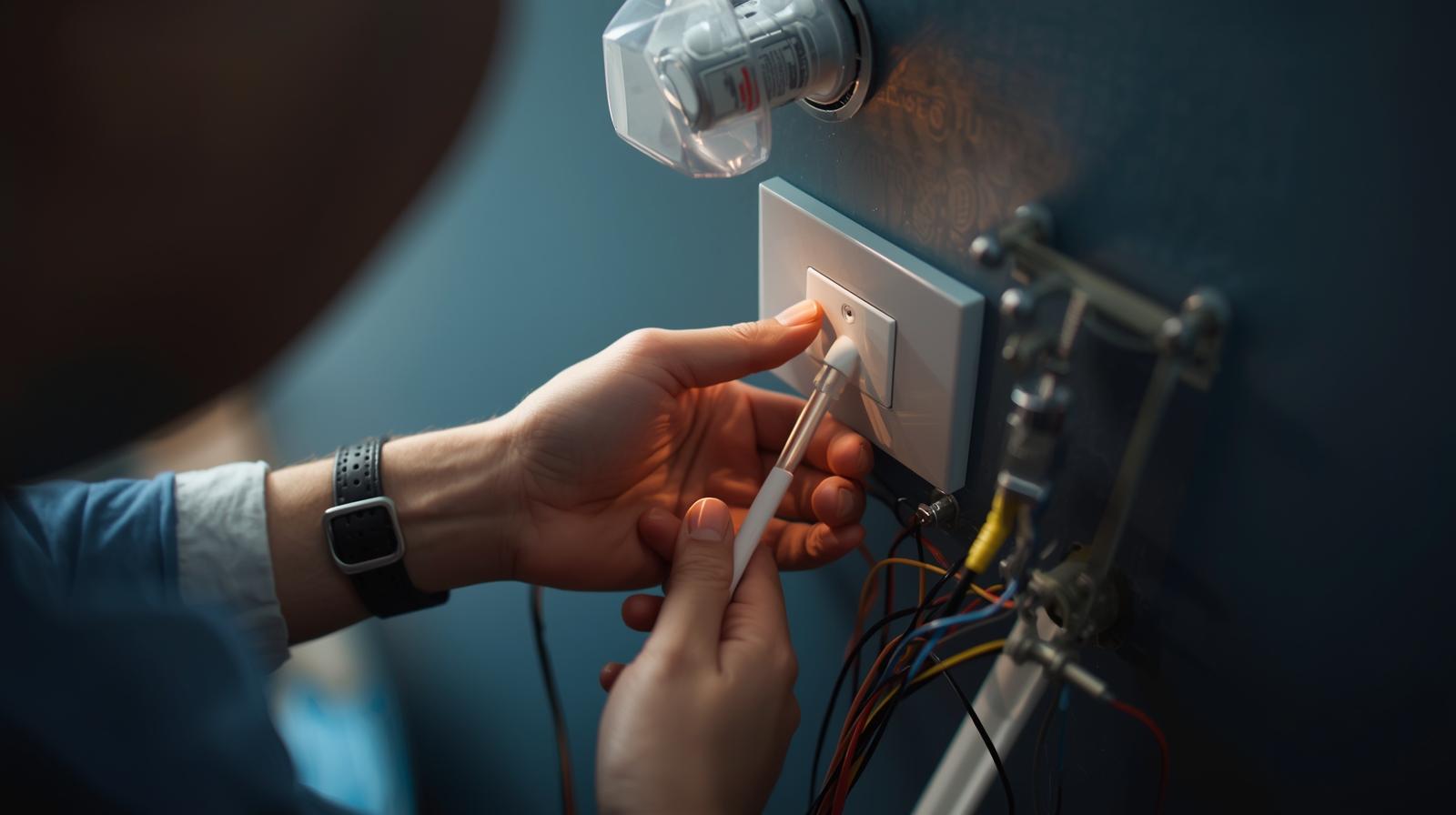
Step 3: Wire the Switch
Most no-neutral switches are not 'polarity sensitive,' meaning it does not matter which black wire goes to which screw. However, always check the manual. Connect your Line wire to the 'Line' terminal and your Load wire to the 'Load' terminal. If you are using Wago connectors, make sure the wire is pushed all the way in and the lever is snapped down tight.
Step 4: The Bypass (If Needed)
If you are using a GE Cync or similar switch with low-wattage LEDs, you might need to install the included adapter. This goes at the light fixture. You connect one wire of the adapter to the neutral wire at the light and the other to the hot wire at the light. This prevents the 'flicker' effect.
Step 5: Test and Configure
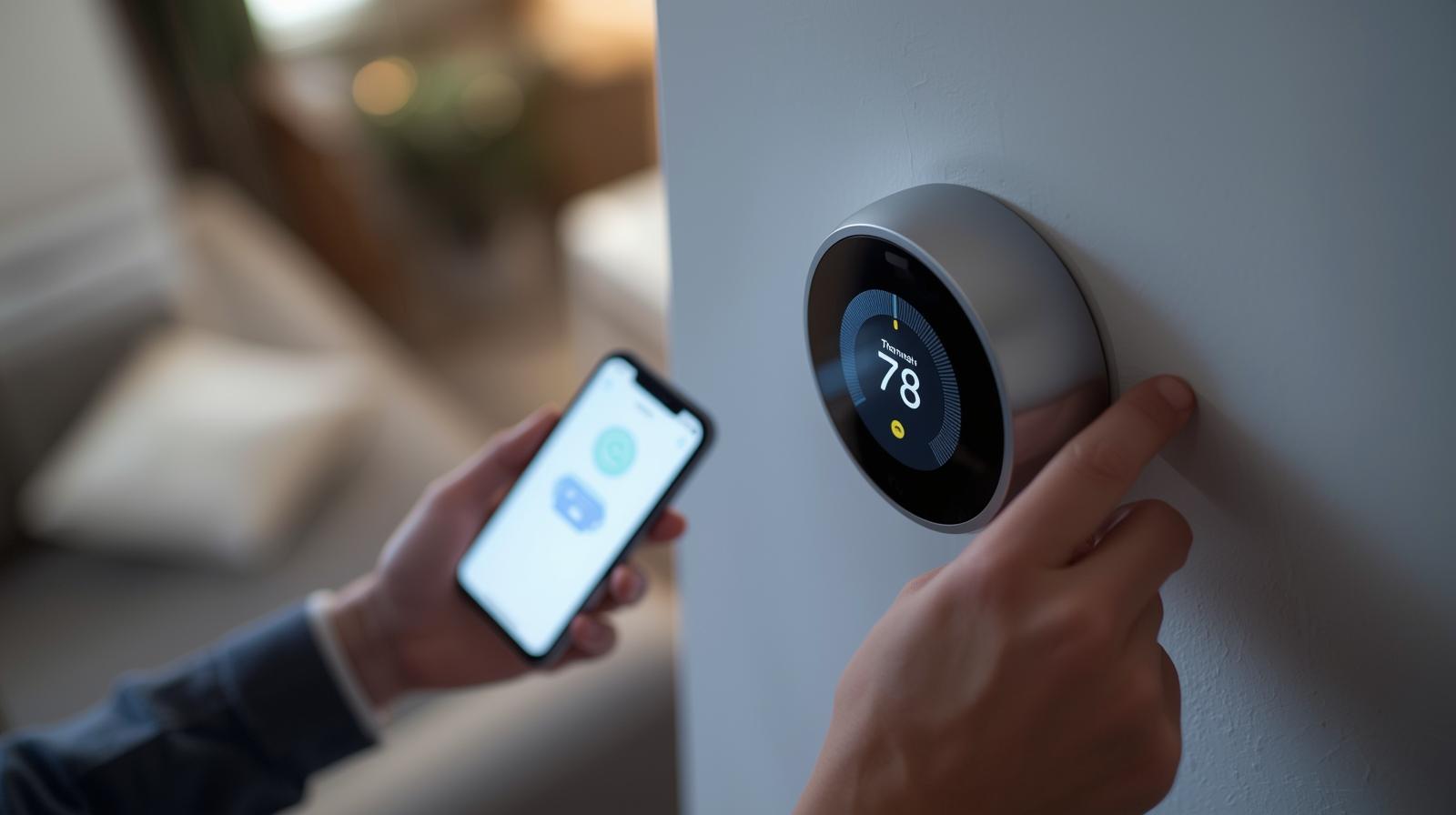
Gently tuck the wires back into the box. Do not force them; you do not want to pinch an insulator. Screw the switch in, put the faceplate on, and turn the breaker back on. Most smart switches will have a blinking LED to show they are ready to pair. Open your app (HomeKit, Google Home, or the manufacturer's app) and follow the prompts.
Comparison: No-Neutral Technologies in 2026
| Technology | Reliability | Hub Required? | Best For |
|---|---|---|---|
| Clear Connect (Lutron) | Ultra-High | Yes | Large homes, zero interference. |
| Thread (Matter) | High | Yes (Border Router) | Future-proofing, fast response. |
| Wi-Fi | Medium | No | Single switch upgrades, budget. |
| Zigbee | High | Yes | Local control, mesh networking. |
Troubleshooting Common No-Neutral Issues
Even with the best gear, things can go sideways. Here is what most people miss. If your lights are flickering like a haunted house, your bulbs are the likely culprit. Not all LEDs are 'dimmable.' Even some that claim to be dimmable do not play well with the tiny current leak of a no-neutral switch. Switching to a high-quality brand like Philips Hue or Cree often solves the problem instantly.
What if the switch works but won't connect to the app? In 2026, most connectivity issues stem from 2.4GHz Wi-Fi congestion. If you are using a Wi-Fi switch, make sure your router isn't buried in a closet. If you are using a Thread-based switch, ensure your Matter border router (like an Apple HomePod or a newer Eero) is within range. Thread creates a mesh, so adding more devices actually makes the network stronger.
Another hidden issue is 'minimum load.' Some older no-neutral switches require at least 10 or 15 watts of draw to stay powered. If you have a single 4-watt LED bulb in the fixture, the switch might keep rebooting. This is exactly why the bypass module exists—it adds 'fake' load to keep the switch happy without wasting much energy.
Final Thoughts on the No-Neutral Dilemma
Living in an older home has its charms, but the wiring is rarely one of them. The good news is that by 2026, the industry has largely solved the no-neutral problem. You no longer have to choose between smart lighting and a massive electrical bill. Whether you go with the rock-solid reliability of Lutron or the modern flexibility of Matter-over-Thread switches, you can get the job done in about 30 minutes. Just remember: test for power, respect the wires, and when in doubt, use a bypass.
Frequently Asked Questions
Can I use a no-neutral switch with any light bulb?
No, you generally need dimmable LED bulbs. Non-dimmable LEDs or very low-wattage bulbs may flicker or stay dimly lit when the switch is off unless a bypass module is installed.
Do no-neutral switches require a hub?
Many do, such as Lutron Caseta or Leviton's no-neutral line. However, some Wi-Fi and Matter-over-Thread options can work without a dedicated manufacturer hub, though they may need a Matter border router.
Is it safe to install a smart switch without a ground wire?
While some switches will function without a ground, it is not recommended for safety and surge protection. If your box lacks a ground, consult an electrician to discuss grounding options or GFCI protection.