 By Kevin Ramirez
Our Editorial Research & Methodology
The Frustration of the Ghost Cooling Effect
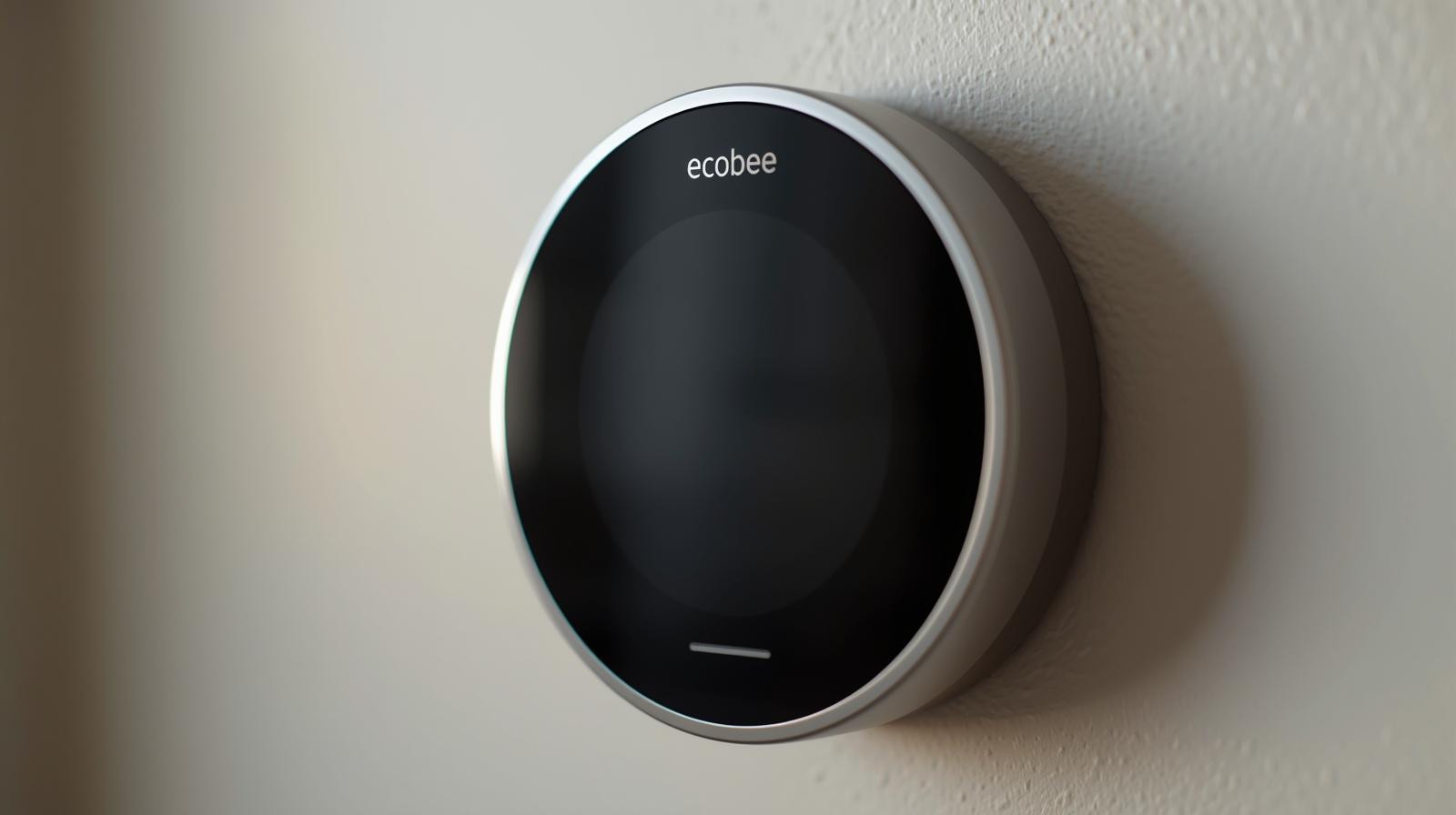
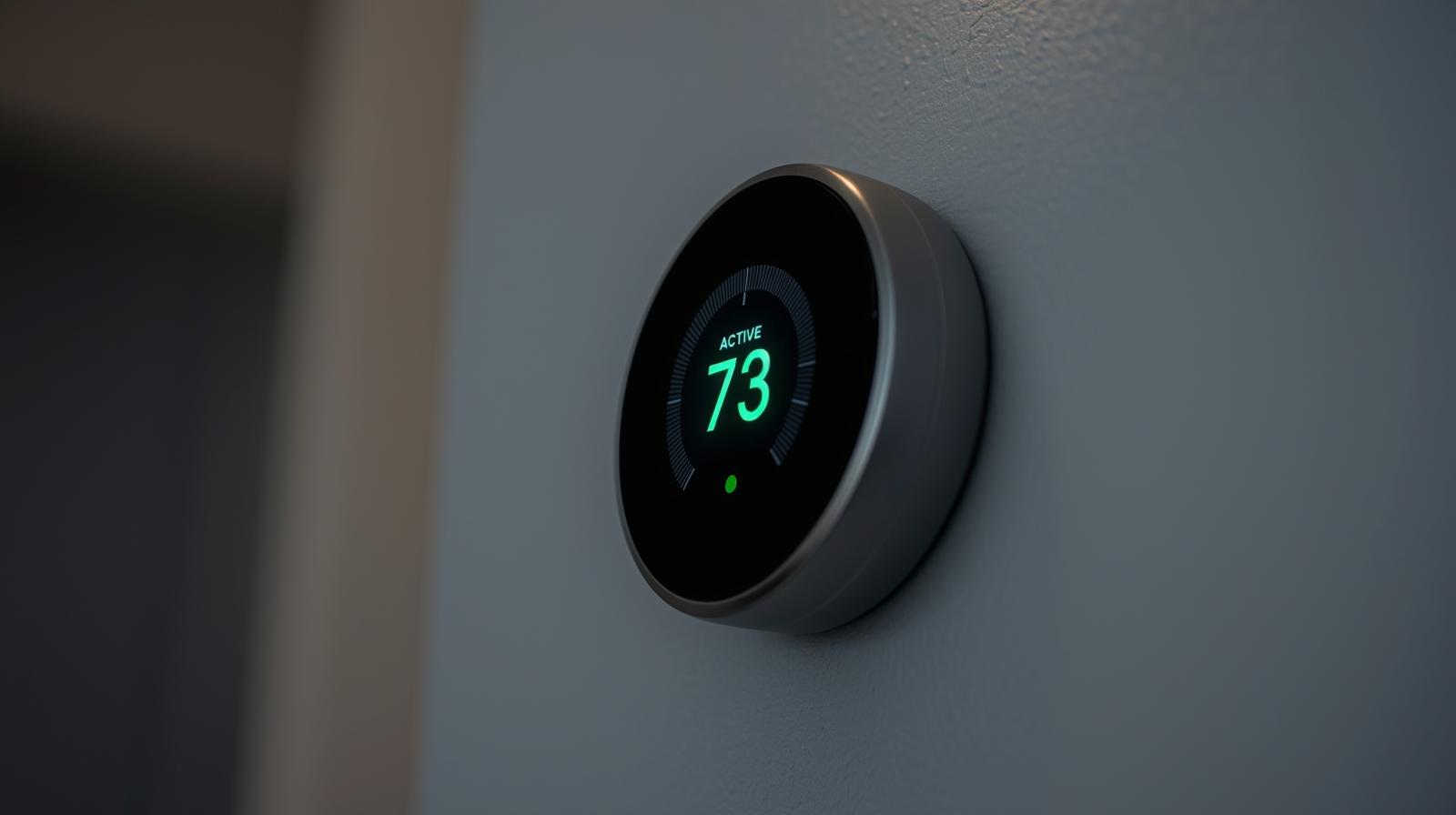
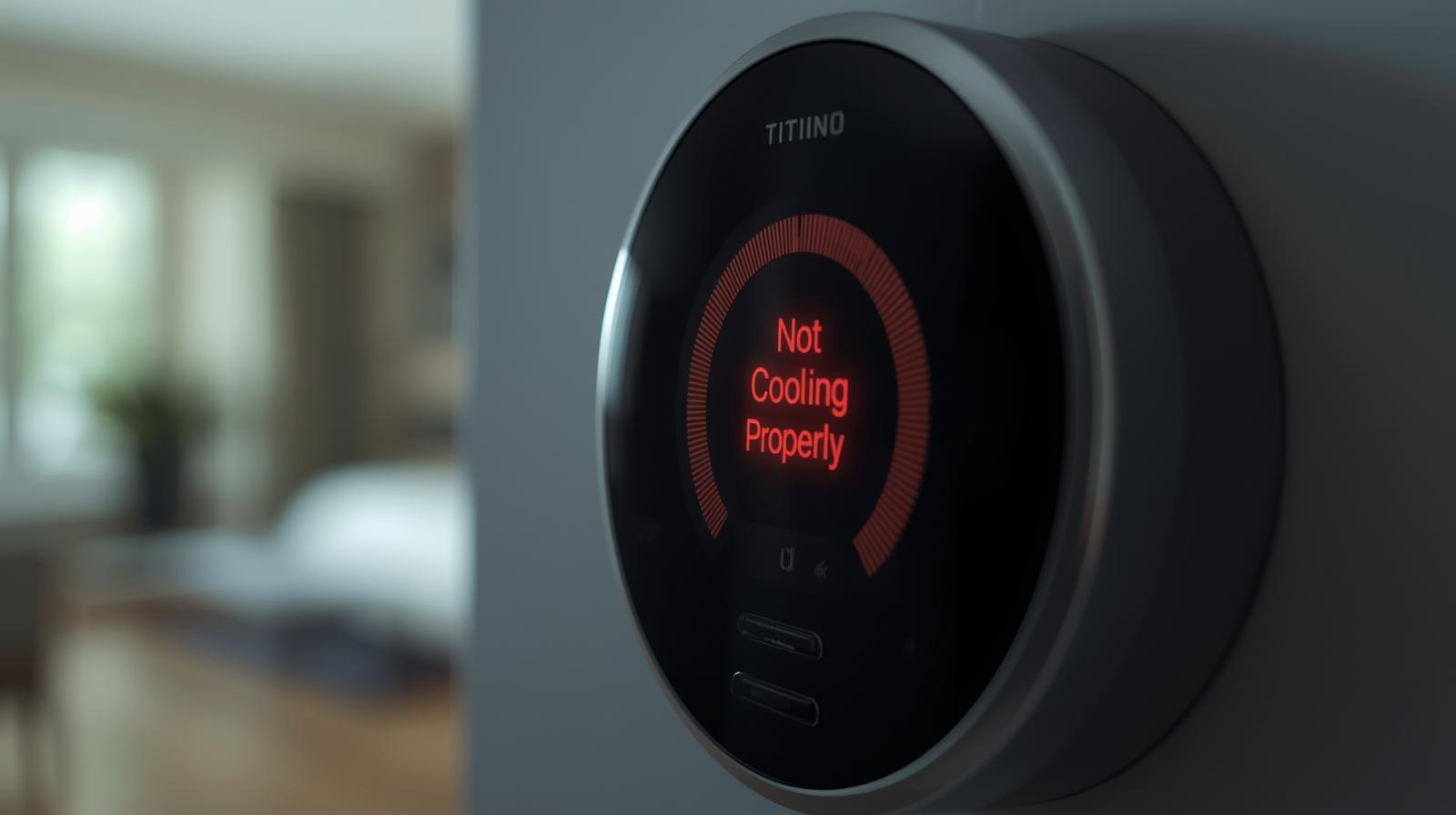
You are sitting on your couch, the sun is beating through the window, and you feel a bead of sweat. You look at your Ecobee. It is a beautiful piece of tech, glowing blue, proudly displaying the word Cooling. But here is the problem: the air coming out of your vents feels like a lukewarm breeze from a hair dryer. This is what I call the Ghost Cooling effect.
In my experience, when an Ecobee fails to cool, people immediately want to rip the unit off the wall and return it. Hold on. Most of the time, the thermostat is just the messenger. It is doing exactly what it thinks it should do, but a hidden setting, a loose wire, or a mechanical failure in your AC unit is standing in the way.
We are going to dive deep into why this happens. We will cover everything from the simple stuff you can fix in thirty seconds to the complex staging logic that most people miss. By the time you finish this, you will know more about your HVAC system than the guy who installed it.
Check the Low-Hanging Fruit First
Before we start tearing into the wiring, let's look at the obvious culprits. You would be surprised how often the solution is something incredibly simple. I have seen homeowners spend hundreds on service calls just for a technician to flip a switch.
🏆 Our Top Picks
Ecobee Smart Thermostat Premium
The 2026 flagship model features a stunning zinc enclosure and a built-in air quality monitor. It excels at managing complex multi-stage HVAC systems and includes the most accurate occupancy sensors on the market, making it ideal for large homes with uneven temperatures.
Check Price on Amazon →Ecobee SmartSensor (2-Pack)
These remote sensors solve the 'hot room' problem by telling the thermostat the temperature in bedrooms or offices rather than just the hallway. They feature enhanced 5-year battery life and improved range for 2026, perfect for multi-story living.
Check Price on Amazon →Google Nest Learning Thermostat (4th Gen)
A strong alternative for those who prefer AI-driven scheduling over manual threshold tweaking. The 4th Gen model features a high-resolution borderless display and improved compatibility with older 2-wire systems that lack a C-wire.
Check Price on Amazon →Emerson Sensi Touch 2
Best for users who want a smart thermostat that looks and acts like a traditional one. It offers heavy-duty terminals and a very straightforward interface, making it a favorite for HVAC professionals who prioritize reliability over flashy software features.
Check Price on Amazon →The Air Filter Trap
If your air filter is clogged with pet hair and dust, your AC cannot breathe. When airflow is restricted, the evaporator coil (the part inside your house that gets cold) can actually freeze over. Once it is a block of ice, air cannot pass through it. If you see ice on the copper lines outside or near your furnace, turn the AC off immediately and let it melt. Replace that filter.
The Condensate Float Switch
This is the hidden hero of your HVAC system. There is a little plastic switch near your indoor unit's drain line. If the line clogs with algae or gunk, the water backs up, lifts the float, and kills the power to your cooling system. The Ecobee will still stay powered on (usually via the R wire), but it cannot trigger the AC to start. Check your drain pan for standing water.
The Threshold Settings: Where Most People Get Lost
Ecobee thermostats are smarter than your average Honeywell. They have a menu called Thresholds that controls the nitty-gritty of how your system runs. If these are set incorrectly, your house will never reach the target temperature.
Cooling Differential Temperature
By default, Ecobee sets this to 0.5 degrees Fahrenheit. This means if you set your AC to 72, it kicks on at 72.5. However, if you have a high-efficiency system, this might cause short-cycling. If you have manually bumped this up to 2 or 3 degrees to save energy, your house might feel uncomfortably warm before the AC ever turns on. I recommend keeping this at 1.0 or 1.5 for a balance of comfort and efficiency.
Compressor Min Outdoor Temperature
This is a big one. If your Ecobee thinks it is too cold outside, it will refuse to turn on the compressor to protect it. In early spring or late fall, if this is set to 55 degrees and it is 54 outside, your AC will not run. Check this setting under Settings > Installation Settings > Thresholds.
Wiring Woes: The RC vs RH Debate
Wiring is where things get technical. If you just installed your Ecobee and it has never cooled properly, you likely have a wiring mismatch. Most modern systems use a single R wire that goes into the RC terminal. Ecobee uses the RC terminal for power. If you have a separate heating and cooling system (like a boiler and a central AC), you will have two R wires. If they are swapped, the cooling side won't get the signal.
The Power Extender Kit (PEK)
If you do not have a C-wire (the wire that provides constant power), you probably used the PEK that came in the box. If the PEK is wired incorrectly at the control board of your furnace, the thermostat might power up, but it won't be able to talk to the Y wire (the cooling wire). Double-check that the wires at the furnace board match the labels on the PEK exactly.
Comparing Smart Thermostat Cooling Logic
Not all thermostats think the same way. Here is how the Ecobee stacks up against its main rivals in terms of cooling management as of early 2026.
| Feature | Ecobee Smart Premium | Nest Learning (4th Gen) | Sensi Touch 2 |
|---|---|---|---|
| Staging Control | Granular Manual Control | AI-Driven (Automatic) | Basic Manual |
| Remote Sensors | Included (Best in Class) | Optional Add-on | Optional Add-on |
| Humidity Sensing | Advanced (AC Overcool) | Standard | Standard |
| C-Wire Required | Yes (or PEK) | No (Power Sharing) | Yes |
Advanced Diagnostics: Using the Test Menu
One of my favorite features of the Ecobee is the Test Equipment menu. This allows you to bypass all the smart logic and sensors to see if the hardware actually works. Go to Menu > Settings > Installation Settings > Test Equipment.
Turn on Cool Stage 1. Walk over to your vents. Is the air cold? Now go outside. Is the fan spinning on the big unit? If the air is cold during this test, your problem is a software setting or a sensor issue. If the air is still warm during the test, the problem is your AC hardware (like a bad capacitor or low refrigerant), not the Ecobee.
The Role of Eco+ and Smart Recovery
Ecobee has a suite of features called Eco+. While great for the planet and your wallet, it can be annoying for your comfort. Features like Feels Like adjust the temperature based on humidity. If it is very humid, the Ecobee might think 75 degrees feels like 72 and refuse to turn on the AC.
Then there is Smart Recovery. The thermostat learns how long it takes to cool your home. If you have a schedule set to 70 degrees at 5:00 PM, it might start cooling at 3:30 PM. Conversely, if it thinks it can't reach the goal efficiently, it might delay. If you want raw performance, try disabling Eco+ for a few days to see if the cooling improves.
When the Problem is the AC Unit Itself
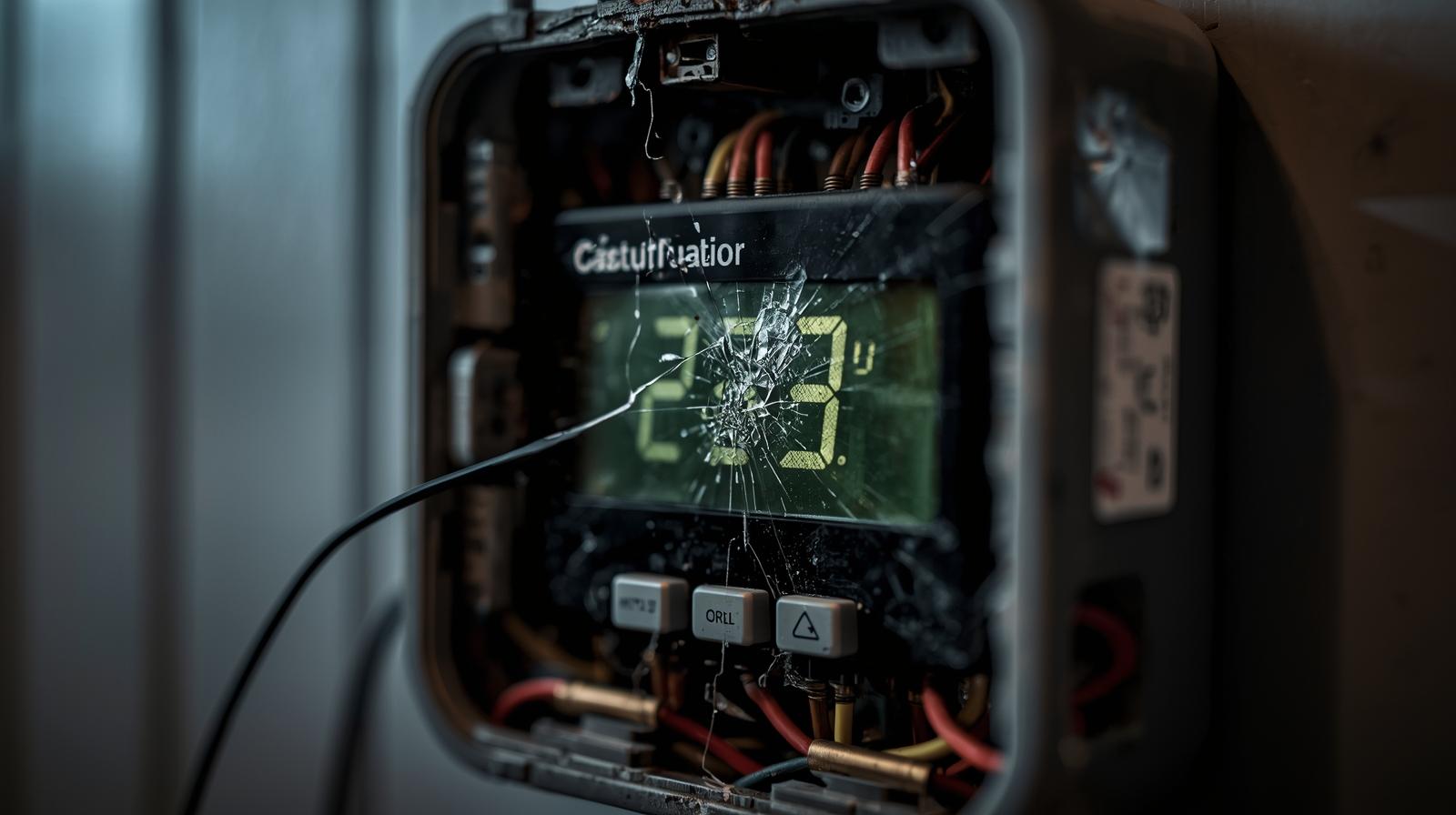
If you have checked the wiring, the filters, and the thresholds, and the Test Equipment menu still produces warm air, it is time to look at the mechanical side. In my years of troubleshooting, three things fail more than anything else:
- The Capacitor: This is a small silver cylinder that gives the compressor the 'kick' it needs to start. If it is bulged or leaking, your AC won't start.
- The Contactor: This is a relay that closes to send power to the compressor. Ants love to crawl into these and get squashed, preventing the electrical connection.
- Refrigerant Leaks: If your system is low on Freon (or its modern equivalent), it will run forever and never get cold. This requires a pro with a set of gauges.
The Multi-Stage Cooling Mystery
If you have a high-end AC with two stages of cooling, the Ecobee needs to know that. If you only have one Y wire connected but a two-stage system, you are only getting about 60 percent of your cooling capacity. Ensure your equipment configuration in the Ecobee settings matches the actual model number of your outdoor unit.
Final Thoughts for a Cool Home
Fixing an Ecobee that isn't cooling is a process of elimination. Start with the filter, move to the settings, check the wiring, and finally test the hardware. Most of the time, you will find the culprit in the Thresholds menu or a clogged drain line. Smart thermostats are powerful tools, but they require a bit of fine-tuning to work perfectly with your specific home environment. Stay patient, follow the steps, and you will have that cold air back in no time.
Frequently Asked Questions
Why does my Ecobee say 'Cooling' but the air is warm?
This usually indicates a disconnect between the thermostat and the AC unit. Common causes include a tripped float switch in the drain pan, a blown capacitor in the outdoor unit, or incorrect wiring of the Y wire.
What is the 'Cooling Differential' setting on Ecobee?
It is the number of degrees the indoor temperature must rise above your set point before the AC kicks in. Lowering this number makes the house more comfortable but causes the AC to run more frequently.
Can Eco+ prevent my AC from cooling?
Yes. Eco+ features like 'Schedule Assistant' or 'Feels Like' can override your manual settings to save energy, sometimes resulting in the house being warmer than your preferred set point.