 By Kevin Ramirez
Our Editorial Research & Methodology
The Frustration of the Cryptic Wall Code
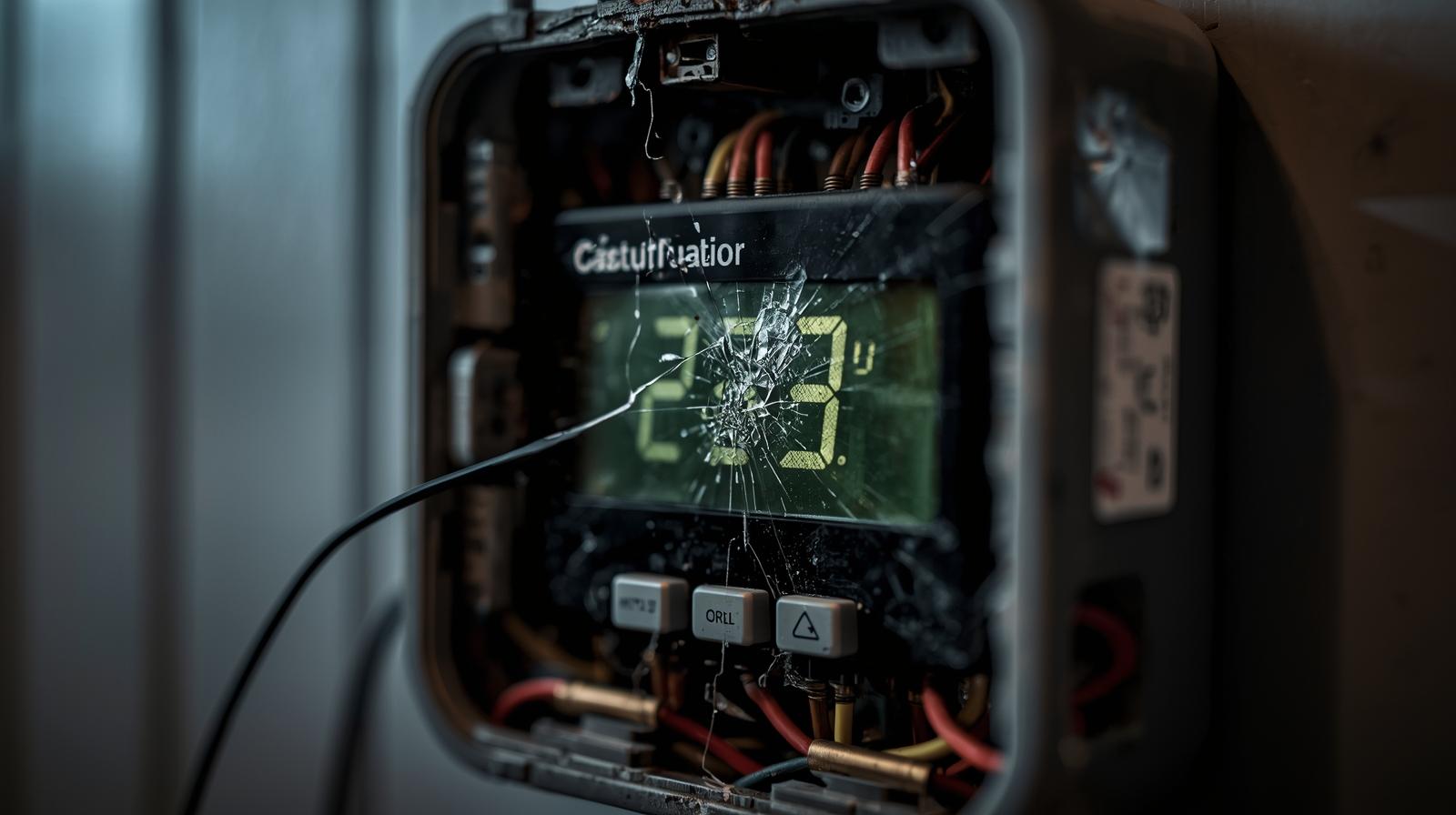
It is 11 PM on a Tuesday in the middle of February. You are ready to crawl into bed when you notice the house feels a bit chilly. You walk over to your smart thermostat, expecting to see that familiar, comforting glow. Instead, you are met with a blank screen or, worse, a cryptic alphanumeric code like E74 or 170. It feels like your house is speaking a language you never learned.
Here is the thing: these error codes are not just there to annoy you. They are actually a safety feature. Your thermostat is essentially the brain of your HVAC system. When it detects something wrong—whether it is a lack of power, a communication breakdown, or a mechanical failure in your furnace—it shuts down to prevent permanent damage. In my experience, 90 percent of these issues are things you can fix yourself without calling a pro and spending 200 dollars on a service fee.
In this guide, we are going to break down the most common error codes for the biggest brands on the market as of early 2026. We will look at Nest, Ecobee, and Honeywell, and I will show you exactly how to get your heat or AC back online without losing your mind.
Understanding the Nest E and N Series Codes
Google Nest thermostats are famous for their sleek design, but their error codes can be a bit vague if you do not know what you are looking for. Most Nest errors start with an E (for Error) or an N (for Network/Notice).
🏆 Our Top Picks
Google Nest Learning Thermostat (4th Gen)
The latest iteration of the Nest features enhanced AI diagnostics that can detect HVAC issues before they trigger a hard lockout. It is best for users who want a 'set it and forget it' experience with high-end aesthetics. The 4th Gen model has improved power management to reduce N260 errors.
Check Price on Amazon →Ecobee Smart Thermostat Premium
This model excels in large homes thanks to its superior remote sensors and built-in air quality monitor. It includes a Power Extender Kit in the box, making it the best choice for older homes without a C-wire. The zinc housing and glass face make it one of the most durable units on the market.
Check Price on Amazon →Honeywell Home T10 Pro Smart Thermostat
Designed for those who prefer a traditional interface with modern smarts, the T10 Pro offers incredible reliability and deep integration with professional HVAC setups. It uses a robust 4-digit error code system that provides specific feedback for multi-stage systems. It is best for complex, multi-zone homes.
Check Price on Amazon →Emerson Sensi Touch 2 Smart Thermostat
The Sensi Touch 2 is the top choice for privacy-conscious users and those who want a straightforward installation. It has a very high compatibility rate with existing wiring and features a top-rated mobile app. One downside is that it lacks the advanced AI predictive features of the Nest or Ecobee.
Check Price on Amazon →The Dreaded E74: No Power to Rh Wire
This is arguably the most common Nest error. It means your thermostat is not getting power from the red wire that controls your heating. Usually, this happens because a fuse has blown in your furnace or the condensate drain line is clogged. If that drain line backs up, a float switch triggers and cuts power to the system to prevent a flood in your attic or basement. Check your drain pan first. If it is full of water, you have found your culprit.
E73: No Power to Rc Wire
Similar to E74, but this one is specific to the cooling side. If you see this in the summer, your AC unit outside might have a tripped breaker. Go check your electrical panel. If the breaker is fine, the issue might be the integrated circuit board on your air handler. It sounds scary, but often it is just a loose wire that vibrated out of place over time.
N260: The C-Wire Requirement
What most people miss when they install a Nest is that while it says it does not need a C-wire (Common wire), it really does. The N260 code pops up when the thermostat is trying to steal power from the heating or cooling wires but cannot get enough to stay alive. This leads to pulsing or clicking sounds from your furnace. The fix? Install a Nest Power Connector or pull a dedicated C-wire from your furnace to the wall.
Ecobee Errors: When the Bee Stops Buzzing
Ecobee thermostats are powerhouses, but they are very sensitive to voltage fluctuations. Unlike Nest, Ecobee often uses plain-English alerts, but they can still be confusing when they involve your system's hardware.
No Power Alert
If your Ecobee screen is black, it is usually not the thermostat that is dead; it is the power source. Ecobee units almost always use a Power Extender Kit (PEK) if you do not have a C-wire. If a wire inside that PEK comes loose, the whole unit goes dark. I always tell people to start at the furnace control board. Look for a small purple or orange 3-amp or 5-amp fuse. If the filament inside is broken, your thermostat will not turn on. Replacing that 2-dollar fuse usually fixes the problem.
Hi/Lo Temperature Alerts
These are not necessarily hardware errors, but they indicate your HVAC system is failing to keep up. If you see a Hi alert, your home has exceeded the safety threshold you set. This often happens if your AC compressor capacitor dies. The thermostat is fine, but it is telling you that the house is getting dangerously warm. In 2026, newer Ecobee models use AI to predict these failures before they happen by monitoring how long it takes for your home to drop one degree in temperature.
Honeywell Home and Resideo: The 4-Digit Code System
Honeywell (now Resideo) uses a numbered system that feels a bit more like a car's check engine light. You will usually see a small alert icon on the screen, and tapping it reveals a code.
Code 170: Internal Memory Error
This is one of the few codes that actually means the thermostat itself is failing. It indicates that the internal storage has become corrupted. Before you throw it away, try a hard reset. Pull the thermostat off the wall, remove the batteries (if it has them), and wait ten minutes. If the code persists after you plug it back in, it is time for a replacement.
Code 181 or 182: Replace Air Filter
This is a reminder code, but ignore it at your peril. A clogged filter restricts airflow, which causes your furnace's heat exchanger to overheat. When that happens, the furnace will shut itself off via a high-limit switch. You might think the thermostat is broken, but it is actually the dirty filter causing the system to cycle on and off rapidly.
Code 173: Remote Sensor Communication
With the rise of multi-room sensing in 2026, this code is becoming more common. It means the thermostat has lost track of the sensor in your bedroom or nursery. Usually, this is just a dead CR2032 battery in the sensor. Replace the battery, and the code should clear itself within five minutes.
The Universal Problem: The C-Wire Mystery
If I had a dollar for every time a smart thermostat problem was caused by a missing or poorly connected C-wire, I would have retired years ago. The C-wire provides a constant 24V return path for power. Without it, your smart thermostat has to rely on batteries or power-stealing.
In my experience, power-stealing is the root of most ghost errors. You might get a Wi-Fi disconnection error one day and a furnace sensor error the next. These are often false positives caused by the thermostat's internal battery dipping too low. If you are serious about smart home stability, ensure you have a dedicated C-wire. If your house is old and only has two wires, use a 24V plug-in transformer. It is a simple fix that eliminates 80 percent of the error codes we have discussed.
Troubleshooting Like a Pro: A Step-by-Step Checklist
Before you call a technician and pay the premium, follow this sequence. It is the same one I use when I am helping friends fix their systems.
- Check the Breaker: It sounds obvious, but you would be surprised how often a tripped breaker is the only issue. Flip it all the way off and then back on.
- Inspect the Furnace Door: Most furnaces have a safety switch. If the door is not seated perfectly, the system cuts all power to the thermostat. Push on the door to make sure it is tight.
- The Drain Pan Test: Find your indoor HVAC unit. Look for a white PVC pipe or a metal pan underneath. If there is standing water, your drain is clogged. Clear it with a wet/dry vac.
- Check the Fuse: Open the furnace panel and look at the control board. There is a small automotive-style fuse. If it is blown, your thermostat will never get power.
- Voltage Check: If you have a multimeter, check the voltage between the R and C wires. It should be between 24V and 28V AC. If it is lower than 22V, your transformer is failing.
The Future of Diagnostics in 2026
We are moving into an era where thermostats are getting much smarter about self-diagnosis. With the widespread adoption of Matter 2.0 and advanced HVAC communication protocols, your thermostat can now tell you exactly which part is failing. Instead of a generic E74 code, a 2026-era Nest might tell you, "Your inducer motor is drawing too much amperage, expect a failure within 48 hours."
This predictive maintenance is a game-changer. It turns a midnight emergency into a scheduled Tuesday afternoon repair. However, until every home is upgraded to these high-end communicating systems, we are still going to be dealing with the classic error codes. Understanding the basics of how power flows from your furnace to your wall is the best way to stay in control of your home's comfort.
When to Put Down the Screwdriver
I am all for DIY, but you have to know your limits. If you smell gas (a rotten egg smell), do not touch the thermostat. Get out of the house and call the gas company. Similarly, if you see smoke or hear a loud electrical buzzing coming from your furnace, it is time to call a licensed HVAC professional. Smart thermostats are low-voltage devices, but the furnace they control uses 120V or 240V, which can be lethal if you start poking around the wrong components.
Comparison of Common Error Code Types
| Brand | Common Code | Meaning | Primary Fix |
|---|---|---|---|
| Nest | E74 | No power to Rh wire | Check drain pan/float switch |
| Nest | N260 | Power stealing issue | Install C-wire or Power Connector |
| Ecobee | No Power | Total power loss | Check furnace fuse (3A/5A) |
| Honeywell | 170 | Internal memory error | Hard reset or replace unit |
| Honeywell | 181 | Filter replacement | Change air filter and reset timer |
| Sensi | 01 | Hardware fault | Reset and check wiring harness |
In the end, a smart thermostat is just a tool. It is there to make your life easier, not more complicated. By learning these few common codes, you take the mystery out of your HVAC system. You move from being a frustrated homeowner to an informed operator. And that, in my experience, is the best way to keep your home comfortable all year round.
Frequently Asked Questions
Why is my smart thermostat screen blank even though the power is on?
A blank screen usually indicates a tripped safety switch or a blown fuse on the furnace control board. Check your HVAC condensate drain pan for water; if it is full, a float switch has likely cut the power to prevent flooding.
Do I really need a C-wire for my smart thermostat?
Yes. While some models claim to work without one, they often suffer from Wi-Fi drops and 'power stealing' errors. A C-wire provides stable 24V power, ensuring the device functions correctly during extreme weather.
How do I reset my thermostat to clear an error code?
Most units can be reset by pulling them off the wall plate for 30 seconds. For a factory reset, navigate to the Settings or Service menu on the device. Note that a factory reset will require you to reconfigure your Wi-Fi and system settings.