 By Michael Thompson
Our Editorial Research & Methodology
The Sweet Spot of Home Automation
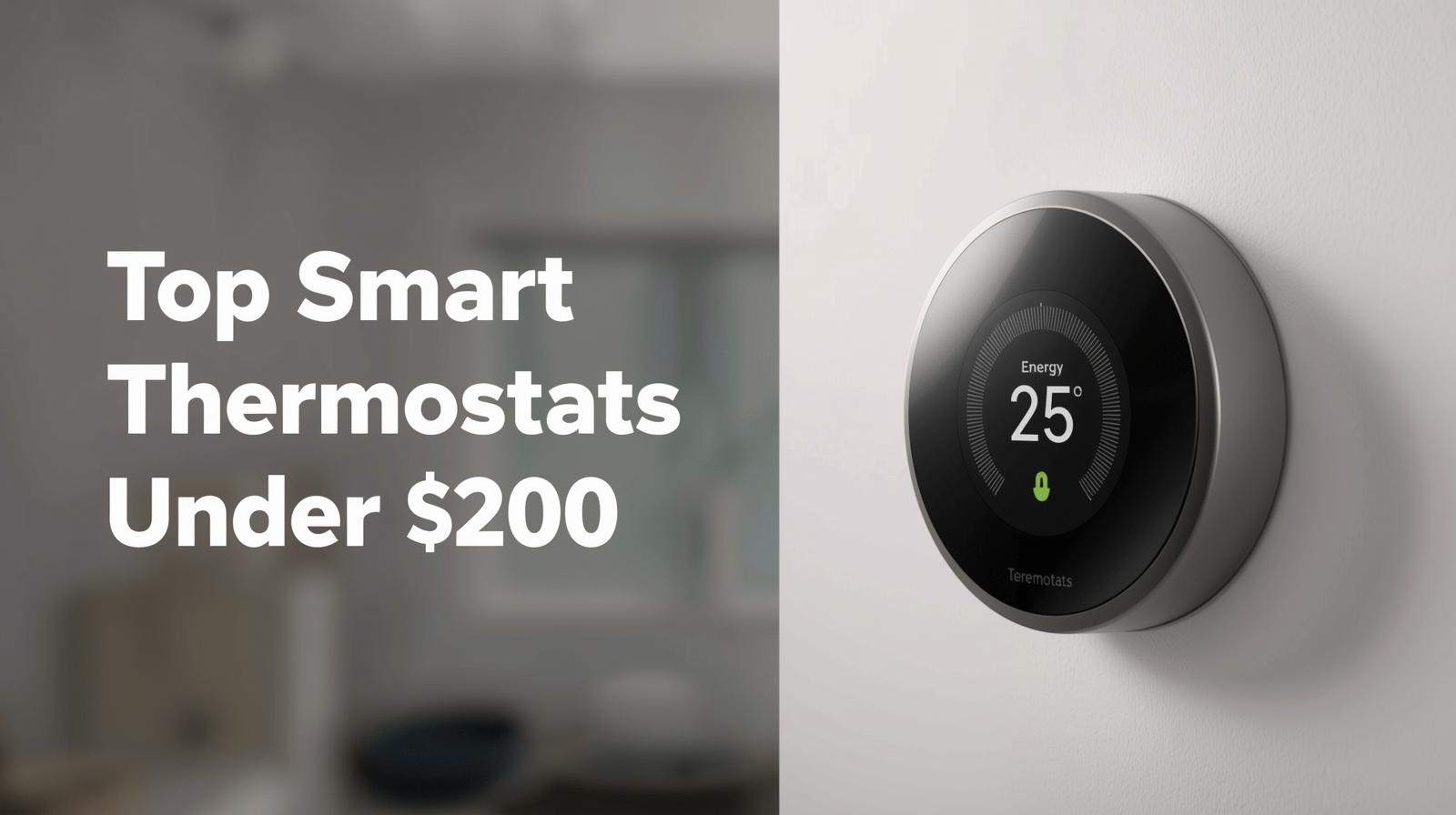
For a long time, if you wanted a smart thermostat that actually did its job, you had to drop $300 or more. You were paying for the brand name and a fancy metal ring. But things have changed. By early 2026, the market has shifted. The technology that used to be 'premium' is now standard. You can now get a device that learns your habits, talks to your phone, and slashes your energy bill for well under $200.
Here is the thing: you do not need to overspend to get a great experience. Most people just want a device that keeps the house comfortable and does not require a PhD to install. In this guide, I am breaking down the absolute best options that hit that perfect balance of price and performance. We are looking at real-world reliability, not just marketing fluff.
What Makes a Thermostat Worth Your Money in 2026?
Before we look at the specific models, we need to talk about what actually matters. A few years ago, 'smart' just meant it had Wi-Fi. Today, the bar is much higher. If you are buying a thermostat today, it needs to handle a few specific things or it is just a glorified digital clock on your wall.
🏆 Our Top Picks
Ecobee Smart Thermostat Enhanced
The best overall balance of features and price. It supports Matter, works with remote room sensors to fix hot/cold spots, and has a very high-quality build. Perfect for those who want a 'set it and forget it' experience with deep data insights.
Check Price on Amazon →Google Nest Thermostat (G4CVZ)
A sleek, minimalist option that excels in design. It uses a unique mirrored display and touch controls. It is ideal for smaller homes or apartments where you want a simple, beautiful interface and reliable geofencing via the Google Home app.
Check Price on Amazon →Wyze Thermostat v2
The ultimate value pick. Despite the low price, it offers Matter support and a premium-feeling physical dial. It is the best choice for budget-conscious users who still want their devices to work with Apple Home or Alexa seamlessly.
Check Price on Amazon →Amazon Smart Thermostat
Built in partnership with Honeywell, this is a no-frills workhorse. It is extremely affordable and integrates natively with Alexa. It is best for users who already have an Echo-heavy home and want the simplest possible installation.
Check Price on Amazon →Matter and Thread Support
If you have been following smart home news, you know Matter is the big deal. It is the universal language that lets Apple Home, Google Home, and Amazon Alexa all play nice together. In 2026, buying a thermostat without Matter support is a mistake. It ensures your device will still work five years from now when you decide to switch from an iPhone to an Android, or vice versa.
Geofencing Accuracy
This is the feature that actually saves you money. Your thermostat should know when you leave the house based on your phone's location. It should kick into 'Eco' mode automatically. When you are five miles from home, it should start warming or cooling things back up. If the geofencing is buggy, the thermostat is useless.
The C-Wire Situation
Most modern smart thermostats require a 'C-wire' (common wire) for constant power. If your home is older, you might not have one. The best budget options today either include a power adapter kit or have figured out clever ways to work without one. I have made sure to note which ones are DIY-friendly for older homes.
Top Picks Comparison Table
| Product | Price Range | Best For | Matter Support |
|---|---|---|---|
| Ecobee Smart Thermostat Enhanced | $170 - $190 | Overall Performance | Yes |
| Google Nest Thermostat | $110 - $130 | Design & Simplicity | Yes |
| Wyze Thermostat v2 | $70 - $90 | Extreme Value | Yes |
| Amazon Smart Thermostat | $60 - $80 | Alexa Users | No (Proprietary) |
1. The All-Rounder: Ecobee Smart Thermostat Enhanced
If you asked me which one I would put in my own mother's house, it is this one. Ecobee has been the king of the 'smart' hill for a while, and the Enhanced model brings almost all the features of their $250 flagship down to a much better price point. It feels solid, the screen is crisp, and the software is incredibly stable.
What most people miss about Ecobee is the sensor ecosystem. You can buy small remote sensors to put in bedrooms or offices. If your living room is freezing but your bedroom is boiling, the Ecobee can average those temperatures out. It stops the 'one room is never comfortable' problem that plagues older HVAC systems. The Enhanced model works with most 24V systems and comes with a power extender kit in the box.
The Downside: It is a bit bulkier than the Nest. If you want something that disappears into your wall, this is not it. It is a piece of tech, and it looks like one.
2. The Style King: Google Nest Thermostat
Google simplified their lineup recently, and the base Nest Thermostat is a steal. It does away with the rotating metal ring of the 'Learning' version and replaces it with a touch-sensitive strip on the side. It looks like a piece of modern art. The mirrored display is beautiful, though it can be a fingerprint magnet if you touch it too much.
In my experience, the Nest app is the most user-friendly for people who are not 'techies.' It gives you clear reports on how much energy you saved and why. It also integrates perfectly with Google Home. If you have a Nest Doorbell or Nest Hub, this is the logical choice. It uses Soli radar technology to detect when you are standing in front of it, lighting up the display automatically.
The Downside: It does not support remote sensors. If you have a large house with uneven heating, the Nest might struggle to keep every room perfect because it only knows the temperature at the wall unit.
3. The Budget Disruptor: Wyze Thermostat v2
Wyze has a reputation for making gear that is 'good enough' for a fraction of the price. The Thermostat v2 is no exception. For under $100, you get a device that looks premium and handles the basics perfectly. It has a simple turn-and-click interface that feels very much like the original Nest units.
The big surprise here is the inclusion of Matter support in the v2. This was a huge move for Wyze. It means this budget device can talk to your Apple HomePod or your Amazon Echo without any weird workarounds. It also includes a C-wire adapter, which is a nice touch for a device at this price point. It is basic, but it works.
The Downside: The app can feel a bit cluttered with ads for other Wyze products. It is the price you pay for the low hardware cost.
4. The Alexa Native: Amazon Smart Thermostat
If your house is full of Echo Dots, this is the path of least resistance. Amazon partnered with Honeywell Home to build this, so the actual HVAC logic inside is rock solid. Honeywell has been making thermostats for a century, so they know how to keep a furnace from short-cycling.
It is very minimalist. There is no screen to speak of, just a simple white plastic face with LED numbers. You are meant to control it with your voice or the Alexa app. It is the cheapest reliable option on the market. It does not try to be fancy; it just tries to be a thermostat that you can control from your phone.
The Downside: It is very tied to the Amazon ecosystem. If you decide to move to Apple HomeKit later, you will likely have to replace this unit.
Why You Should Care About HVAC Compatibility
I have seen so many people buy a smart thermostat only to find out it does not work with their system. Before you spend a dime, pull your old thermostat off the wall and look at the wires. If you see thick wires with wire nuts (like you would see behind a light switch), you have a high-voltage system. Most smart thermostats will not work with these without a special relay.
Most modern systems use thin, multi-colored wires. These are 24V systems. If you see a wire labeled 'C', you are golden. If not, look for the models I mentioned that include a 'Power Extender Kit' or 'C-Wire Adapter.' Do not try to 'power steal' by skipping the C-wire; it can damage your HVAC control board over time. It is a $500 mistake you do not want to make.
The Hidden Secret: Utility Rebates
Here is a pro tip that most people overlook. Almost every major utility company in the US and Canada offers rebates for smart thermostats. Why? Because they want you to use less energy during peak hours. I have seen rebates as high as $75 or $100. In some cases, you can get the Amazon or Wyze thermostat for essentially zero dollars after the rebate.
Check your utility company's website before you buy. Sometimes they have their own 'marketplace' where you can buy the device already discounted. Other times, you buy it at a retail store and mail in a receipt. It is free money. Do not leave it on the table.
Installation: Can You Really Do It Yourself?
The short answer is yes. If you can use a screwdriver and take a photo with your phone, you can install a smart thermostat. Every major brand now includes a step-by-step guide in their app. You take a photo of your old wiring, the app tells you where to put the new wires, and you are done in 20 minutes.
The only time you should call a pro is if you have a complex multi-stage heat pump or a dual-fuel system (like a gas furnace paired with an electric heat pump). Those can get tricky. But for a standard furnace and AC? Save the $150 and do it yourself on a Saturday morning.
Final Thoughts on the Under $200 Market
You do not need to spend a fortune to have a comfortable, efficient home. The gap between a $150 thermostat and a $350 thermostat has never been smaller. In 2026, the 'budget' options are more than enough for 90% of homes. Focus on Matter compatibility and whether you need remote sensors. Everything else is just icing on the cake.
Frequently Asked Questions
Do I really need a C-wire for these thermostats?
Most do require a C-wire for constant power. However, models like the Ecobee Enhanced and Wyze v2 include an adapter in the box that allows them to work even if your home is missing that specific wire.
Will a smart thermostat actually save me money?
Yes, typically between 10% and 15% on heating and cooling costs. The savings come from the thermostat automatically lowering the temp when you are away or asleep, which most people forget to do manually.
Can I control these thermostats if my Wi-Fi goes down?
Yes. You can always walk up to the wall unit and change the temperature manually. You only lose the remote app control and voice commands until the internet returns.