 By Alex Morgan
Our Editorial Research & Methodology
The State of the Smart Home in 2026
Look, I get it. You want a home that works for you, not a second job as an IT administrator. A few years ago, building a smart home was a nightmare of competing standards and apps that refused to talk to each other. You had to check three different boxes to see if a lightbulb worked with your phone. It was a mess.
But things have changed. As of February 2026, we are firmly in the era of Matter and Thread. These are not just tech buzzwords; they are the reason you can finally buy a device, scan a code, and have it work instantly. If you have been waiting for the right time to jump in, this is it. The tech has matured, the prices have dropped, and the reliability is finally where it needs to be.
In this guide, I am going to skip the fluff. I will show you how to build a foundation that won't be obsolete in two years. We will talk about what actually matters and what is just a shiny distraction. Let's get your house working for you.
Why Matter and Thread Change Everything
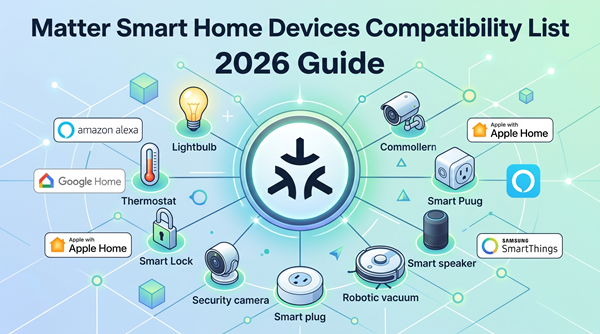
Before you buy a single plug, you need to understand two terms: Matter and Thread. Think of Matter as the language that smart devices speak. In the past, some spoke 'Apple,' some spoke 'Google,' and some spoke 'Amazon.' Matter is the universal translator. If a box has the Matter logo, it will work with any major system.
Thread is the way they talk. Instead of every device crowding your Wi-Fi and slowing down your Netflix stream, Thread creates a 'mesh' network. Each device helps pass the signal along. It is faster, uses less battery, and stays local to your home. This means if your internet goes down, your lights still turn on. That is a huge win for reliability.
Step 1: Pick Your Brain (The Ecosystem)
Every smart home needs a brain. This is the app and the voice assistant you will use to control everything. You do not have to stick to just one forever, but picking a primary one makes life much easier. Here is how the big three stack up in 2026.
🏆 Our Top Picks
Apple HomePod (2nd Generation)
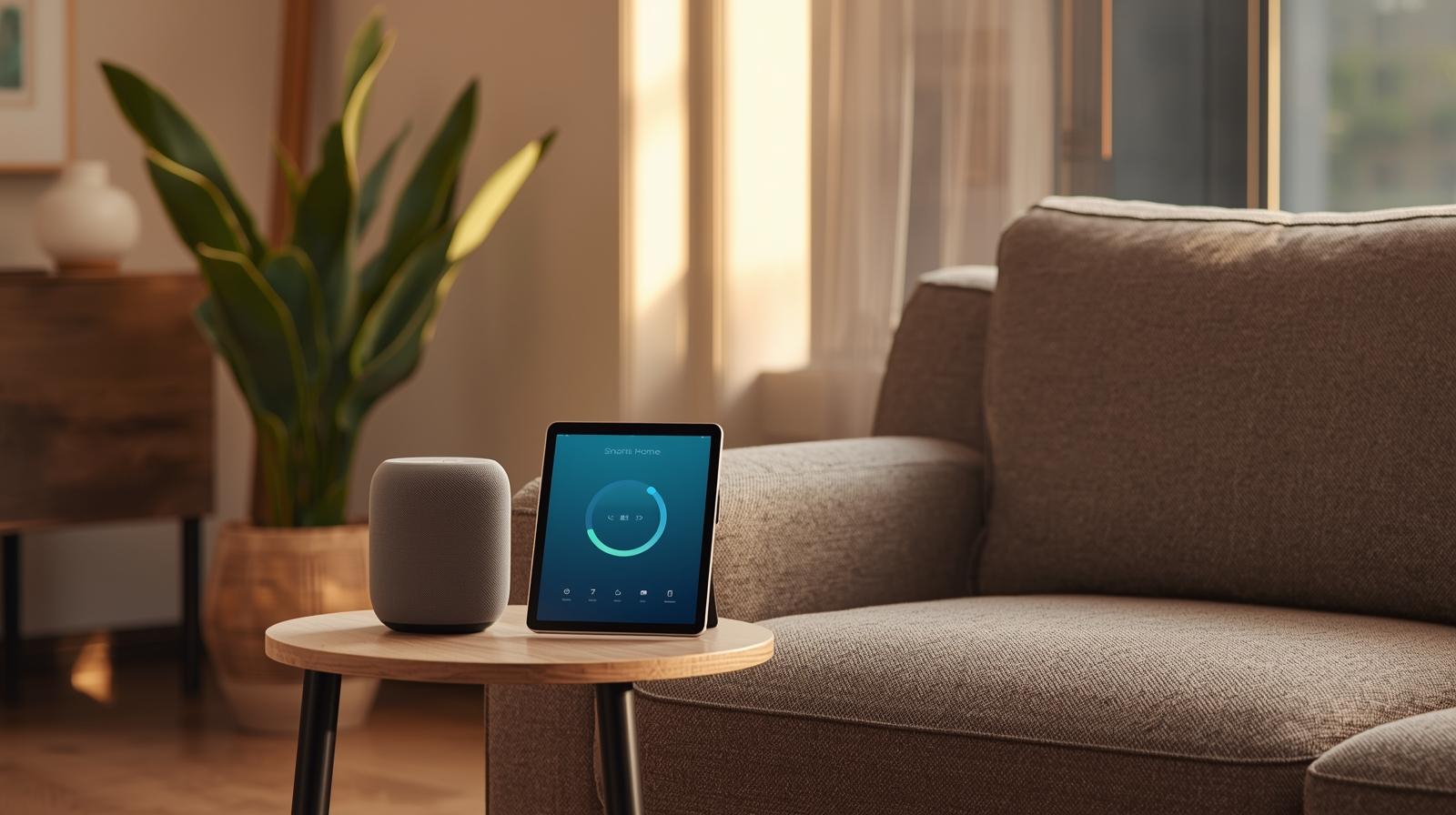
The definitive hub for Apple users. It features a built-in Thread border router and Matter support, ensuring your devices talk to each other locally and instantly. It also includes temperature and humidity sensors to trigger climate automations.
Check Price on Amazon →Lutron Caseta Deluxe Dimmer Switch Kit
The gold standard for smart lighting. Unlike Wi-Fi switches, Lutron uses its own Clear Connect frequency which never interferes with your internet. It is incredibly reliable and works even if your Wi-Fi is acting up.
Check Price on Amazon →Aqara Presence Sensor FP2
A massive upgrade over traditional motion sensors. It uses millimeter-wave radar to detect even the slightest breath, meaning lights won't turn off while you are sitting still. It can monitor multiple zones in a single room.
Check Price on Amazon →Ecobee Smart Thermostat Premium
A top-tier climate controller that includes a built-in air quality monitor and a remote room sensor. It integrates perfectly with all major Matter-enabled ecosystems and helps reduce energy bills through intelligent occupancy sensing.
Check Price on Amazon →Aqara Smart Lock U100
A Matter-compatible deadbolt that supports Apple Home Key. You can unlock your door by just tapping your iPhone or Apple Watch. It also features a fingerprint scanner and a physical key backup for peace of mind.
Check Price on Amazon →| Ecosystem | Best For | Primary Strength |
|---|---|---|
| Apple Home | iPhone/Mac Users | Privacy and local control |
| Amazon Alexa | Budget-conscious | Widest device support |
| Google Home | Android/Search fans | Best voice recognition |
Here is the thing: most people choose based on the phone they already carry. If you have an iPhone, Apple Home is a no-brainer. If you are an Android power user, Google Home feels natural. Amazon Alexa is great if you want a screen in every room without breaking the bank. In my experience, Apple Home has the edge in 2026 because it forces devices to work locally, which is faster and more private.
The Importance of a Hub
You need a physical device in your house to act as the 'Hub' or 'Border Router.' This is the bridge between your phone and your devices. It could be a smart speaker, a TV box, or a dedicated hub. Without this, you are just using Bluetooth, which is slow and frustrating. Make sure your hub supports Thread. Most modern Apple TVs, HomePods, and Amazon Echo devices now have this built-in.
Step 2: Lighting is the Gateway Drug
Most people start with smart lights. It is the most immediate 'wow' factor. But there is a right way and a wrong way to do it. You have two main choices: smart bulbs or smart switches.
Smart Bulbs: The Easy Way
Smart bulbs are great for renters or for lamps. You screw them in, and suddenly you have millions of colors. They are perfect for setting a mood or helping you wake up with a fake sunrise. However, there is a catch. If someone flips the physical wall switch off, the bulb loses power and becomes 'dumb.' You cannot turn it back on with your phone until someone flips that switch again.
Smart Switches: The Pro Way
If you own your home, smart switches are the superior choice. They replace the switch on your wall. This means the 'smart' part is always powered. You can use the physical switch like a normal person, or use your voice, and it always works. Plus, one switch can control ten 'dumb' ceiling lights, which is much cheaper than buying ten smart bulbs.
Step 3: Sensors are the Real Secret Sauce
A smart home isn't actually smart if you have to talk to it all the time. Using your voice to turn off lights is cool for a week, then it becomes a chore. Real 'smart' happens when things happen automatically. This is where sensors come in.
- Motion Sensors: Lights turn on when you walk into the bathroom at 2 AM (at 10 percent brightness so you don't go blind).
- Contact Sensors: These go on doors and windows. They can tell you if you left the garage open or turn off the AC if a window is opened.
- Presence Sensors: These are the 2026 gold standard. Unlike motion sensors, they can tell if you are sitting perfectly still on the couch. No more lights turning off while you are reading.
- Water Leak Sensors: Put these under your sink or near the water heater. They can save you thousands of dollars in damage by alerting you the second a drip starts.
In my experience, adding a few motion sensors to hallways and bathrooms is the single best upgrade you can make. It feels like living in the future when the house just anticipates your needs.
Step 4: Security and Privacy
This is where people get nervous, and for good reason. You don't want a camera in your living room that sends data to a random server across the world. In 2026, the trend is 'Local First.' This means your video and data stay inside your house.
Smart Locks
A smart lock is a game changer. Imagine never fumbling for keys again. Most modern locks now support 'Home Key' or similar tech where you just tap your phone or watch against the lock to get in. You can also give temporary codes to guests or dog walkers. Look for locks that use Matter over Thread for the best battery life.
Cameras and Doorbells
When picking a camera, look for 'End-to-End Encryption.' This ensures that only you can see the footage. Many systems now offer local storage on a small hard drive in your home, so you don't have to pay a monthly subscription fee just to see who is at the door. Avoid the ultra-cheap cameras you find on random marketplaces; they are often a security nightmare.
Step 5: Climate and Energy
A smart thermostat can actually pay for itself. By learning your schedule and using those motion sensors we talked about, it can stop heating or cooling an empty house. In 2026, many thermostats can even talk to the energy grid to save you money during 'peak hours' when electricity is most expensive.
Smart plugs are another easy win. Use them for things like coffee makers, fans, or holiday lights. They can also monitor how much energy a specific appliance is using. If your old fridge is sucking down way more power than it should, a smart plug will tell you.
Common Pitfalls to Avoid
I have seen a lot of people fail at this. Here is what most people miss:
- The Spouse/Roommate Factor: If your partner can't turn on the lights without an app, you have failed. Always ensure there is a physical way to control the house.
- Buying Cheap No-Name Brands: That 5 dollar smart plug might look like a deal, but if it doesn't support Matter, it will likely stop working when the company goes out of business next year.
- Over-complicating: Don't try to automate everything at once. Start with one room, get it perfect, then move to the next.
- Ignoring Wi-Fi Strength: If your router is ten years old, your smart home will struggle. A mesh Wi-Fi system is often the best first 'smart home' purchase.
Wrapping it all up
Building a smart home in 2026 is about making your life easier, not more complicated. Start with a solid hub, add some lighting, and then let sensors do the heavy lifting. Stick to the Matter and Thread standards, and you will have a system that is fast, private, and reliable. You don't need to be a tech genius; you just need to start with the right foundation. Your future self will thank you when the house automatically locks the doors and dims the lights for bed without you saying a single word.
Frequently Asked Questions
Do I need a special router for a smart home?
While any modern router works, a Mesh Wi-Fi system is highly recommended to ensure coverage for all devices. In 2026, look for routers that also act as Thread Border Routers.
Will my smart home work if the internet goes down?
If you use Matter over Thread or a local-first ecosystem like Apple Home, your basic automations and controls will continue to work without an internet connection.
Is a smart home expensive to maintain?
Beyond the initial purchase, there are few costs. By choosing devices with local storage, you can avoid monthly subscription fees for cameras and security features.