 By Alex Morgan
Our Editorial Research & Methodology
Why Smart Homes Are the New Secret to Independence
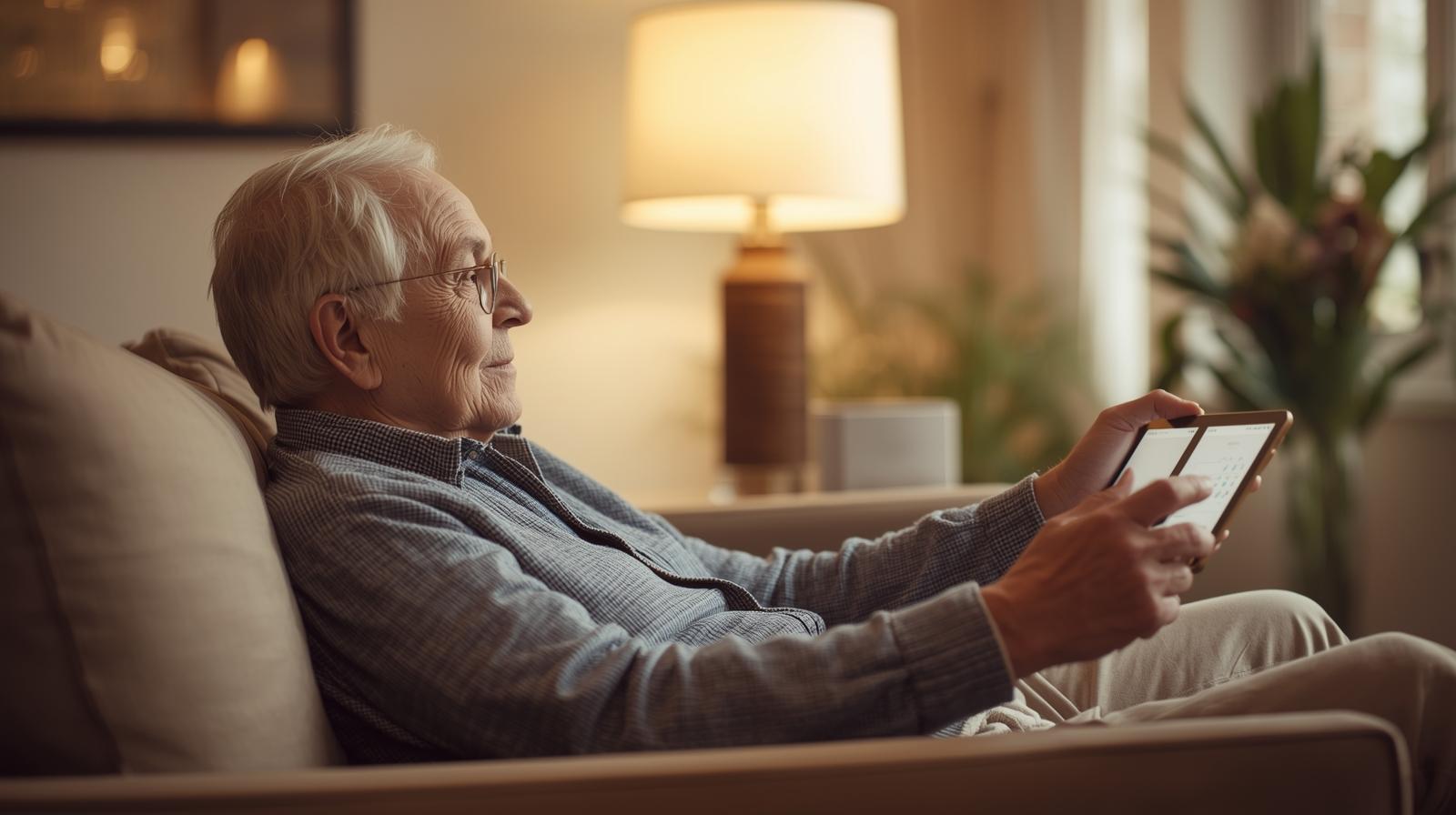
Forget the idea that smart homes are just for tech-obsessed teenagers or people who want to change their light colors from a smartphone. For seniors, this technology is a game-changer. It is the difference between staying in a beloved family home and moving into an assisted living facility. We are talking about real-world tools that solve real-world problems.
In my experience, the biggest hurdle is the name itself. 'Smart home' sounds complicated. It sounds like something that will break and require a call to a grandkid. But by February 2026, the tech has matured. It is no longer about gadgets; it is about invisible support. It is about a house that looks out for you, rather than you having to manage the house.
The goal here is simple: safety, comfort, and connection. We want to prevent falls, ensure medications are taken, and make sure help is available in a heartbeat. Here is how we make that happen without turning your living room into a NASA control center.
The Power of Voice: No More Tiny Buttons
The single most important upgrade for any senior home is a voice assistant. Whether it is Alexa, Google, or Siri, being able to speak to your house is a massive win. Think about it. No more squinting at tiny remote control buttons. No more getting up to flip a switch when your knees are aching.
🏆 Our Top Picks
Amazon Echo Show 15 (2nd Gen)
This is the perfect central hub for a senior home. The large 15-inch screen is easy to read, and it doubles as a digital photo frame. It supports video calling and has a built-in camera for quick check-ins. The downside is that it requires a fair amount of wall space or a sturdy stand.
Check Price on Amazon →Hero Health Smart Pill Dispenser
This device takes the guesswork out of medication. It sorts and dispenses up to a 90-day supply of 10 different medications. It sounds an alarm when it is time to take a pill and notifies caregivers if a dose is missed. It does require a monthly subscription, which is its main drawback.
Check Price on Amazon →Lutron Caseta Wireless Motion Sensor
These are the gold standard for lighting safety. They are incredibly reliable and have a long battery life. They can be programmed to turn on lights only during certain hours, preventing accidental triggers during the day. They are more expensive than generic sensors but rarely fail.
Check Price on Amazon →Apple Watch Series 11
The Series 11 features the most advanced fall detection and heart monitoring on the market. It can detect irregular heart rhythms and even measure blood oxygen levels. The interface is clean and the 'Siri' integration is excellent. The main downside is the need for daily charging.
Check Price on Amazon →Ring Video Doorbell Pro 2
This doorbell allows seniors to see and speak to visitors without opening the door. It features 'Head-to-Toe' video so you can see packages left on the porch. The 3D Motion Detection reduces false alerts from passing cars. It does require a wired connection for the best performance.
Check Price on Amazon →Voice control is not just a luxury; it is a safety feature. If someone falls and cannot reach a phone, they can simply yell for help. 'Alexa, call my daughter' or 'Hey Google, call 911' can be a literal lifesaver. It provides a layer of security that a smartphone sitting on a charger across the room simply cannot match.
Beyond emergencies, voice assistants handle the small stuff that adds up. Setting timers for the oven, asking for the weather, or playing a favorite radio station becomes effortless. It keeps the mind engaged and the body rested. What most people miss is that these devices also act as a digital photo frame, keeping family faces front and center throughout the day.
Choosing the Right Hub
When picking a hub, go for one with a screen. Devices like the Echo Show or Google Nest Hub Max are better than speakers alone. Why? Because visual confirmation matters. When you ask for the weather, seeing the icon of a sun or a rain cloud reinforces the information. It also allows for easy video calls, which are much more personal than a standard phone call.
Preventing Falls with Smart Lighting
Falls are the leading cause of injury for seniors. Most of these happen at night when someone is trying to find the bathroom in the dark. Traditional nightlights are okay, but they are often too dim or placed in the wrong spots. Smart lighting solves this with motion sensors.
Imagine this: You swing your legs out of bed at 2 AM. The motion sensor under the bed frame detects movement and gently fades on a path of lights to the bathroom. They are not blindingly bright, just enough to see the floor clearly. Once you are back in bed, the lights fade out on their own. No switches to fumble for, and no dark corners to trip over.
You can also automate the 'Whole House Off' command. Instead of walking around checking every lamp before bed, you can just say, 'Goodnight,' and the house locks the doors, dims the lights, and sets the thermostat. It reduces the physical toll of daily chores and ensures the home is secure every single night.
Smart Lighting Comparison Table
| Feature | Standard Bulbs | Smart Bulbs | Motion Sensors |
|---|---|---|---|
| Energy Efficiency | Low | High | Very High |
| Ease of Use | Manual | Voice/App | Automatic |
| Safety Level | Basic | Enhanced | Maximum |
| Installation | Easy | Easy | Moderate |
Health Monitoring Without the Hassle
Managing health is a full-time job as we age. Between multiple prescriptions and tracking vitals, things get messy fast. Smart health tech in 2026 has moved beyond basic step counters. We now have devices that integrate directly with your doctor's office.
Smart pill dispensers are a favorite of mine. They do not just beep; they stay locked until it is time for the specific dose. If a dose is missed, the device can send a text to a caregiver. This removes the 'did I take my pills?' anxiety that plagues so many households. It keeps the senior independent while giving the family peace of mind.
Then there are the wearables. Modern smartwatches now include fall detection that is incredibly accurate. They can distinguish between someone dropping their watch and someone actually hitting the floor. If a fall is detected and the user does not respond, the watch automatically sends the GPS location to emergency services. It is a safety net that travels with you, even outside the house.
The Caregiver Connection: Remote Support
For children of aging parents, the 'worry' factor is huge. You want to know they are okay, but you do not want to be a 'Big Brother' figure. Smart home tech allows for a middle ground. We call this 'passive monitoring.' Instead of cameras in every room, which feel invasive, we use contact sensors.
A contact sensor on the refrigerator or the medicine cabinet tells you that life is moving as usual. If the fridge hasn't been opened by 10 AM, you get a notification. It is a gentle nudge to give them a call and check-in. It respects their privacy while ensuring they are sticking to their routine.
Smart locks are another essential. If an emergency happens, you can unlock the front door from your phone to let paramedics in. You can also give unique codes to neighbors or cleaning services, so you always know who is coming and going. No more hidden keys under the doormat, which is a massive security risk anyway.
Overcoming the Tech Fear
The biggest barrier to a smart home is the fear of it being 'too much.' Here is the thing: a well-designed smart home should be invisible. If you have to open five different apps to turn on a light, the system has failed. The goal is automation and voice control.
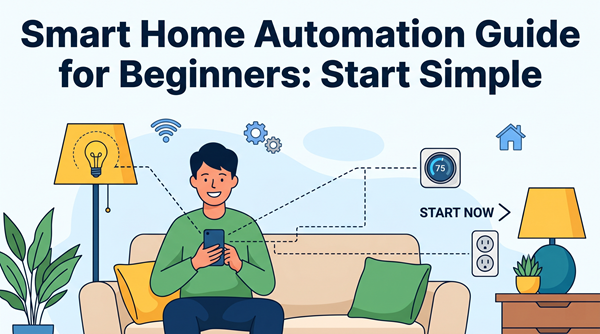
Start small. Do not try to automate the whole house in one weekend. Start with one room—usually the bedroom or the kitchen. Get a voice assistant and a few smart bulbs. Let the user get comfortable with those before adding more. In my experience, once a senior realizes they can ask for their favorite music or check who is at the door without getting up, they become the biggest fans of the tech.
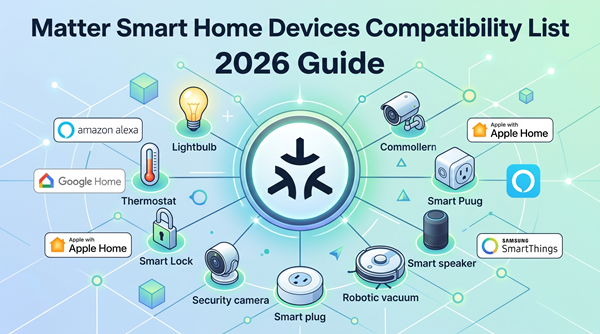
Reliability is also key. Use brands that have been around a while. In 2026, the 'Matter' standard has made it much easier for different brands to work together. This means you are not locked into one ecosystem. You can mix and match devices, and they will actually talk to each other. This reduces the 'it just doesn't work' frustration that used to be common.
Privacy and Security in 2026
I get asked about privacy more than anything else. 'Is the house listening to me?' The short answer is yes, but not in the way you think. These devices are waiting for their 'wake word.' However, you should always take steps to secure the network. Use strong, unique passwords for every account.
Turn off 'voice recording' history if you are worried about data. Most modern hubs have a physical switch to disconnect the microphone and camera when they are not in use. Use these! It gives you physical control over your digital privacy. Also, make sure the home Wi-Fi is encrypted. A smart home is only as secure as the router it runs on.
The Bottom Line
A smart home is not about being fancy. It is about staying home. It is about using the tools available in 2026 to maintain dignity and independence. By focusing on lighting, voice control, and health monitoring, you create a safety net that works 24/7. It is an investment in quality of life that pays off every single day.
Frequently Asked Questions
Do I need high-speed internet for a smart home?
Yes, a stable Wi-Fi connection is essential. Most devices don't use much data, but they need a consistent signal to respond to voice commands and send alerts.
What happens if the power goes out?
Most smart devices will go offline, but things like smart locks still work with a physical key. It is a good idea to have a battery backup for your internet router.
Is it expensive to set up?
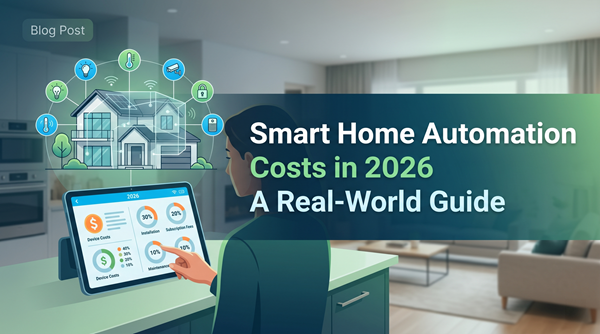
It doesn't have to be. You can start with a $50 voice assistant and $20 smart bulbs. You can build the system over time as your needs and budget allow.