 By Michael Thompson
Our Editorial Research & Methodology
Why $1000 is the Sweet Spot for Smart Homes in 2026
Look, I have seen people spend $10,000 on custom home automation systems that feel outdated the moment the installer leaves the driveway. In 2026, you do not need a second mortgage to live in the future. The technology has matured. We have moved past the era of 'gadget graveyards' where half your devices do not talk to the other half.
The secret is the $1000 threshold. It is enough money to buy high-quality, reliable hardware that supports the latest standards like Matter 1.4 and Thread, but it is not so much that you are overpaying for features you will never use. At this price point, you can cover the four pillars of a smart home: control, lighting, security, and climate.
In my experience, the biggest mistake beginners make is buying a bunch of cheap, random Wi-Fi plugs from a brand they have never heard of. Those devices clog your router and usually stop working after a year. We are going to do this differently. We are going to build a foundation that actually works when your internet goes down and keeps your data inside your four walls.
The Matter Revolution: Why Your Brand Choice Matters Less Now
If you were building this setup three years ago, you had to pick a 'tribe.' You were either an Apple Home person, a Google Home person, or an Alexa person. If you bought the wrong lightbulb, it simply would not show up in your app. That headache is mostly gone thanks to Matter.
🏆 Our Top Picks
Apple HomePod (2nd Generation)
The ultimate privacy-focused hub for 2026. It features a built-in Thread border router and Matter support, ensuring your smart home stays fast and local. It also includes temperature and humidity sensors to trigger climate automations.
Check Price on Amazon →Aqara Smart Lock U100
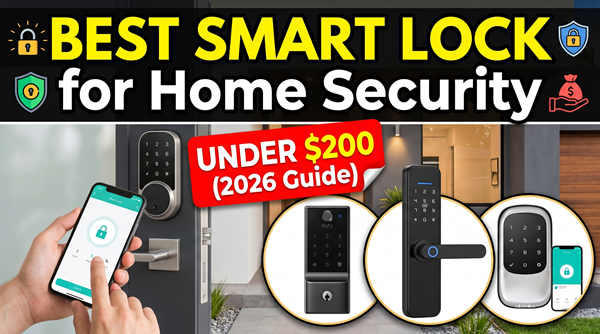
A versatile Matter-over-Thread lock that supports Apple HomeKey. It allows you to unlock your door with a tap of your watch or phone, a fingerprint, or a physical key. It is the best balance of security and convenience on the market.
Check Price on Amazon →Ecobee Smart Thermostat Premium
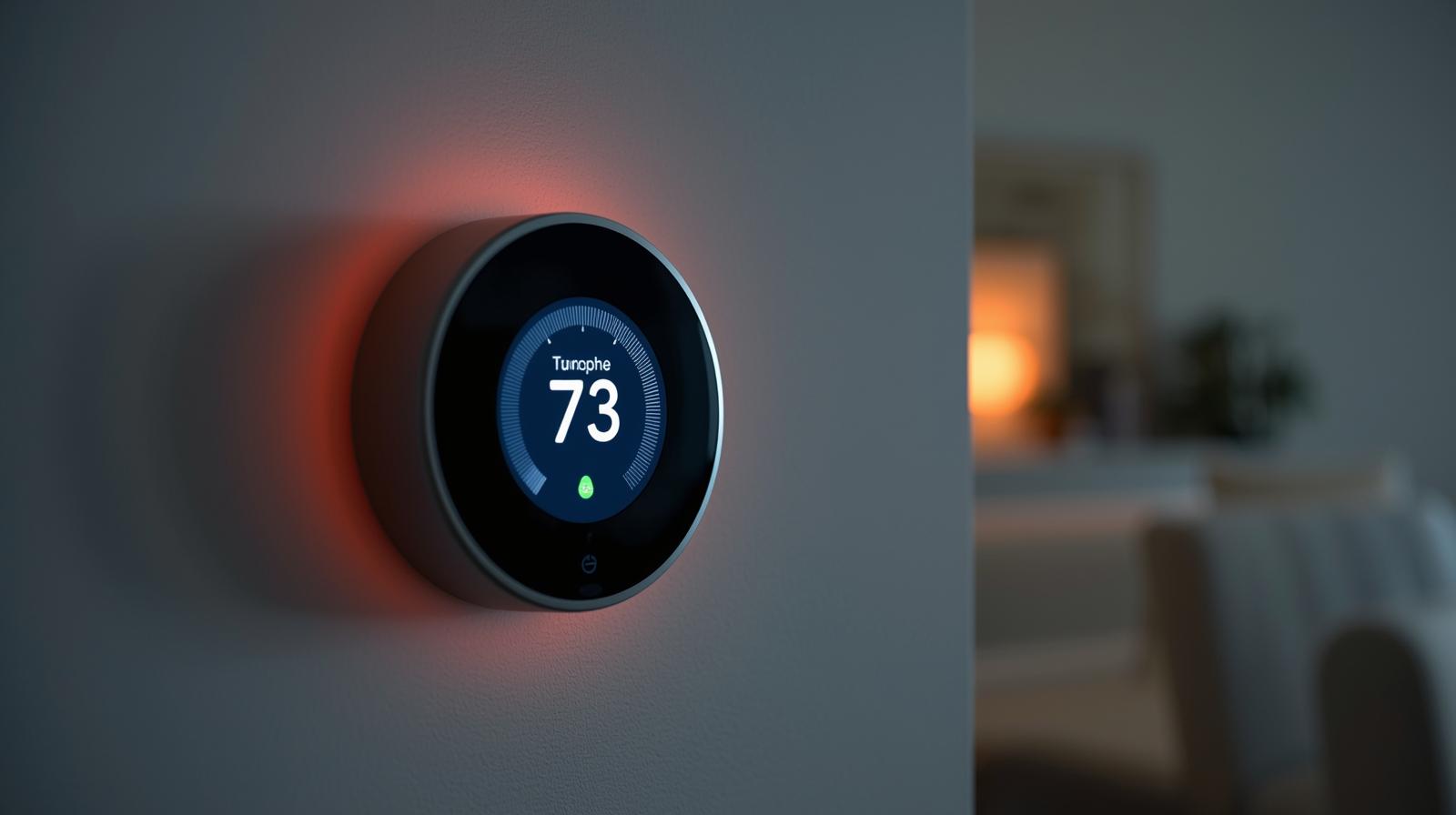
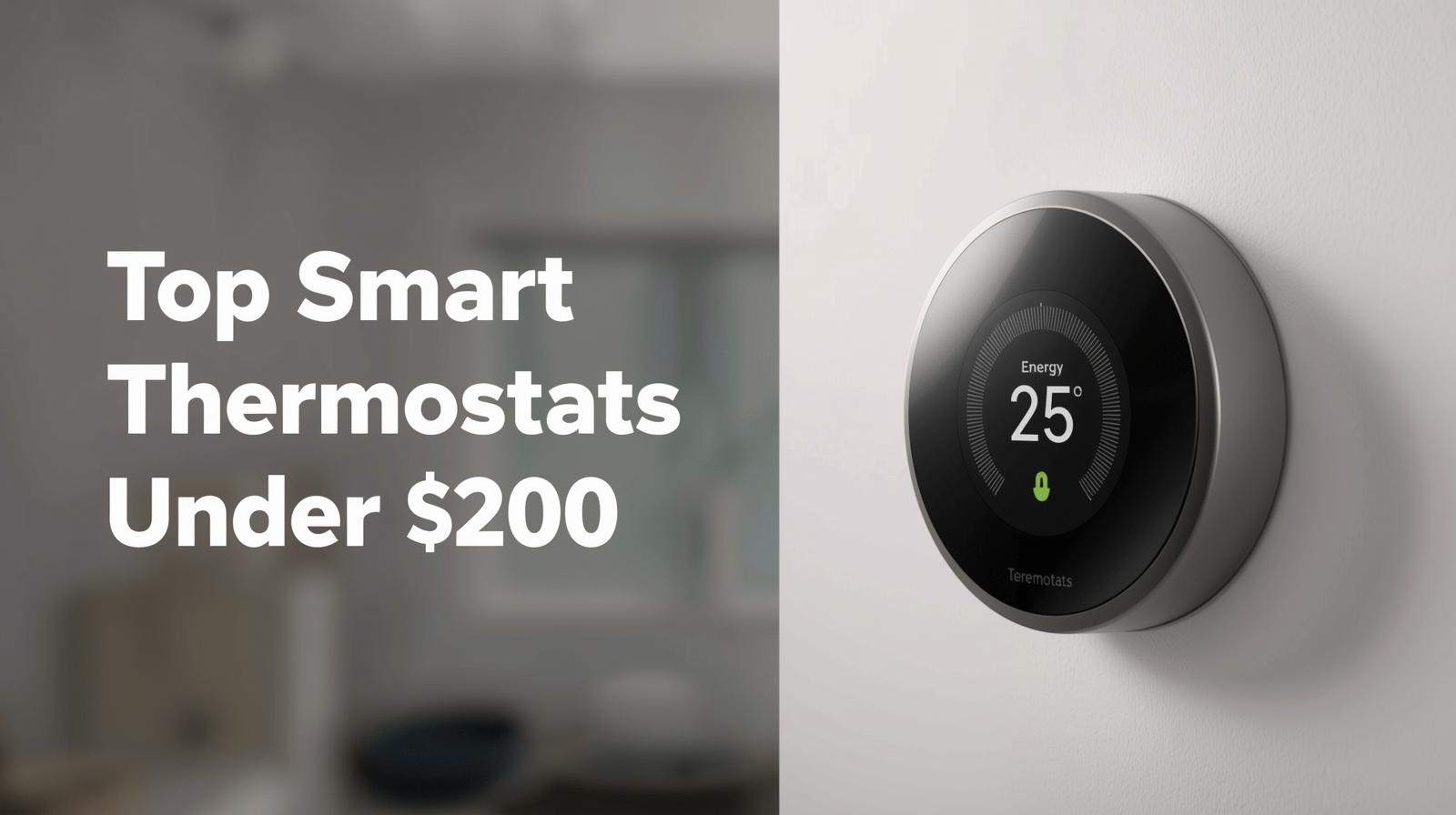
More than just a thermostat, this device acts as an air quality monitor and security hub. It includes a remote sensor to eliminate hot and cold spots in your home, making it the most efficient way to manage your HVAC system.
Check Price on Amazon →TP-Link Tapo C425 Security Camera
A wire-free, battery-powered 2K camera that does not require a subscription. It features magnetic mounting and local microSD storage, making it perfect for renters or homeowners who want high-end security without monthly fees.
Check Price on Amazon →Nanoleaf Essentials Matter Smart Bulb
These are the best budget-friendly Matter-over-Thread bulbs available. They offer millions of colors and support for Circadian Lighting, which adjusts the color temperature based on the time of day to improve your sleep cycle.
Check Price on Amazon →Matter is the universal language for smart home devices. Because we are in February 2026, almost every reputable device on the shelf now supports it. This means you can buy an Aqara lock, a Google hub, and Eve sensors, and they will all play nice together. When you are shopping, look for that little Matter logo. It is your guarantee that you are not buying a paperweight.
However, do not ignore the underlying network. While Matter is the language, Thread is the highway. Thread is a mesh network technology that is much faster and more reliable than traditional Wi-Fi for smart devices. In this guide, I have prioritized devices that use Thread because they respond instantly and do not drain your battery in a week.
Step 1: Picking Your Brain (The Hub)
Every smart home needs a brain. This is the device that coordinates your automations and lets you control things when you are away. You want a hub that acts as a Thread Border Router. This is a fancy way of saying it bridges your low-power smart devices to your home Wi-Fi.
For most people, I recommend the Apple HomePod (2nd Gen) or the latest Echo Show. If you are deep in the Apple ecosystem, the HomePod is a no-brainer because of its privacy-first approach. It processes your voice commands locally rather than sending them to a server in the cloud. If you prefer a screen, the Echo Show 8 (3rd Gen) is a fantastic alternative that also acts as a Matter controller.
What most people miss is that you can actually have multiple hubs. If you have an Apple TV 4K in the living room and a HomePod in the kitchen, they work together to make your network stronger. For our $1000 budget, we are going to allocate about $300 to the hub and initial control interface.
Step 2: Lighting That Actually Makes Sense
Lighting is where most people start, and it is where most people overspend. You do not need a $50 color-changing bulb in every single socket. That is a waste of money. Instead, think about where you actually need 'smart' features.
I suggest a hybrid approach. Use smart bulbs for lamps where you want color or dimming, but use smart switches for your main overhead lights. Why? Because if you put a smart bulb in a ceiling fixture and someone flips the physical wall switch off, that 'smart' bulb is now dead and unreachable. A smart switch keeps the connection alive even when the lights are off.
The Lighting Breakdown
- Main Living Areas: Smart switches (Lutron Caseta is the gold standard here).
- Bedrooms and Accent Lighting: Matter-enabled LED strips or color bulbs (Nanoleaf or Philips Hue).
- Hallways: Motion sensors paired with basic smart bulbs.
In my experience, the 'Circadian Lighting' feature is the best part of modern smart bulbs. In 2026, most Matter bulbs support this natively. They automatically shift from a bright, cool blue light in the morning to a warm, amber glow in the evening. It sounds like a gimmick until you live with it for a week; it genuinely helps you wind down for sleep.
Step 3: Security Without the Monthly Fees
One of the biggest drains on a budget is the 'subscription creep.' You buy a $100 camera, but then you have to pay $10 a month forever just to see your footage. That is a bad deal. For a $1000 setup, we are focusing on cameras and doorbells that offer local storage.
Brands like TP-Link Tapo and Reolink have dominated the market in 2026 by offering high-resolution 4K video with microSD card slots. You get the alerts on your phone, you can see the live feed, and the footage stays on a card in the camera. No monthly bill, no privacy concerns about your video being stored on a random server.
For the front door, a smart lock is a game-changer. Look for one with 'HomeKey' support if you use an iPhone. This lets you tap your phone or Apple Watch against the lock to get in, just like you use Apple Pay at the grocery store. It is faster than a fingerprint and much more reliable than a keypad code.
Step 4: Climate Control and Energy Savings
This is the only part of your smart home that actually pays for itself. A smart thermostat can save you 10-15 percent on your heating and cooling bills. In a year or two, the device has paid for itself. In 2026, the best thermostats do not just look at the temperature in the hallway; they use remote sensors to see if your bedroom is actually comfortable.
I recommend the Ecobee Smart Thermostat Premium. It comes with a built-in air quality monitor and a remote sensor. If it detects that you are in the home office and that room is freezing, it will keep the heat on until that specific room reaches the target temperature, rather than guessing based on the hallway.
The $1000 Blueprint: A Sample Budget
Here is how I would spend that $1000 to get the most bang for your buck. Prices are estimates based on current 2026 market trends.
| Category | Product Recommendation | Estimated Cost |
|---|---|---|
| Hub / Brain | Apple HomePod (2nd Gen) | $299 |
| Smart Lock | Aqara Smart Lock U100 | $189 |
| Thermostat | Ecobee Smart Thermostat Enhanced | $189 |
| Lighting | Nanoleaf Essentials Matter Bulbs (3-Pack) | $50 |
| Security | TP-Link Tapo C425 (Battery Powered) | $120 |
| Sensors | Eve Door & Window (2-Pack) | $80 |
| Smart Plugs | TP-Link Tapo Matter Plugs (2-Pack) | $30 |
| Total | Comprehensive Setup | $957 |
Making it Smart: Three Automations You Will Actually Use
A home with an app is not a smart home; it is just a remote-controlled home. A truly smart home does things for you without you asking. Here are three 'recipes' I use every day that you should set up immediately.
1. The 'Goodnight' Routine
When you tell your voice assistant 'Goodnight,' or when the clock hits 11:00 PM, the house should secure itself. The smart lock bolts the door, the thermostat drops to a cooler sleeping temperature, and all the lights turn off except for a dim 5 percent amber glow in the hallway for midnight bathroom trips.
2. The 'I am Home' Welcome
Using geofencing (which tracks your phone's location), your house can prep for your arrival. When you get within 500 feet of your home, the front door unlocks, the entryway light turns on if it is after sunset, and the thermostat kicks out of 'Eco' mode. You never have to fumble for keys with groceries in your hand again.
3. The Energy Saver
Use your door sensors for more than just security. If a window or the back door is left open for more than two minutes, have your smart home automatically turn off the AC or heater. This prevents you from literally cooling the entire neighborhood and saves a fortune on your electric bill.
Common Pitfalls to Avoid
Before you go out and buy everything on this list, keep a few things in mind. First, check your wiring. If you live in a very old house, your light switches might not have a 'neutral wire.' Most smart switches require one. If you do not have it, you will need to look for 'No-Neutral' specific switches, which are a bit more expensive.
Second, do not ignore your Wi-Fi. If your router is the one your internet provider gave you five years ago, it will struggle to handle 20 or 30 smart devices. You do not need a $500 mesh system, but a decent Wi-Fi 6 or Wi-Fi 7 router will make your smart home much more stable.
Finally, start small. You do not have to set everything up in one weekend. Start with the hub and the lights. Get used to how they work, then add the lock, then the thermostat. This prevents you from feeling overwhelmed and helps you troubleshoot any issues as they arise.
Frequently Asked Questions
Do I need a professional to install these?
Most of these devices are designed for DIY installation. The smart lock and thermostat require basic screwdriver skills, while bulbs and hubs are plug-and-play.
What happens if my internet goes down?
If you use Matter and Thread devices with a local hub like a HomePod, your automations and local control will still work even without an internet connection.
Can I mix Apple and Android devices?
Yes. Thanks to the Matter protocol, you can control the same lightbulb from an iPhone, an Android tablet, and an Alexa speaker simultaneously.