 By Michael Thompson
Our Editorial Research & Methodology
The WiFi Trap: Why Your Front Door Doesn't Need the Internet
Here is the thing about smart locks: most people think they need WiFi to be 'smart.' We have been conditioned to believe that if a device isn't constantly pinging a server in the cloud, it is basically a paperweight. But in my experience, the best smart locks are the ones that do not rely on your router at all. Think about it. Your WiFi goes down when the power flickers. Your router gets congested when your kids start streaming 8K video. Do you really want your ability to enter your home tied to a 2.4GHz signal that is already struggling to reach the garage?
By February 2026, the smart home landscape has shifted. We have moved away from the 'cloud-first' mentality and toward local control. People are realizing that WiFi is a battery hog and a potential security hole. If you are looking for a lock that works every single time, regardless of your internet status, you are looking for local protocols like Bluetooth, Thread, or Z-Wave. These are the unsung heroes of home security.
The Problem with WiFi Smart Locks
WiFi is great for laptops, but it is terrible for door locks. First, there is the battery issue. WiFi is power-hungry. A lock that connects directly to your router usually needs new batteries every three to four months. That is a chore nobody wants. Second, there is the latency. Have you ever stood at your door for ten seconds waiting for an app to 'wake up' the lock? That is the cloud at work, and it is frustrating.
Then we have the security aspect. Every device on your WiFi network is a potential entry point for a hacker. While smart lock companies work hard on encryption, a lock that is not on the internet is inherently harder to reach from the outside. By keeping your lock offline, or at least off the public internet, you are closing a door that most people leave wide open.
How Offline Smart Locks Actually Communicate
If you ditch WiFi, how does the lock talk to your phone? It comes down to three main players: Bluetooth, Thread, and Z-Wave. Each has its own strengths, and choosing the right one depends on how you plan to use your home.
🏆 Our Top Picks
Schlage Encode Plus Smart WiFi Deadbolt
Despite the name, this is the king of offline access thanks to Apple Home Key and Thread support. It allows you to unlock your door by simply tapping your iPhone or Apple Watch against the lock using NFC, which works even if the lock's WiFi is disabled or your phone is dead. It is built like a tank with a Grade 1 security rating, the highest possible for residential locks.
Check Price on Amazon →Yale Assure Lock 2 (Z-Wave Model)
This is the go-to for anyone who wants a completely local smart home. By using the Z-Wave module, the lock communicates with your hub (like SmartThings or Home Assistant) without ever touching the internet. It is sleek, replaces your entire deadbolt, and offers a physical keypad that is incredibly responsive. It is perfect for those who prioritize privacy and local control.
Check Price on Amazon →Ultraloq U-Bolt Pro (Bluetooth/Biometric)
If you want to forget about your phone entirely, this is the one. The 360-degree fingerprint scanner is lightning fast and works offline. It also features a unique anti-peep keypad and a physical key hidden under the assembly. It uses Bluetooth for app management, making it a powerhouse for those who want a 'no-WiFi' setup that still feels futuristic.
Check Price on Amazon →Lockly Secure Pro
Lockly is famous for its 'PIN Genie' technology, which shuffles the numbers on the keypad so onlookers can't steal your code. It excels in offline environments because it can generate 'Offline Access Codes' for guests. It is a heavy-duty lock that feels premium and offers a very reliable fingerprint sensor for daily use.
Check Price on Amazon →SwitchBot Lock Pro
The best option for renters or those who don't want to replace their deadbolt. It fits over your existing thumbturn and uses Bluetooth for local control. With the addition of a Matter-enabled hub, it can join a Thread network for local, high-speed communication. It is surprisingly powerful and features a dedicated 'Quick Key' button for easy exits.
Check Price on Amazon →Bluetooth: The Direct Connection
Bluetooth is the most common 'no-WiFi' option. When you walk up to the door, your phone talks directly to the lock. No middleman, no router, no internet required. It is incredibly energy-efficient, meaning your batteries can last a year or more. The downside? Range. You usually have to be within 30 feet of the door to control it. For most people, that is perfectly fine.
Thread: The New Standard in 2026
By now, Thread has become the gold standard for smart homes. It is a mesh network protocol that is fast, low-power, and—most importantly—local. If you have a Thread border router (like an Apple HomePod or a newer Google Nest Hub), your lock can talk to your smart home system without ever touching the cloud. It is snappy, reliable, and it does not die when your internet provider has an outage.
Z-Wave and Zigbee: The Pro Choice
Z-Wave has been around for decades, and for good reason. It operates on a different frequency than WiFi, so there is zero interference. It is a favorite for people who use dedicated smart home hubs like Home Assistant or Hubitat. It is rock solid, but it does require a bit more setup than a simple Bluetooth lock.
Comparison of Local Connection Standards
| Feature | Bluetooth | Thread | Z-Wave |
|---|---|---|---|
| Battery Life | Excellent | Great | Excellent |
| Range | Short (30ft) | Medium (Mesh) | Long (Mesh) |
| Setup Ease | Very Easy | Moderate | Advanced |
| Internet Required? | No | No | No |
Biometrics and Keypads: The Ultimate Offline Backup
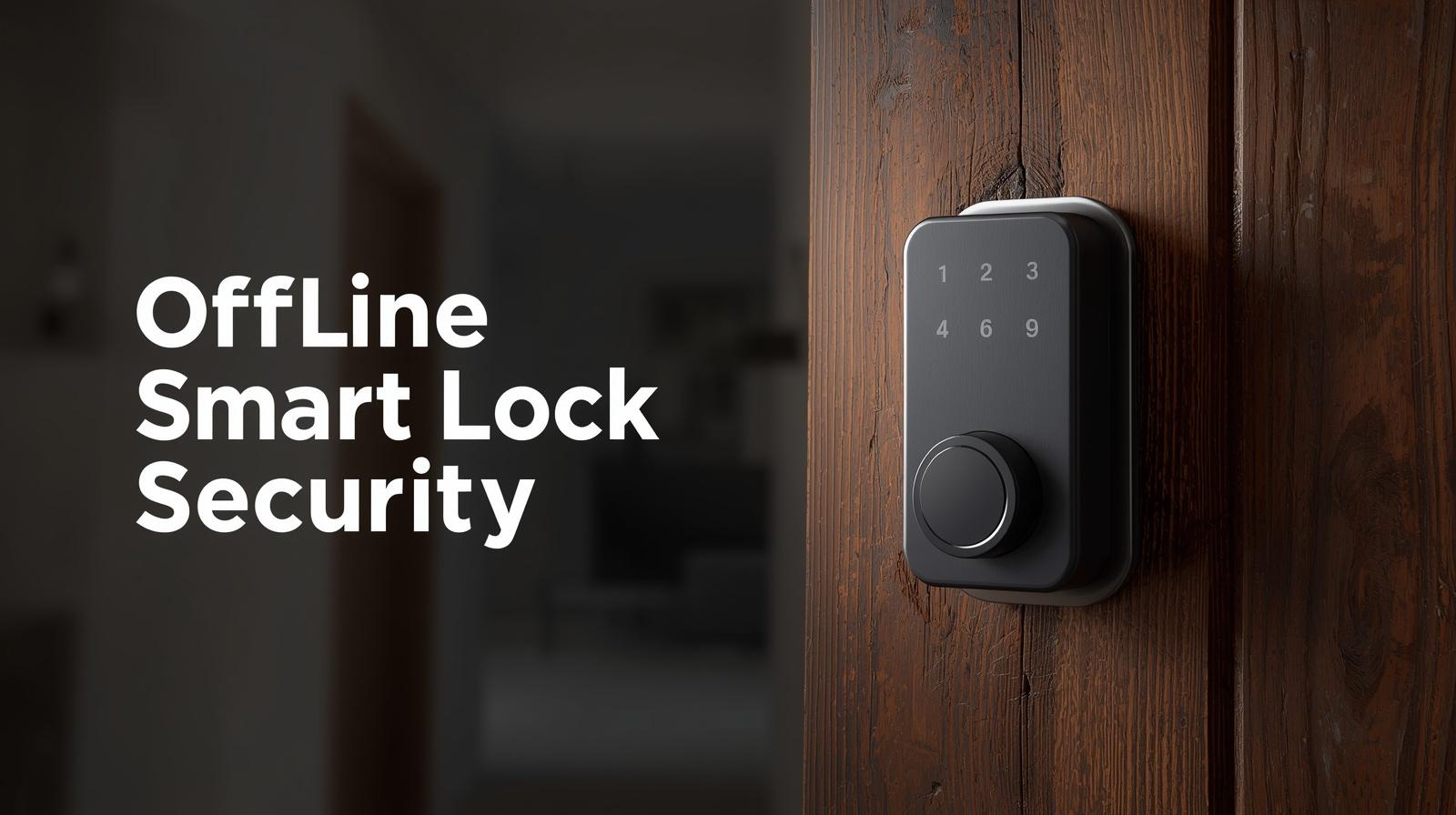
What most people miss is that the 'smartest' part of a lock doesn't have to be the wireless connection. It can be the hardware itself. Biometric fingerprint scanners and physical keypads are the ultimate offline tools. They do not care about your router, your phone's battery, or whether a server in Virginia is having a bad day.
In my testing, a high-quality fingerprint scanner is faster than any app. You touch the sensor, and in less than half a second, you are inside. No fumbling for keys, no waiting for Bluetooth to pair. If you are building a truly resilient smart home, you want a lock that prioritizes these physical, local entry methods over app-based ones.
The Magic of Offline PIN Codes
Some locks, like those from Lockly or Schlage, use clever algorithms to generate 'offline' guest codes. This is a game-changer for rental properties or giving access to a contractor. You can generate a code on your phone and text it to someone. Even though the lock has no internet connection, it 'knows' the code is valid because it shares the same encrypted algorithm as your app. It is like those old-school bank security tokens, and it works flawlessly without a single byte of data being sent over WiFi.
Why Privacy Advocates are Ditching the Cloud
Let's talk about privacy. When you use a WiFi-connected lock from a big-name brand, they often track every time that door opens and closes. That data is stored on their servers. In a world where data breaches are common, do you really want a log of your family's movements sitting in a corporate database? Offline locks, especially those integrated into local-only systems like Home Assistant, keep that data where it belongs: inside your house.
By using a Z-Wave or Thread lock with a local hub, you can still get notifications on your phone and see your history, but that data never leaves your local network. It is a level of digital sovereignty that more people are starting to value in 2026.
Installation and What to Look For
Buying a smart lock that works without WiFi is only half the battle. You need to make sure it actually fits your life. Here are a few things I always tell people to check before they pull out the screwdriver.
- Physical Key Override: Never buy a smart lock that doesn't have a physical key hole or an emergency 9V battery jump-start port. Electronics fail. Be prepared.
- Weather Rating: If your door faces the elements, look for an IP65 rating. Many 'smart' locks are surprisingly delicate when it comes to rain and extreme cold.
- The 'Wife/Husband' Test: If the lock makes it harder for your family to get inside than a standard key did, it is a bad product. It should be an upgrade, not a hurdle.
- Retrofit vs. Full Deadbolt: Retrofit locks (like the SwitchBot) sit on top of your existing thumbturn. They are great for renters. Full deadbolts are more secure but require more work to install.
The Reality of Remote Access
You might be wondering: 'If I don't have WiFi, can I still unlock the door for my sister when I am at work?' The answer is yes, but you need a bridge. The beauty of a non-WiFi lock is that the *lock itself* stays offline and saves battery. A separate hub (like a HomePod, a Z-Wave hub, or a dedicated bridge) stays plugged into a wall outlet and handles the internet connection. This gives you the best of both worlds: remote access when you need it, and a rock-solid, battery-efficient local connection for everything else.
The 2026 Perspective on Matter
We cannot talk about smart locks today without mentioning Matter. Matter is the universal language that allows different brands to talk to each other. Most new non-WiFi locks use Matter over Thread. This means you can buy a Yale lock and it will work perfectly with your Apple, Google, or Amazon system without needing a specific 'Yale Bridge.' It has simplified the 'no-WiFi' setup immensely, making it accessible to people who aren't tech wizards.
Final Thoughts on Going Offline
At the end of the day, a lock has one job: to secure your home and let you in when you want. Adding WiFi often makes that job harder by introducing more points of failure. By choosing a lock that relies on Bluetooth, Thread, or Z-Wave, you are choosing reliability over hype. You are choosing a battery that lasts a year instead of a month. And you are choosing a door that opens the second you touch it, not when the cloud decides it is ready. In my experience, that is the smartest move you can make.
Frequently Asked Questions
Can I still use an app if my lock doesn't have WiFi?
Yes. Most non-WiFi smart locks use Bluetooth to connect directly to your phone when you are nearby. You can manage codes, check battery levels, and unlock the door through the app without any internet connection.
How do I give guest codes remotely without WiFi?
Many modern locks use 'Offline PIN' technology. The app and the lock use the same encrypted algorithm to generate time-sensitive codes. You can generate a code on your phone and send it to a guest; the lock will recognize it as valid even without being online.
What happens if the smart lock batteries die?
Most high-quality smart locks include a physical key backup. Others have emergency power terminals on the exterior where you can touch a 9V battery to provide enough temporary power to enter your code and get inside.