 By Olivia Brooks
Our Editorial Research & Methodology
The Invisible Leak in Your Monthly Electric Bill
You probably think that when you turn off your TV, coffee maker, or game console, they stop using electricity. In a perfect world, you would be right. But we live in a world of 'standby mode' and 'instant-on' features. This is phantom power—also known as vampire draw—and it is quietly draining your bank account every single second.
Here is the thing: most modern electronics never truly turn off. They stay in a low-power state so they can listen for a remote control signal, stay connected to Wi-Fi, or keep a clock running. While a few watts here and there might not seem like much, the cumulative effect across twenty or thirty devices in your home is significant. In my experience, the average household loses about 10 percent of its monthly energy bill to these vampires.
Smart plugs are the most effective weapon we have to fight this. By physically cutting the connection between the device and the wall outlet, you ensure that 'off' actually means off. By February 2026, the technology has matured to the point where these devices are cheaper, smarter, and more reliable than ever before.
What Exactly is Phantom Power?
Phantom power is the energy consumed by electronic appliances while they are switched off or in standby mode. It provides the power needed for internal clocks, remote control receivers, and memory chips. Think of it like a car idling in your driveway 24/7 just in case you decide to go for a drive. It is ready to go, but it is burning fuel for no reason.
Common culprits include:
- Game Consoles: These are notorious for high standby draw to keep games updated.
- Desktop Computers: Even in sleep mode, they pull a steady stream of power.
- Kitchen Appliances: That digital clock on your microwave is costing you money.
- Chargers: Your phone charger pulls power even if no phone is attached.
- Soundbars and Subwoofers: These often stay 'warm' to provide instant audio.
Why Smart Plugs are the Ultimate Vampire Killers
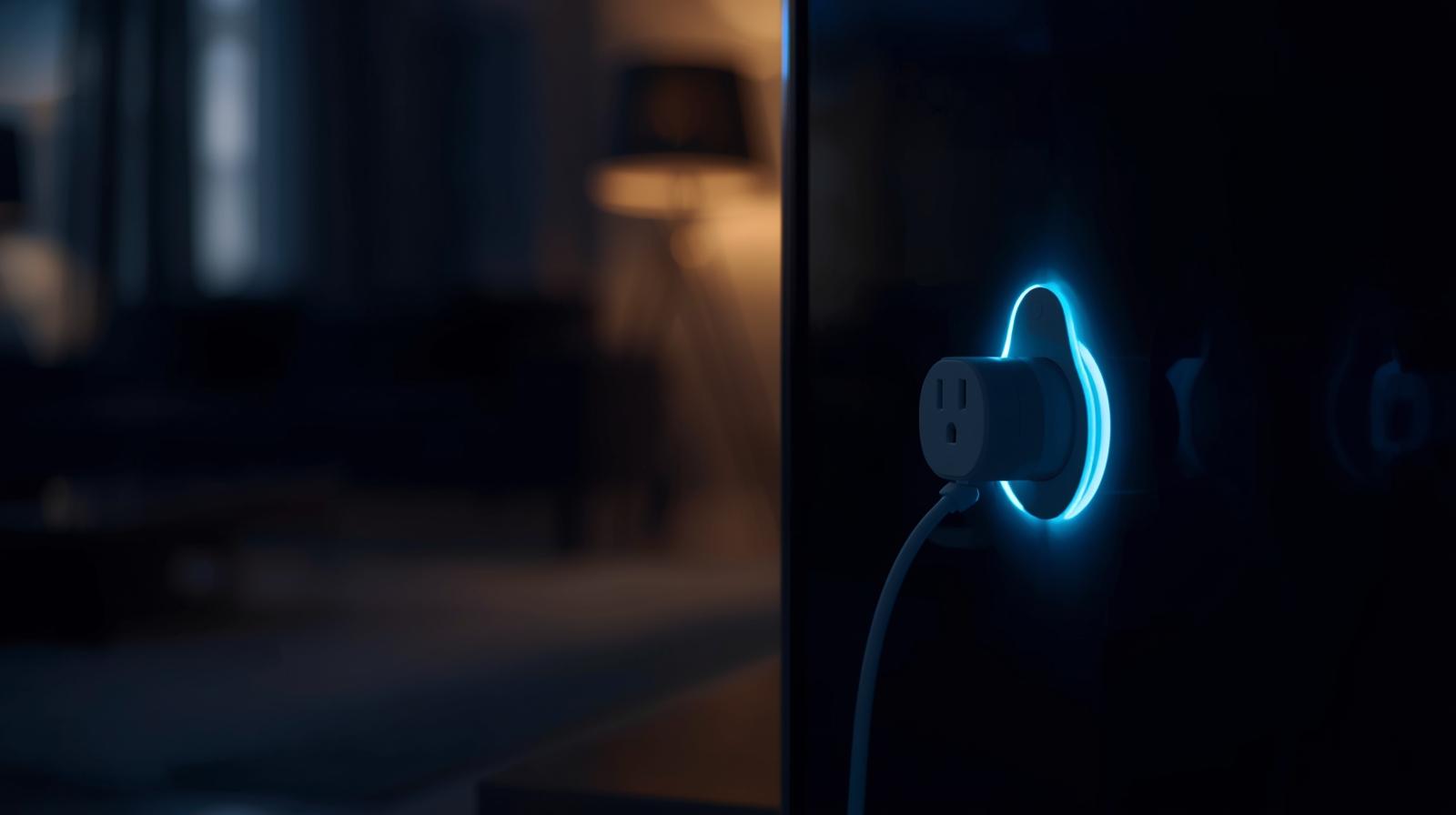
A smart plug acts as a gatekeeper. When you turn off a smart plug via an app or a schedule, it opens a physical relay inside the device. This breaks the electrical circuit completely. It is the digital equivalent of pulling the plug out of the wall, but without the hassle of crawling behind your entertainment center every night.
🏆 Our Top Picks
TP-Link Kasa Matter Smart Plug (KP125M)
This is the gold standard for reliability in 2026. It supports the Matter protocol, meaning it works with any smart home ecosystem, and features highly accurate energy monitoring to track your savings in real-time. It is compact enough to not block the second outlet.
Check Price on Amazon →Eve Energy Smart Plug
The best choice for those who prioritize privacy and speed. It uses Thread technology for a lightning-fast connection that doesn't rely on the cloud. The app provides the most detailed energy cost projections and historical data of any plug on the market.
Check Price on Amazon →Emporia Smart Plug with Energy Monitoring
If you are a data nerd, this is your plug. It integrates directly with the Emporia ecosystem to give you a granular look at your home's energy health. It is built with high-quality relays designed to handle consistent switching of heavier loads.
Check Price on Amazon →Shelly Plus Plug US
Perfect for prosumers who want local control without being tied to a specific manufacturer's app. It features an internal web server and supports scripting, making it the most flexible option for complex home automation setups.
Check Price on Amazon →What most people miss is that smart plugs have evolved beyond simple on/off switches. In 2026, the integration of the Matter 2.0 protocol means these plugs work seamlessly across every platform—Apple Home, Google Home, and Amazon Alexa—without the lag or connectivity issues that plagued early models. They are now proactive tools rather than reactive gadgets.
Energy Monitoring: Seeing the Invisible
You cannot fix what you cannot measure. The best smart plugs on the market today include built-in energy monitoring. This allows you to see exactly how many kilowatt-hours (kWh) a specific device is pulling in real-time. When you see that your old 'off' plasma TV is still pulling 15 watts, the motivation to automate its power cycle becomes very real.
I often suggest starting with one or two energy-monitoring plugs and moving them around your house. Spend a week monitoring your home office, then a week on your kitchen appliances. You will quickly identify which devices are the biggest offenders. It is often the things you least expect, like a laser printer or an old powered subwoofer.
The 2026 Standard: Matter and Thread
If you are buying smart plugs today, you need to look for two words: Matter and Thread. Matter is the universal language that allows smart home devices from different brands to talk to each other. Thread is the mesh networking protocol that makes them fast and reliable without clogging up your Wi-Fi.
In the past, if your internet went down, your smart schedules might fail. With Thread-enabled plugs, the 'intelligence' lives locally in your home. Your schedules will still run, and your phantom power will still be cut, even if your ISP is having a bad day. This reliability is what makes energy saving effortless.
Automation Strategies That Actually Work
Simply buying the plugs is not enough; you need a strategy. Here are three scenarios where smart plugs pay for themselves in months:
- The Entertainment Kill Switch: Group your TV, soundbar, and console into one power strip plugged into a single high-capacity smart plug. Set a schedule to kill power at 11:00 PM and turn it back on at 5:00 PM when you get home from work.
- The Home Office Blackout: Your monitors, docking station, and printer do not need power while you sleep. Use a 'Leave Home' automation that cuts power to your desk when your phone leaves the geofence of your house.
- The Charger Cleanup: Set a timer for your e-bike or laptop charger. Most chargers continue to pull 'trickle' power long after the battery is at 100 percent. Set the plug to turn off after three hours.
Comparing the Best Smart Plugs for Energy Savings
Not all plugs are created equal. Some are designed for heavy loads, while others focus on a small footprint. Here is how the top contenders for 2026 stack up:
| Product Name | Protocol | Energy Monitoring | Max Load | Best For |
|---|---|---|---|---|
| TP-Link Kasa KP125M | Matter/Wi-Fi | Yes | 15A | General Purpose |
| Eve Energy | Matter/Thread | Yes (Advanced) | 15A | Privacy & Precision |
| Emporia Smart Plug | Wi-Fi | Yes (Detailed) | 15A | Data Enthusiasts |
| Shelly Plus Plug US | Wi-Fi/Bluetooth | Yes | 15A | Local Control |
| Wyze Plug (2025 Ed.) | Wi-Fi | No | 15A | Budget Users |
Is the Investment Worth It? Doing the Math
Let's get practical. A high-quality smart plug costs between $12 and $25. If a smart plug saves you 10 watts of phantom power for 20 hours a day, that is 200 watt-hours per day, or about 6 kWh per month. At an average utility rate of $0.18 per kWh, you are saving roughly $1.08 per month per plug.
That does not sound like a lot until you realize that many devices, like older game consoles or multi-monitor setups, pull closer to 30-40 watts in standby. In those cases, a single plug can save you $4 to $5 a month. The plug pays for itself in less than half a year. Everything after that is pure profit back in your pocket. Plus, you are reducing the carbon footprint of your home without changing your lifestyle at all.
The Hidden Benefit: Fire Safety
Beyond the financial savings, there is a safety angle that most people overlook. Phantom power involves electricity flowing through components that are not actively being used. Over time, heat can build up in aging capacitors or frayed wires. By using a smart plug to physically disconnect power, you are eliminating the risk of an electrical fire in a device that is supposed to be 'off' while you are sleeping or away from home.
Setting Up for Success
When you get your plugs, do not just plug them in and forget them. Follow these steps for the best results:
- Label Everything: Give your plugs specific names like 'Living Room TV' or 'Master Bedroom Fan' so you do not get confused in the app.
- Update Firmware: Manufacturers frequently release updates that improve energy monitoring accuracy and connectivity.
- Use 'Eco-Modes': Many apps now have an 'Eco-Mode' that automatically suggests schedules based on your usage patterns.
- Check the Load: Never plug high-wattage appliances like space heaters or air conditioners into a standard smart plug unless it is specifically rated for that amperage.
In my experience, the biggest mistake people make is over-complicating it. Start with the three biggest energy hogs in your house. Once you see the data and the savings on your first bill, you will want to do the rest of the house. It is a rare win-win: you save money, and the planet gets a break.
Frequently Asked Questions
Do smart plugs use electricity themselves?
Yes, but it is minimal. Most modern smart plugs use less than 0.5 to 1 watt to stay connected to your network, which is far less than the 10-50 watts of phantom power they help you save.
Can I use a smart plug with a power strip?
Yes, you can plug a power strip into a smart plug to turn off multiple devices at once, provided the total wattage of all devices does not exceed the smart plug's rating (usually 15A or 1800W).
Will cutting power frequently damage my electronics?
For most modern electronics, no. However, for devices with 'soft' power buttons like desktop computers, it is better to shut them down via software first before the smart plug cuts the power.