 By Ryan Patel
Our Editorial Research & Methodology
The Gateway Drug of Home Automation
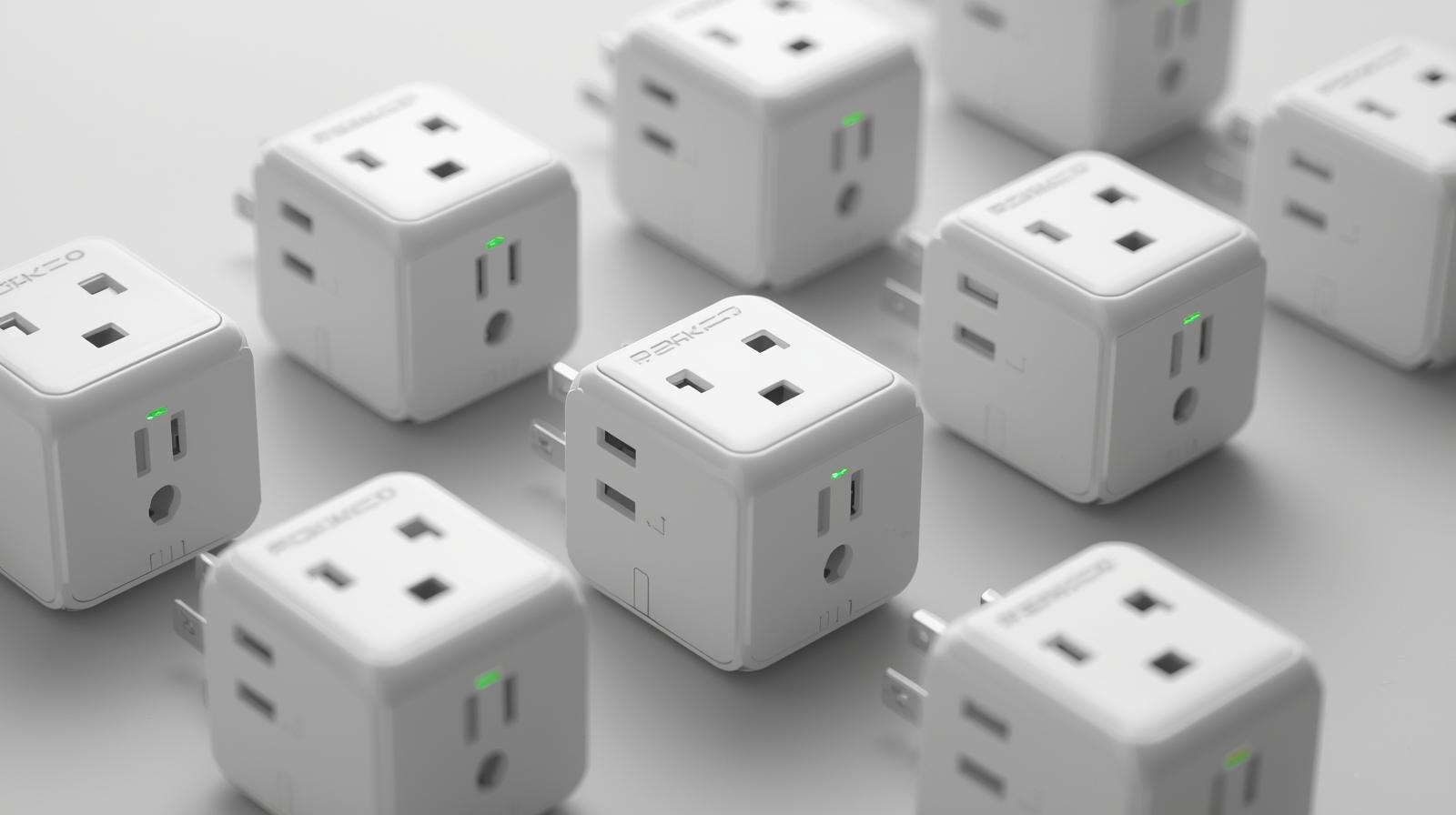
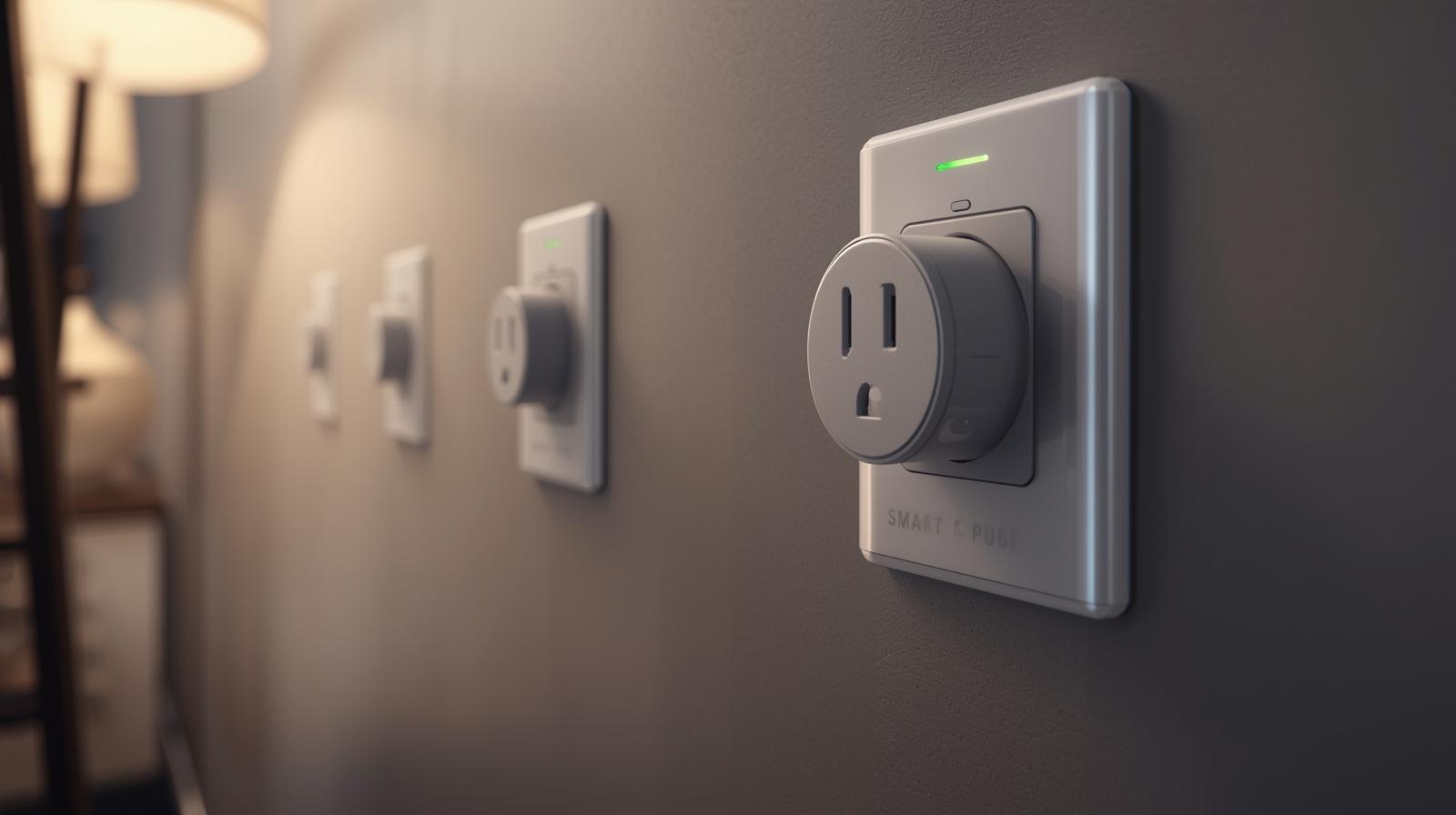
Let's be honest. Most people start their smart home journey because they want to turn a lamp off without getting off the couch. It starts with one plug. Then, before you know it, your toaster is talking to your window sensors and your house is running itself. In 2026, smart plugs have evolved from simple remote switches into sophisticated energy management tools. They are the unsung heroes of the modern home.
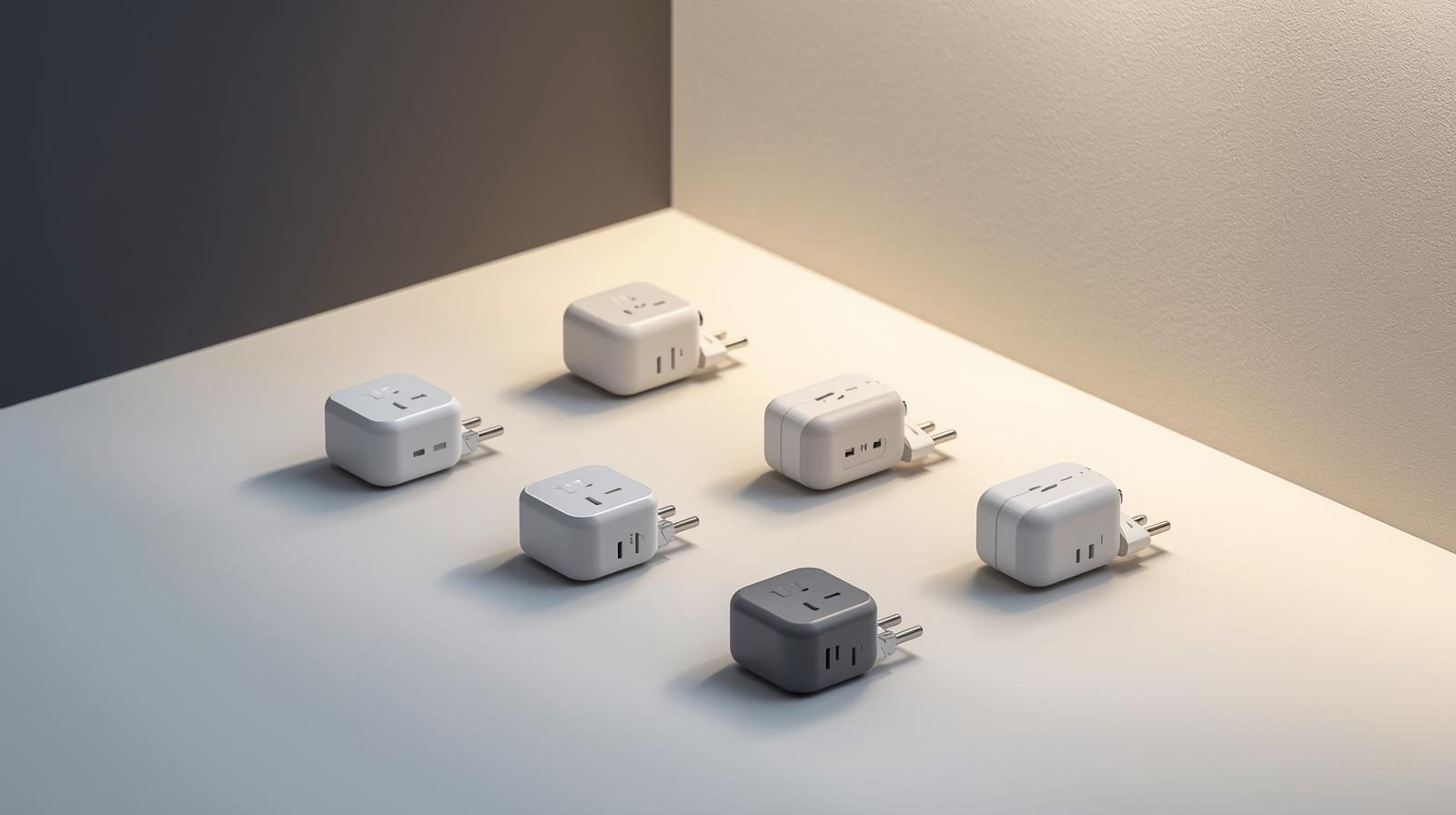
If you are still using those old-school mechanical timers with the little plastic pins, it is time for an upgrade. Today's smart plugs do more than just toggle power. They monitor energy usage in real-time, integrate with AI assistants, and use the latest wireless protocols to ensure they never drop off your network. Here is the thing: not all plugs are created equal. Some will clutter your Wi-Fi, while others will build a rock-solid mesh network that makes your whole house smarter.
Why Matter and Thread Change Everything
If you have been following smart home tech for a while, you know the headache of 'ecosystem lock-in.' You bought a plug that only worked with one app, or you needed a specific hub for every brand. That era is finally over. In 2026, the standard you need to look for is Matter. Matter is a universal language that allows devices from different brands to talk to each other locally, without needing the cloud.
🏆 Our Top Picks
Eve Energy (Matter)
The gold standard for privacy and reliability. It uses Thread for a rock-solid mesh network and offers the most detailed energy monitoring software on the market. Best for those who want a 'set it and forget it' experience.
Check Price on Amazon →TP-Link Kasa KP125M
An incredible value choice that supports Matter out of the box. It is compact enough to fit two on a single wall outlet and includes reliable energy monitoring. Perfect for outfitting an entire home on a budget.
Check Price on Amazon →Shelly Plus 1PM
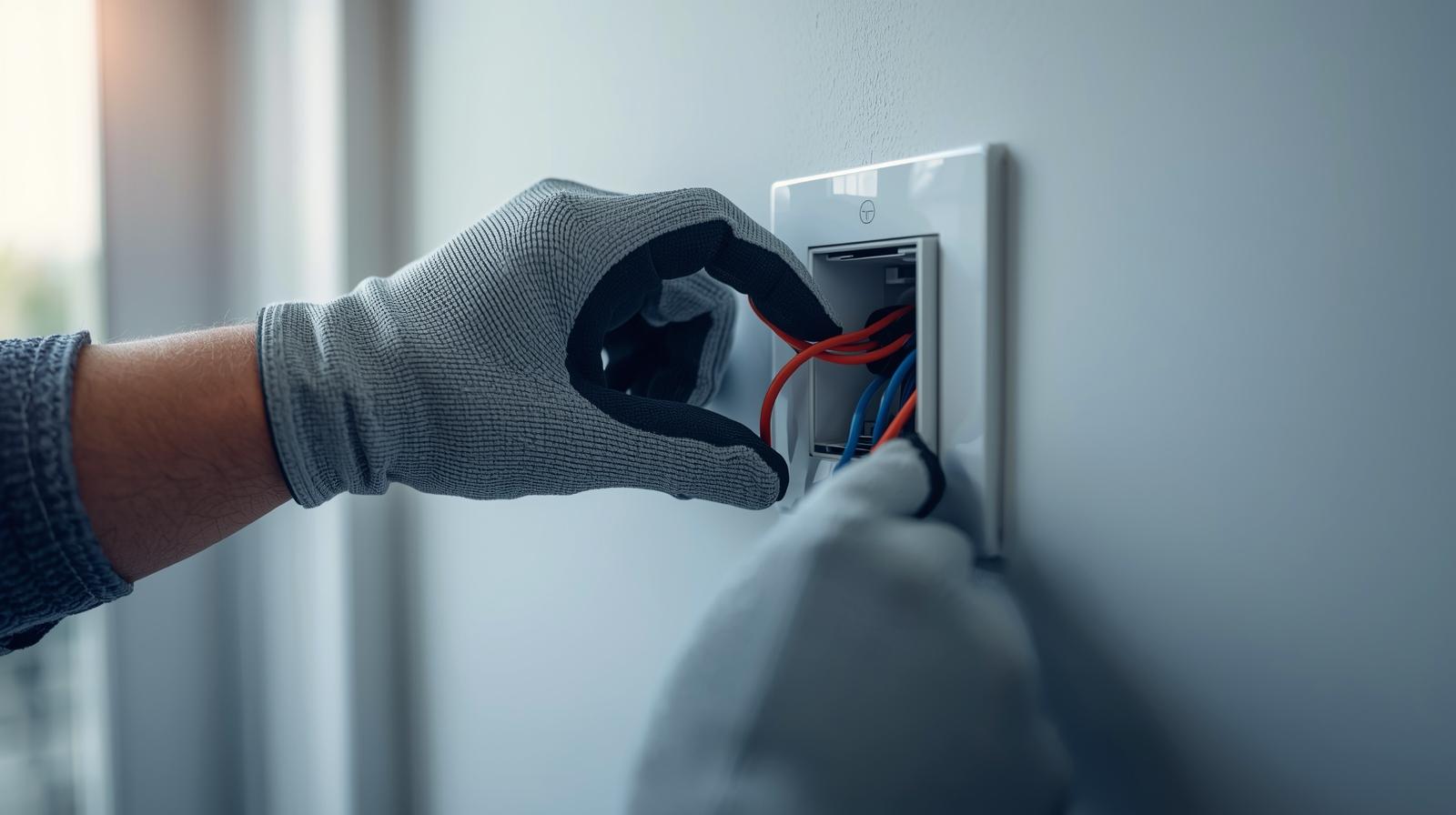
Not a traditional plug, but a relay that goes behind your existing wall outlet. It allows you to keep your aesthetic while adding pro-level energy monitoring and automation. Best for DIYers and professionals.
Check Price on Amazon →Philips Hue Smart Plug
If you already have Hue lights, this is a no-brainer. It integrates perfectly with the Hue bridge and app, acting as a signal repeater for your lighting mesh. Note: It does not offer energy monitoring.
Check Price on Amazon →Underneath Matter, we have Thread. Think of Thread as the highway that Matter travels on. Unlike Wi-Fi, which can get bogged down when you add fifty devices, Thread gets stronger as you add more plugs. Each plug acts as a 'router' for the network, passing signals along to the next device. This means no more 'Device Unreachable' errors when you try to turn on the Christmas lights in the basement. In my experience, switching to a Thread-based system is the single best thing you can do for your sanity.
The Benefits of Local Control
What happens when your internet goes out? With old-school smart plugs, you were stuck in the dark. With Matter-enabled plugs, your automations keep running. Because the communication happens locally on your home network, your 'Good Morning' routine will still trigger your coffee maker even if the local ISP is having a bad day. It is faster, more reliable, and much more private.
Energy Monitoring: Stop Wasting Money
With energy prices where they are in 2026, a smart plug is no longer just a convenience; it is a financial tool. Most high-end plugs now include precision energy monitoring. This allows you to see exactly how much power your 'vampire' appliances are sucking up. You might be surprised to find that your old gaming console or that second fridge in the garage is costing you twenty dollars a month just by sitting idle.
The real magic happens when you automate based on that data. You can set a rule that says: 'When the washing machine finishes its cycle (power drops below 2 watts), send a notification to my phone.' Or, 'If the TV has been in standby mode for more than an hour, cut the power entirely.' Over a year, these small wins add up to significant savings on your utility bill.
Creative Ways to Use Smart Plugs
Most people stop at lamps and fans. That is a rookie mistake. Here are some real-world scenarios where smart plugs actually make life better:
- The Humidity Hack: Plug a 'dumb' dehumidifier into a smart plug and pair it with a separate humidity sensor. Now you have a precision climate control system for a fraction of the cost of a 'smart' dehumidifier.
- The Router Rebooter: We all have that one router that needs a kick every few weeks. Set a schedule to power-cycle your modem at 3:00 AM every Tuesday. You will never have to crawl under the desk again.
- The Morning Coffee: If you have a coffee maker with a physical 'on' switch, leave it in the 'on' position and let the smart plug handle the timing. Your coffee is ready before your alarm goes off.
- Holiday Magic: Use a group command to turn on every single holiday decoration with one voice command. No more crawling behind the tree to find the outlet.
Safety First: Amps, Volts, and Fire Hazards
This is the part where I have to be the 'boring' expert for a second. You cannot just plug anything into a smart plug. Most smart plugs are rated for 10 to 15 amps. That is fine for a lamp, a TV, or a computer. However, if you try to run a heavy-duty space heater or a large window AC unit through a cheap smart plug, you are asking for trouble. The internal relay can weld shut or, worse, overheat.
Always check the wattage rating. If your heater pulls 1500 watts and your plug is rated for 1200 watts, do not use it. In 2026, many premium plugs have built-in thermal protection that will automatically shut off if they detect excess heat. If you are planning to automate high-draw appliances, do not cheap out. Buy a plug with a proven safety record and a high-quality internal relay.
Comparison of Top Smart Plug Features
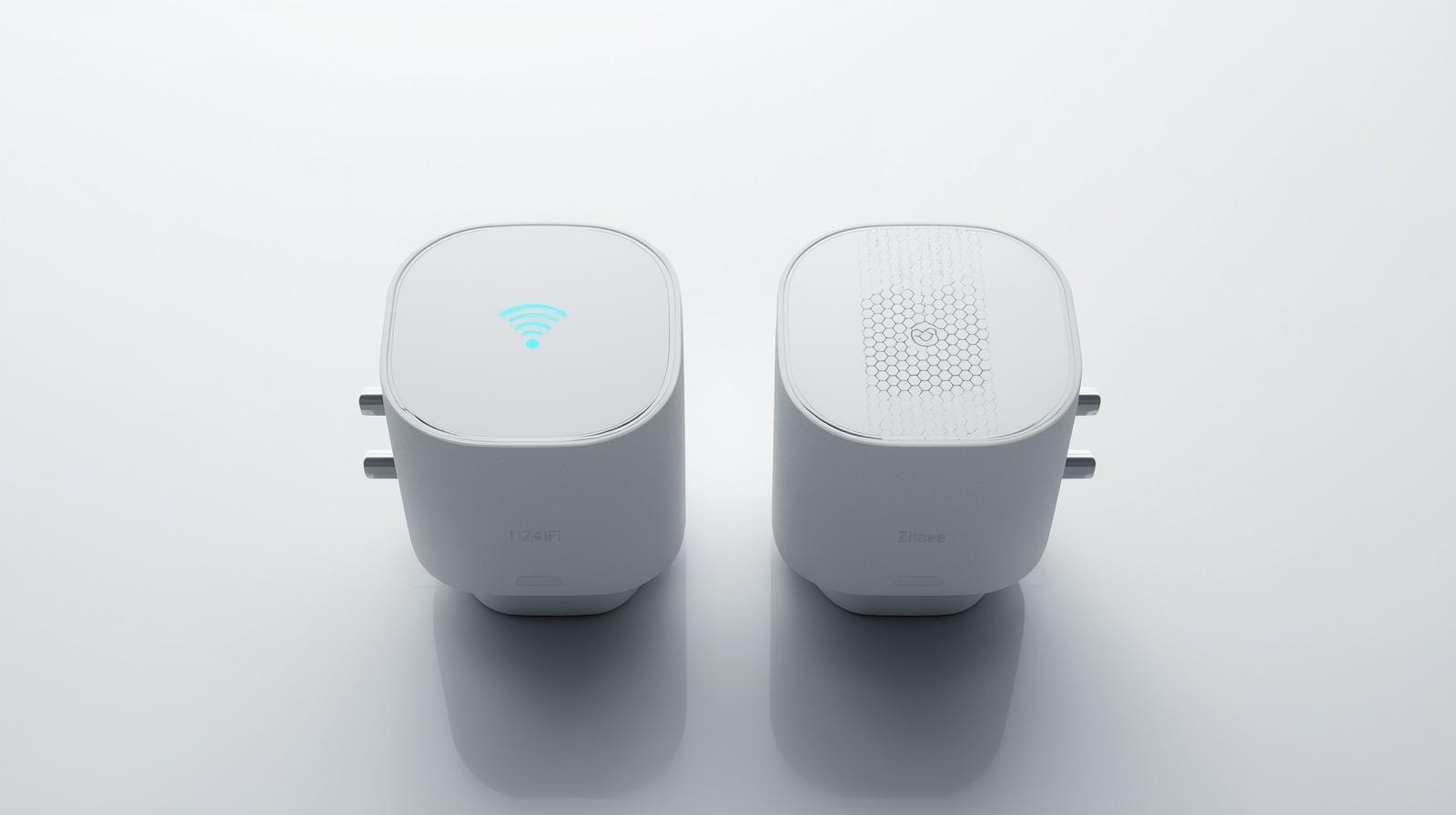
| Feature | Wi-Fi Plugs | Thread/Matter Plugs | Zigbee Plugs |
|---|---|---|---|
| Setup Ease | High | Very High (Scan Code) | Medium (Needs Hub) | Medium | Excellent | High |
| Range | Limited by Router | Mesh (Expands with devices) | Mesh (Expands with devices) |
| Energy Tracking | Common | Standard in 2026 | Varies |
| Local Control | Rare | Native | Native |
The Privacy Factor
In 2026, we are more aware than ever of where our data goes. Cheap, no-name smart plugs often require you to create an account on a server halfway across the world. Every time you turn your light on, that data point is logged. While it seems harmless, it builds a pattern of when you are home and when you are not.
This is another reason why I recommend Matter-enabled devices. Because they work locally, you do not necessarily need to give them access to the outside world. You can block their internet access at the router level, and they will still work perfectly within your home. Your data stays in your house, which is exactly where it belongs.
Installation Tips for a Frustration-Free Experience
Setting up a smart plug should take sixty seconds. If it takes longer, something is wrong. First, make sure you are using a 2.4GHz Wi-Fi band if you are using a Wi-Fi plug; most do not like 5GHz bands. Second, keep the QR code. Many people throw away the box and the manual, only to realize the setup code was printed on them. I like to take a photo of the setup code and save it in a digital folder labeled 'Home Tech.'
If you are using Thread devices, make sure you have a 'Border Router.' This could be your Apple TV, a HomePod, or a newer Amazon Echo. Without a border router, your Thread devices cannot talk to the rest of your network. Once that is in place, adding new plugs is as simple as scanning a sticker.
What Most People Miss: The 'Air Gap'
One thing I have noticed in my years of testing is that people forget about physical switches. If you plug a lamp into a smart plug, but then someone turns the lamp off using its own physical switch, the smart plug is useless. It can send all the power it wants, but the circuit is broken at the lamp. You have to train yourself (and your family) to leave the physical switches 'on' and let the automation do the work. Or, better yet, pair your smart plug with a wireless smart button so guests have a physical way to control the light without messing up your system.
The Future of Smart Plugs
Looking ahead, we are seeing the rise of AI-driven energy management. Imagine a smart plug that knows when the electricity grid is under high load and automatically delays your dishwasher by two hours to save you money on 'time-of-use' rates. We are already seeing the first versions of this in 2026. The smart plug is no longer a passive device; it is becoming an active participant in the green energy revolution.
Whether you want to save the planet, save some cash, or just make sure your hair straightener is turned off, there has never been a better time to invest in high-quality smart plugs. They are cheap, reliable, and genuinely useful. Just remember: look for Matter, check the amperage, and don't be afraid to get creative with your automations.
Frequently Asked Questions
Do smart plugs work with 5GHz Wi-Fi?
Most Wi-Fi smart plugs still require a 2.4GHz connection for better range and wall penetration. However, Matter-over-Thread plugs avoid this issue entirely by using a dedicated mesh network.
Can I use a smart plug with a power strip?
Yes, but be careful. Ensure the total wattage of all devices on the power strip does not exceed the smart plug's rated capacity (usually 1800W for a 15A plug).
Do smart plugs use electricity themselves?
Yes, they use a tiny amount of 'standby power' to stay connected to your network, typically less than 1 watt. The energy they save through automation far outweighs this cost.