 By Ryan Patel
Our Editorial Research & Methodology
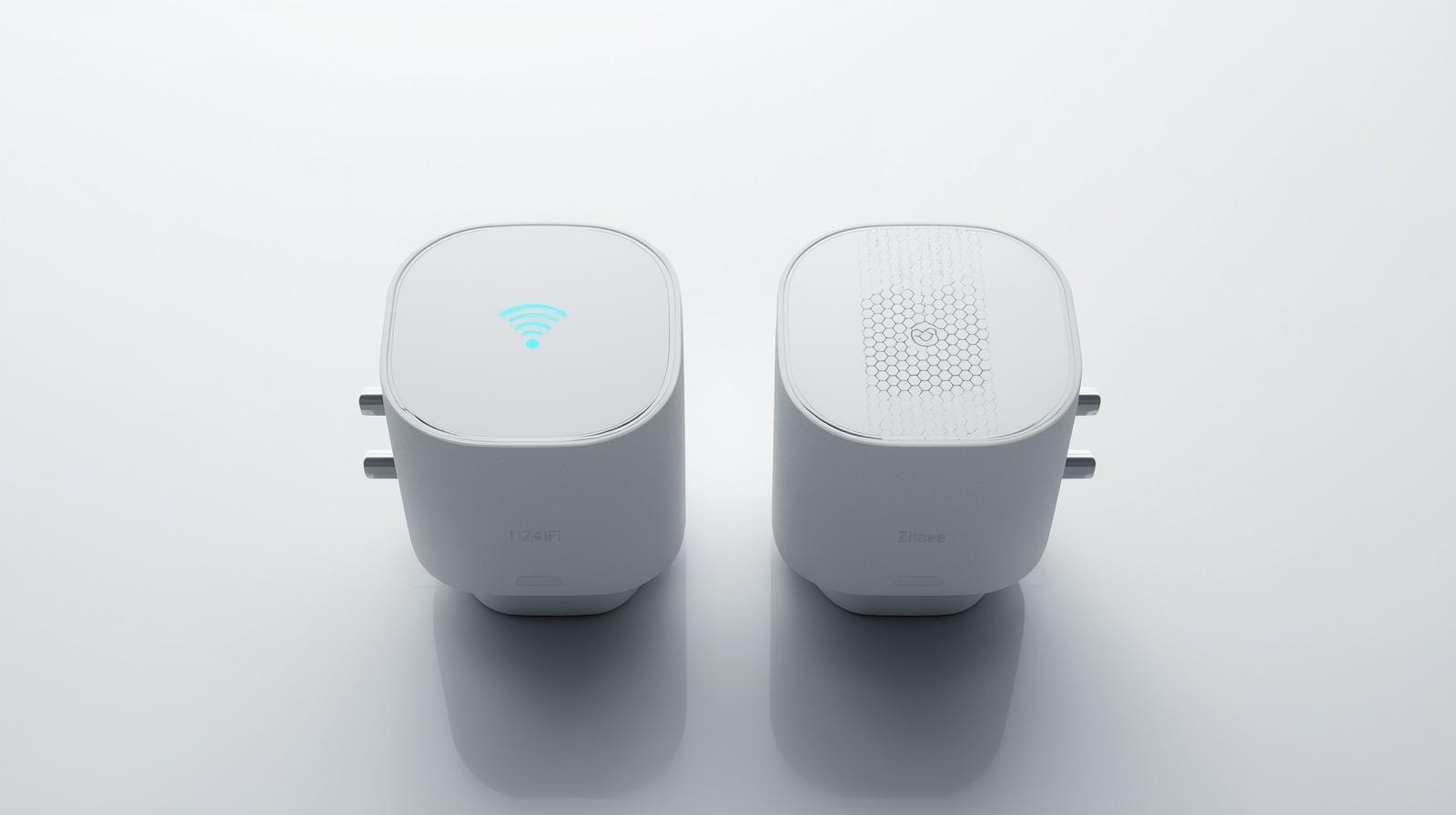
The Great Smart Plug Debate
You are standing in the electronics aisle, or more likely, scrolling through a sea of listings online. You just want to turn your coffee maker on from your bed. But then you see it: the choice between WiFi and Zigbee. It sounds like technical jargon designed to make your head spin, but the choice you make today determines whether your smart home feels like a futuristic dream or a glitchy nightmare.
In 2026, the landscape has shifted. We are no longer just looking at simple on-off switches. We are looking at energy monitoring, Matter compatibility, and local execution. If you pick the wrong protocol, you might find your lights lagging every time someone starts a Zoom call in the other room. Let's break down what actually matters so you can stop overthinking and start automating.
WiFi Smart Plugs: The Gateway Drug
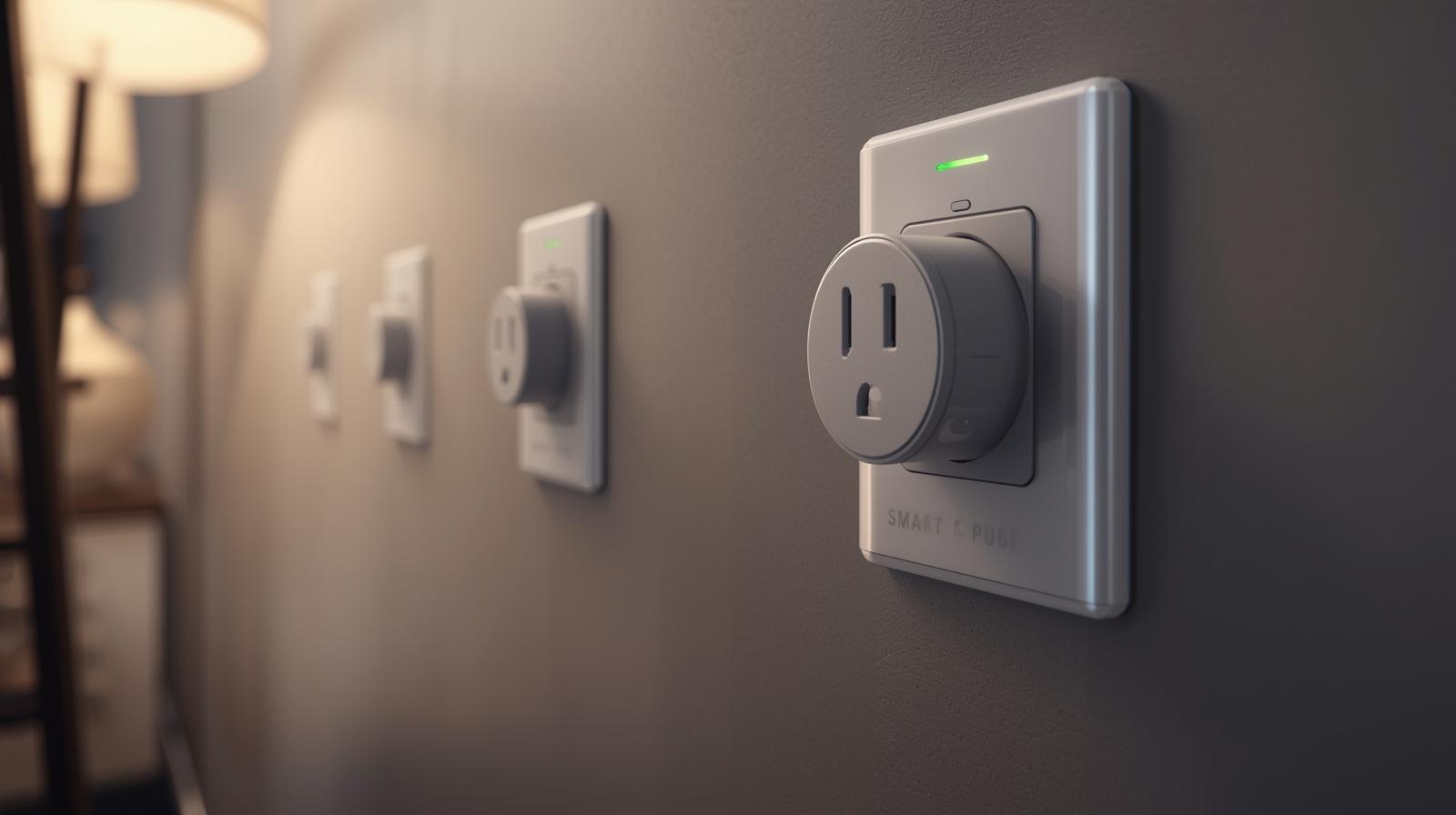
WiFi smart plugs are the most common entry point for anyone starting a smart home. Why? Because they are incredibly simple. You buy the plug, you download an app, you give it your WiFi password, and boom—you are controlling your floor lamp from your phone. No extra hardware, no hidden costs.
🏆 Our Top Picks
TP-Link Kasa Smart Plug KP125M
A top-tier WiFi plug that supports the Matter protocol. It offers energy monitoring and a compact design that doesn't block the second outlet. Best for those who want Matter compatibility without buying a hub.
Check Price on Amazon →Philips Hue Smart Plug
The gold standard for Zigbee reliability. It integrates perfectly with the Hue ecosystem and acts as a powerful mesh repeater. It is more expensive than others but virtually never loses connection.
Check Price on Amazon →Eve Energy Smart Plug
The best choice for the future-focused user. It uses Matter over Thread, providing the mesh benefits of Zigbee with the universal compatibility of Matter. Includes world-class energy tracking features.
Check Price on Amazon →Sengled Smart Plug (Zigbee)
An excellent budget-friendly Zigbee option. It is reliable, easy to pair with Echo devices, and handles high-wattage appliances well. A great way to build a mesh network without breaking the bank.
Check Price on Amazon →ThirdReality Zigbee Smart Plug
Known for its simplicity and physical on/off button. It is a 'no-frills' device that works exceptionally well with Home Assistant and Zigbee2MQTT setups. It lacks energy monitoring but wins on pure stability.
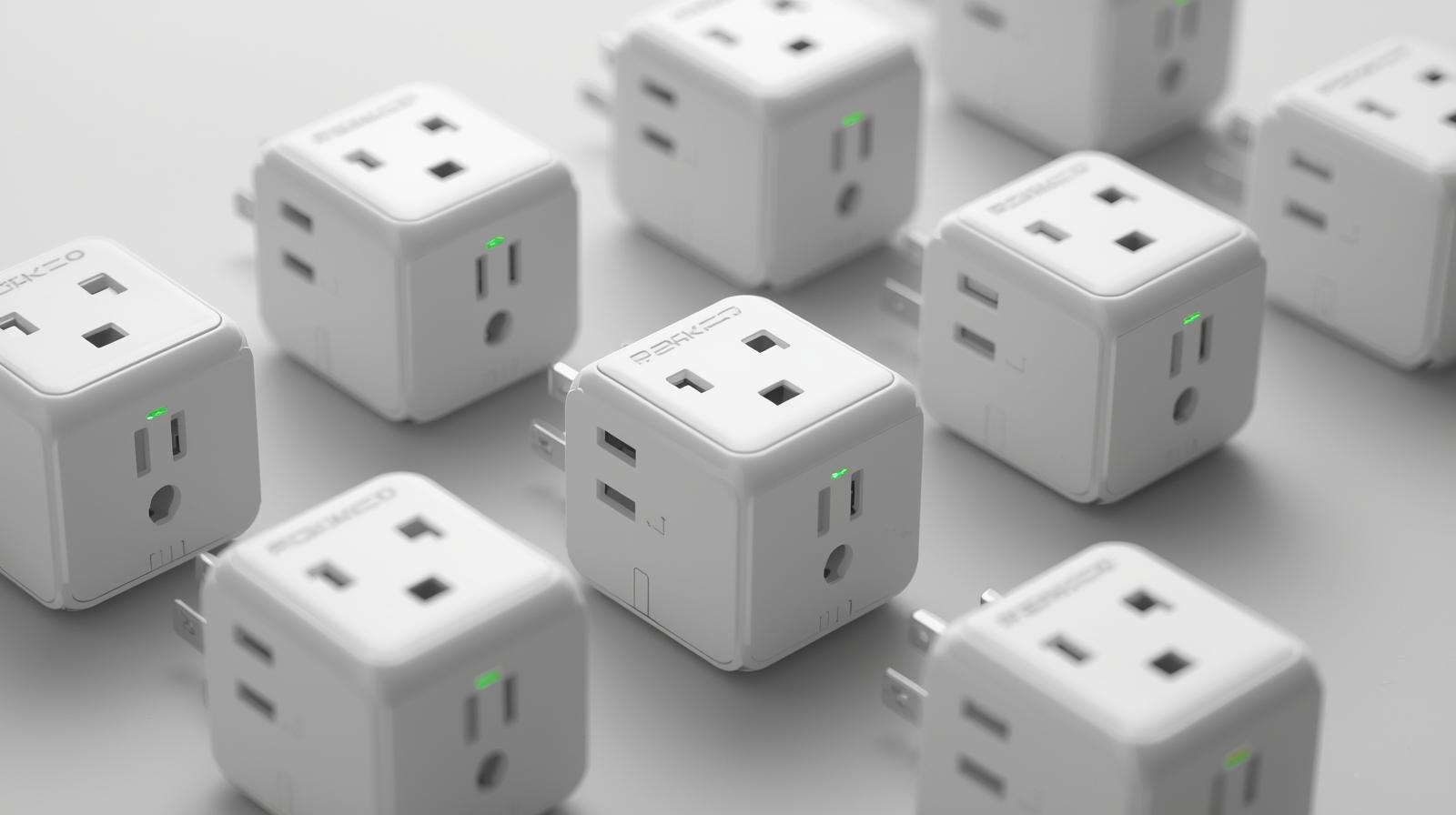
Check Price on Amazon →Here is the thing: WiFi plugs are great for small setups. If you only want to control three or four things in a small apartment, WiFi is probably your best bet. Modern WiFi 6 and WiFi 7 routers are much better at handling multiple devices than the routers we had five years ago. However, there is a ceiling to this convenience.
The Downside of WiFi Overload
Every WiFi plug you add is another "client" on your router. Imagine your router is a waiter at a busy restaurant. If you have five people at the table, the waiter is fine. If you have fifty people all shouting orders at once, the waiter is going to drop a plate. This is called network congestion. When your network gets crowded, your smart plugs might become unresponsive, or worse, your Netflix stream might start buffering because your smart plugs are hogging the bandwidth.
Zigbee Smart Plugs: The Professional Choice
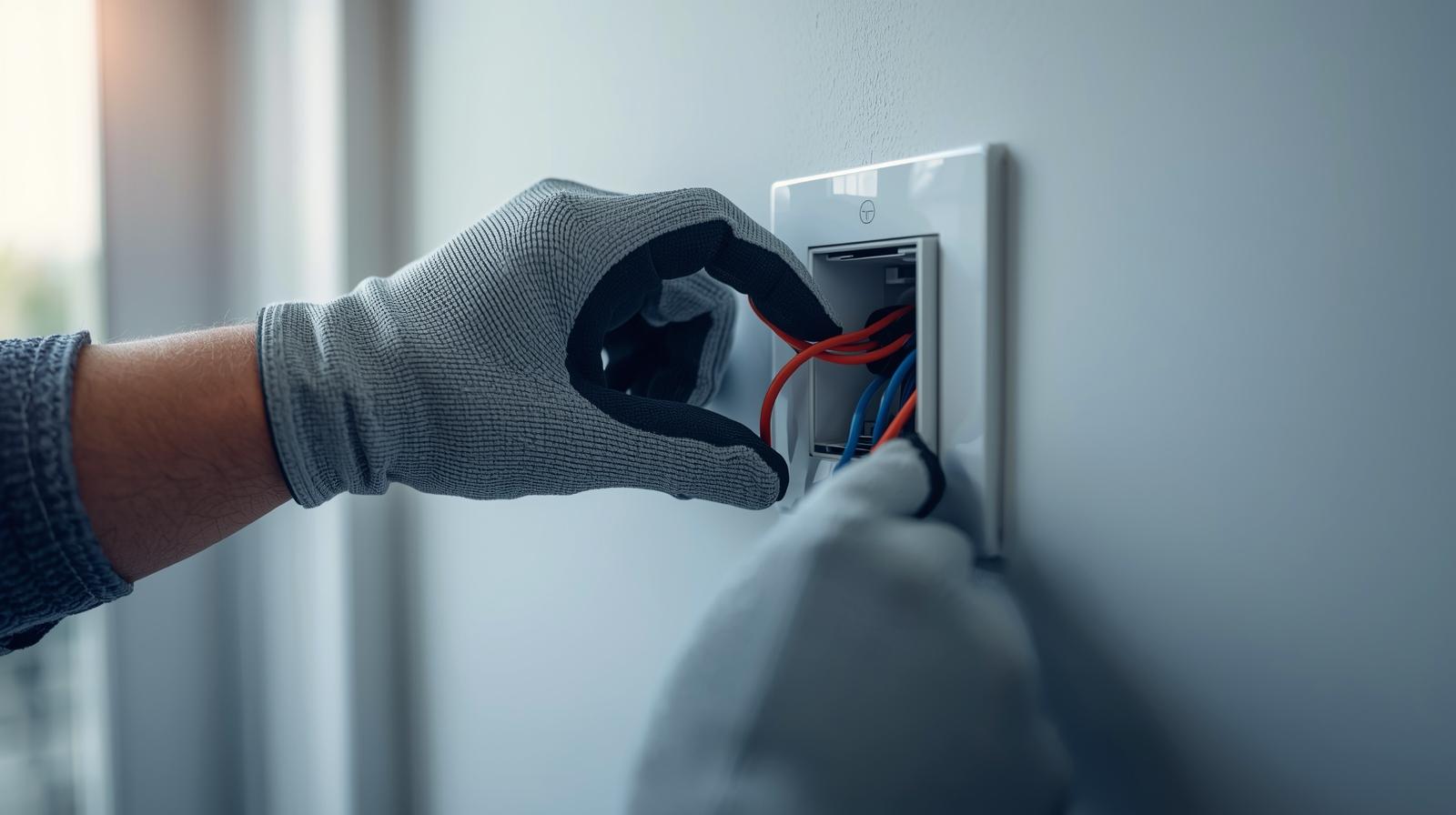
Zigbee is a different beast entirely. It does not talk to your router. Instead, it talks to a "hub" or a "bridge." This might sound like an annoying extra step, but it is actually Zigbee's secret weapon. By using a hub, you offload all that traffic from your main WiFi network. Your router stays fast, and your smart home stays stable.
What most people miss is that Zigbee is a mesh network. In a WiFi setup, every plug has to reach the router. If a plug is too far away, it loses connection. In a Zigbee setup, every plug acts as a repeater. The plug in your kitchen talks to the plug in the hallway, which talks to the hub in the living room. The more devices you add, the stronger and more reliable the network becomes.
Local Control and Speed
In my experience, the biggest perk of Zigbee is local execution. Many WiFi plugs rely on the "cloud." When you press a button on your phone, the signal goes to a server in another country and then back to your house. If your internet goes down, your smart plug stops working. Zigbee often works locally. If the internet is out, your schedules and automations still run perfectly. It is also noticeably faster. We are talking milliseconds, but in a smart home, that instant response feels like magic.
Comparing the Specs: WiFi vs. Zigbee
To make this easier to digest, I have put together a quick comparison of how these two technologies stack up in a modern 2026 home environment.
| Feature | WiFi Smart Plugs | Zigbee Smart Plugs |
|---|---|---|
| Setup Difficulty | Very Easy (Plug & Play) | Moderate (Requires Hub) |
| Internet Dependency | High (Usually Cloud-based) | Low (Local Control) |
| Power Consumption | Higher (Drains more idle power) | Very Low (Ultra-efficient) |
| Network Impact | Can slow down your WiFi | Zero impact on WiFi speed |
| Range | Limited by Router reach | Extends with every device (Mesh) |
The Matter and Thread Factor in 2026
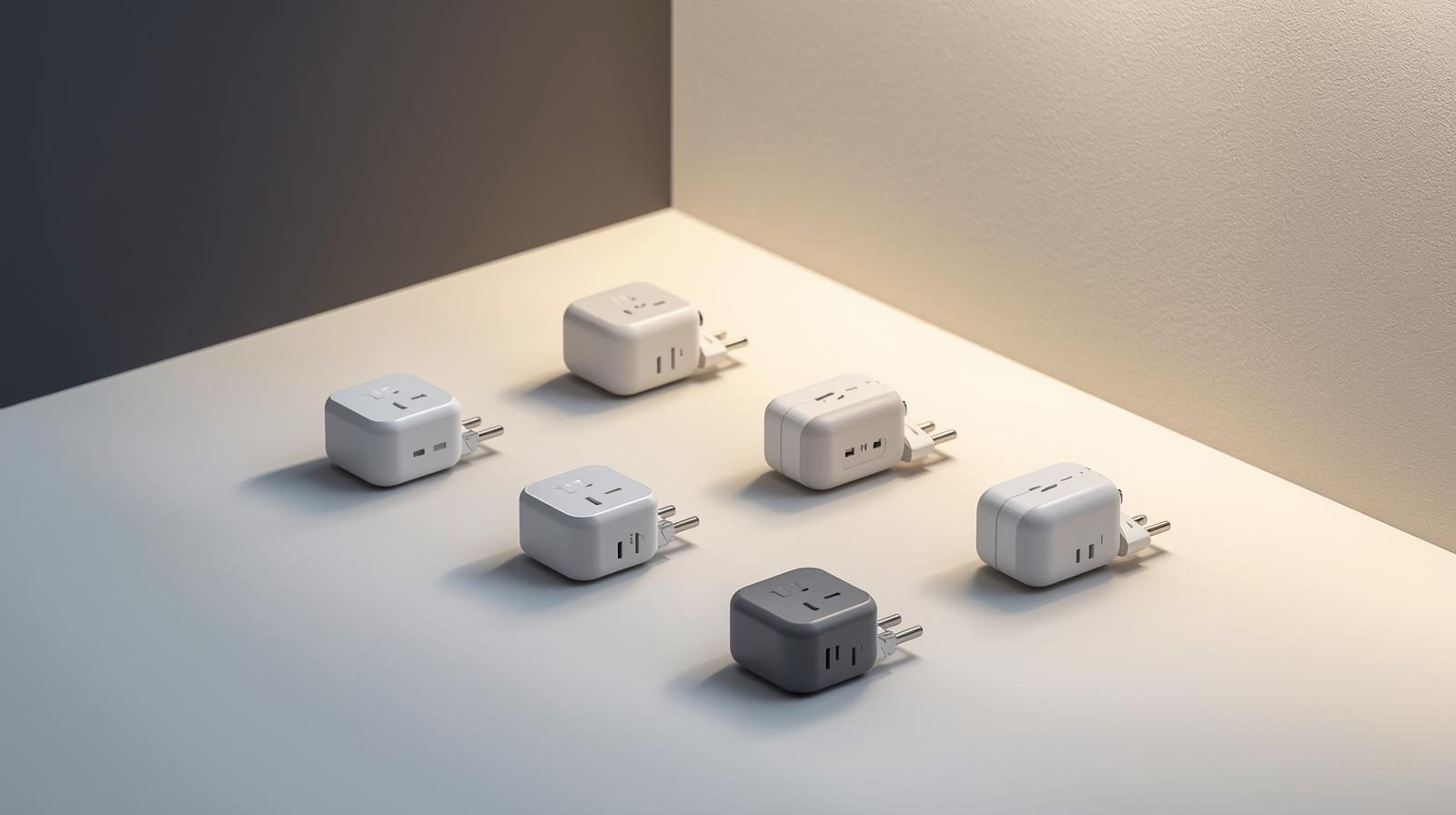
We cannot talk about smart plugs in 2026 without mentioning Matter. Matter is the new universal language for smart homes. It allows a Zigbee plug to work seamlessly with Apple Home, Google Home, and Amazon Alexa all at once. Many newer Zigbee hubs now act as Matter bridges, giving you the reliability of Zigbee with the ease of use of a universal app.
You might also see something called "Thread." Thread is essentially the successor to Zigbee. It uses the same mesh technology but is built specifically for Matter. If you are looking to future-proof your home, buying a Matter-over-Thread plug is the gold standard. However, Zigbee remains the more affordable and widely available "pro" option for now.
Which One Should You Choose?
The answer depends on your specific situation. Don't just buy what is on sale; think about your long-term goals. Here are three common scenarios to help you decide.
Scenario A: The Casual User
If you live in a one-bedroom apartment and just want to automate a Christmas tree or a single lamp, go with WiFi. It is cheaper, and you won't notice any network strain with just a few devices. Look for brands like TP-Link Kasa for a reliable experience.
Scenario B: The Smart Home Enthusiast
If you plan on having 20, 30, or 50 smart devices (bulbs, plugs, sensors, locks), Zigbee is the only way to go. You will save your WiFi network from certain death, and your automations will be much more reliable. You will need a hub like an Echo (with built-in Zigbee) or a dedicated Home Assistant Green.
Scenario C: The Energy Saver
If your main goal is to monitor how much electricity your space heater or gaming PC is using, look for Zigbee plugs with energy monitoring. Because Zigbee uses so little power itself, the measurements are often more accurate, and the data can be logged locally without sending your usage habits to a corporate server.
Final Thoughts on Reliability
At the end of the day, the best smart plug is the one you never have to think about. WiFi plugs are notorious for "dropping off" the network and requiring a manual reset. It is a frustrating experience to ask your voice assistant to turn off the lights, only to hear, "I'm sorry, that device is not responding." Zigbee significantly reduces this headache. If you value your sanity and want a home that just works, invest in a hub and start building a Zigbee or Thread mesh. Your future self will thank you.
Frequently Asked Questions
Do Zigbee smart plugs work without a hub?
No, Zigbee plugs require a coordinator or hub to communicate with your phone or the internet. However, many modern smart speakers like the Amazon Echo have these hubs built-in.
Can I mix WiFi and Zigbee plugs in the same house?
Absolutely. You can use WiFi plugs for simple tasks and Zigbee for your critical automations. They won't interfere with each other, though they will likely require different apps unless you use a platform like Matter.
Which protocol is more secure?
Zigbee is generally considered more secure because it operates on a local network and doesn't require an open connection to the internet for every single device, reducing the attack surface for hackers.