 By Olivia Brooks
Our Editorial Research & Methodology
The Invisible Leak in Your Wallet
You probably think that when you turn off your TV, it actually stops using electricity. I hate to be the bearer of bad news, but in 2026, our homes are more 'vampiric' than ever. This phenomenon is called phantom power, or standby power, and it is the silent killer of your monthly budget. Even when your devices are 'off,' they are often just in a low-power state, waiting for a signal from a remote or a voice assistant. This constant trickle of energy can account for up to 10 percent of your total utility bill.
Here is the thing: most people ignore it because it feels like pennies. But those pennies add up to hundreds of dollars over a year. That is where smart plugs come in. These little gadgets act as a physical gatekeeper, completely severing the connection between your device and the wall outlet. By using smart plugs to cut phantom power, you are not just being tech-savvy; you are taking back control of your energy consumption.
Why Your Devices Are Still Eating While They Sleep
Modern electronics are designed for convenience, not efficiency. Your coffee maker has a clock that needs power. Your game console stays in 'rest mode' to download updates. Your smart speaker is always listening. All of these features require a constant flow of electrons. In my experience, the worst offenders are entertainment centers and home offices. A single high-end gaming PC and its dual-monitor setup can pull 15 to 20 watts even when the screens are black.
How Smart Plugs Actually Kill the Vampire
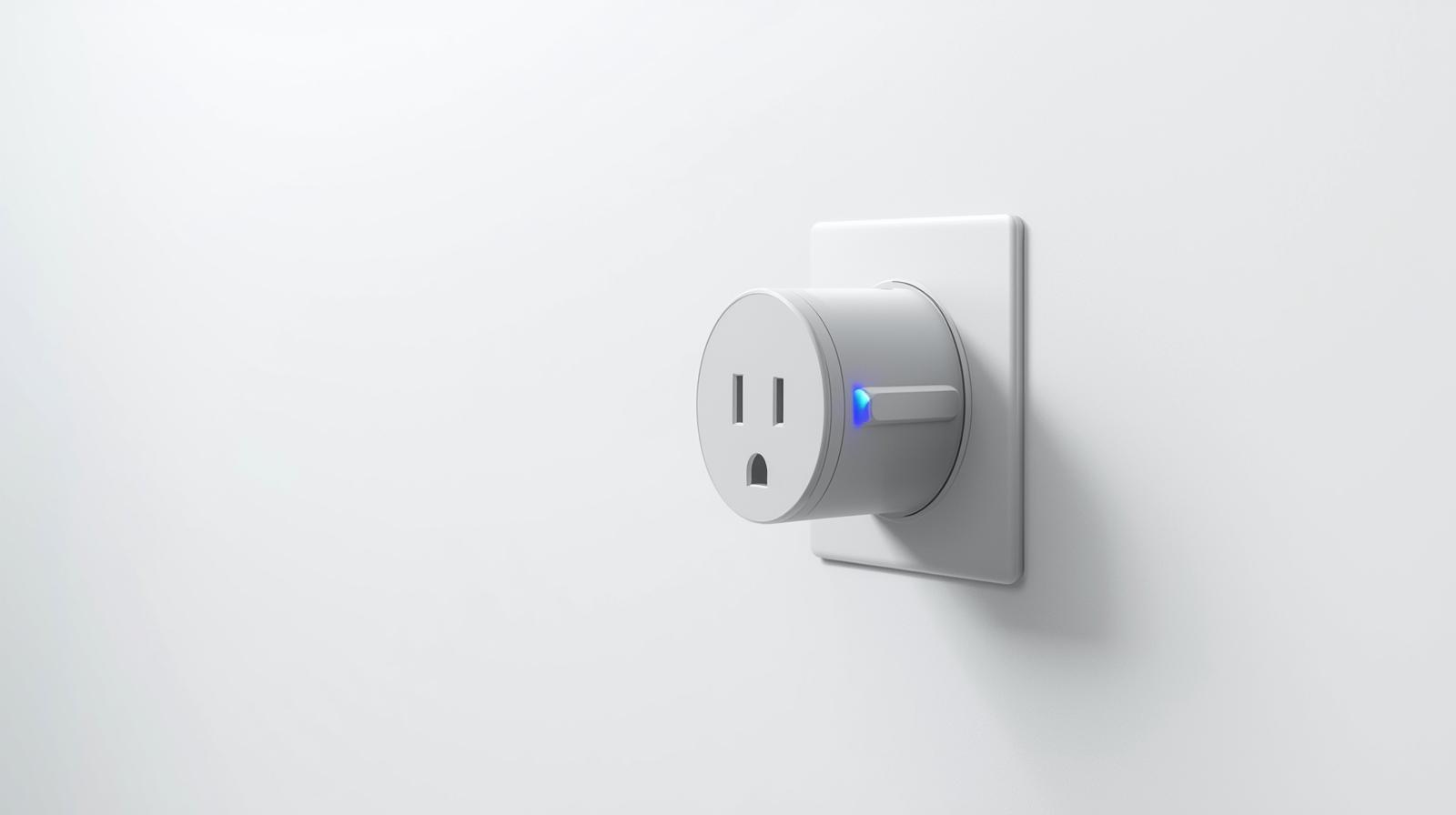
A smart plug is essentially a relay switch that you can control via your phone or an automated schedule. When you turn a smart plug off, it physically disconnects the circuit. It is the digital equivalent of pulling the plug out of the wall, but without the hassle of crawling behind your dusty sofa every night. This is the most effective way to ensure that 'off' actually means 'off.'
🏆 Our Top Picks
TP-Link Kasa KP125M Matter Smart Plug
This is the gold standard for 2026. It supports Matter out of the box, meaning it works with any ecosystem. It features a compact design that doesn't block the second outlet and includes highly accurate energy monitoring for tracking phantom loads.
Check Price on Amazon →Eve Energy Smart Plug (Matter & Thread)
If you want the most reliable connection, the Eve Energy uses Thread technology. It is perfect for users who want deep insights into their energy spending, offering detailed graphs and cost projections within its app. It is built with premium materials for long-term durability.
Check Price on Amazon →Emporia Smart Plug with Energy Monitoring
Best for those on a budget who still want heavy-duty performance. The Emporia handles up to 15A, making it suitable for larger appliances. Its app is specifically designed for energy nerds who want to see second-by-second power usage.
Check Price on Amazon →Shelly Plus 1PM Mini Gen3
For the DIY enthusiast, this tiny relay sits behind your existing wall switch. It allows you to keep your aesthetic while adding smart 'kill switch' capabilities and power metering. It is incredibly versatile but requires basic wiring knowledge.
Check Price on Amazon →What most people miss is that not all smart plugs are created equal. In 2026, we have moved beyond simple Wi-Fi timers. The best units now use Matter 1.4 or Thread protocols, which are faster and more reliable. They also come with built-in energy monitoring. This allows you to see exactly how much power a specific device is drawing in real-time. If you want to dive deeper into the financial benefits, you should read our detailed guide on Smart Plugs to Cut Phantom Power and Save Money.
The Math: Does the Investment Pay Off?
Let's look at the numbers. A decent smart plug costs about 15 to 25 dollars. If you use it on a device that draws 10 watts of phantom power, and you keep that device 'killed' for 20 hours a day, you are saving roughly 73 kilowatt-hours per year. At current 2026 energy prices, that is about 20 to 30 dollars in savings. The plug pays for itself in less than a year. Everything after that is pure profit in your pocket.
| Device Type | Typical Standby Draw (Watts) | Estimated Annual Cost | Smart Plug Priority |
|---|---|---|---|
| Game Console (Rest Mode) | 12-15W | $45.00 | High |
| OLED TV (Modern) | 6-8W | $24.00 | Medium |
| Desktop PC + Monitors | 15-20W | $60.00 | High |
| Microwave / Toaster Oven | 2-4W | $12.00 | Low |
| Soundbar / Audio System | 5-10W | $30.00 | High |
Features to Look for in 2026
If you are shopping for smart plugs today, do not just grab the cheapest ones on the shelf. The landscape has changed. You want devices that support the Matter standard. This ensures that whether you use Apple Home, Google Home, or Amazon Alexa, the plug will work seamlessly. Thread support is also a huge plus because it does not clog up your Wi-Fi network and uses very little power itself.
Energy Monitoring is Non-Negotiable
In my experience, the most valuable feature is energy monitoring. It turns a simple switch into a diagnostic tool. You can plug in your old refrigerator for 24 hours just to see if it is time to replace it. Some advanced plugs now even use AI to suggest schedules based on your usage patterns. For example, if the plug notices you never use your home office after 9 PM, it will ask if you want to automate a total power-down until 7 AM.
Where Smart Plugs Make the Biggest Impact
You do not need a smart plug on every single outlet. That would be overkill and actually counterproductive, as the plugs themselves use a tiny bit of power (usually under 0.5 watts). You want to target the 'big vampires.' Here are the prime locations:
- The Entertainment Center: This is the gold mine. TVs, soundbars, streaming boxes, and consoles all live here. Use a smart power strip to kill the whole group at once.
- The Home Office: Printers are notorious for high standby draw. Monitors and docking stations are also prime targets.
- Kitchen Gadgets: That fancy espresso machine with the heated boiler? It is a massive energy hog even when it is just sitting there.
- Guest Rooms: Why power a TV and a lamp in a room that is only used once a month?
The 'Smart Plug Tax'
It is important to be honest: smart plugs are not 100 percent efficient. They need a small amount of electricity to stay connected to your network so they can hear your 'on' command. However, in 2026, most high-quality plugs draw less than 0.5 watts. Compared to the 15 watts your gaming PC is sucking down, the trade-off is a no-brainer. You are spending half a watt to save fifteen. That is a win in any book.
Setting Up Your 'Kill Switch' Ecosystem
The real magic happens when you stop thinking about individual plugs and start thinking about routines. You should not have to manually turn these off. Use geofencing so that when the last person leaves the house, the 'vampire' devices are automatically cut off. Set a 'Goodnight' routine that kills the power to everything except the essentials like your fridge and security system.
I have found that the most successful setups are the ones you forget exist. If you have to open an app every time you want to watch TV, you will eventually stop using the smart plug. Instead, use a smart button or a voice command that turns on the plug and the TV simultaneously. This keeps the convenience high while keeping the costs low.
Common Mistakes to Avoid
One mistake I see constantly is people putting smart plugs on devices that actually need to stay on. Do not put a smart plug on your Wi-Fi router; if you turn it off, you cannot turn it back on via the app! Also, avoid using them on devices with long 'cool down' periods, like certain high-end projectors, as cutting the power abruptly can damage the bulb. Stick to electronics that have a standard 'soft' off switch.
The Future of Energy Management
As we move further into 2026, we are seeing smart plugs integrate directly with utility companies. In some regions, your plugs can automatically power down non-essential devices during 'peak demand' hours when electricity is most expensive. This is the next level of cutting phantom power—not just reducing the amount of energy you use, but being smart about when you use it.
Final Thoughts on Cutting the Cord
At the end of the day, smart plugs are one of the few smart home upgrades that actually pay for themselves. They are simple, effective, and give you a level of transparency into your home's health that you simply cannot get from a standard wall outlet. If you are tired of feeling like your utility company is picking your pocket, it is time to start killing the vampires. Start with one or two in your high-traffic areas, and I guarantee you will be surprised by how much you save.
Frequently Asked Questions
Do smart plugs use electricity themselves?
Yes, they use a tiny amount of power (usually 0.5W to 1W) to stay connected to your Wi-Fi or Thread network. However, this is significantly less than the 10W-20W drawn by the devices they are turning off.
Can I use a smart plug with a power strip?
Yes, you can plug a power strip into a smart plug to turn off multiple devices at once. Just ensure the total wattage of all devices does not exceed the smart plug's rating (usually 15A or 1800W).
Will cutting power frequently damage my electronics?
For most modern electronics like TVs and lamps, it is perfectly safe. However, avoid using them on devices that require a controlled shutdown sequence, like older PCs or certain projectors.